





On this page
Short answer: for graphic design, look for five things: support for Apple Pencil Pro, a fully laminated display, wide colour (P3), a screen size that suits your work, and enough storage for large files. Apple lists all of these for iPad Air and iPad Pro, so either is a strong choice; iPad Pro adds a brighter display and more performance. The iPad (A16) works for learning and sketching, but Apple does not list it as fully laminated or wide colour, and it does not support Apple Pencil Pro.
We don't sell iPads. This guide is based on Apple's published specifications, and it points to our accessories only where they help.
What should you check?
| Feature | Why it matters for design |
|---|---|
| Apple Pencil support | Pencil Pro adds squeeze, barrel roll and haptic feedback for faster tool switching |
| Fully laminated display | No air gap between glass and screen, so the line appears right under the tip |
| Wide colour (P3) | Shows more colours, closer to what print and modern screens use |
| Screen size | 11-inch is portable; 13-inch gives more canvas for detailed work |
| Storage | Layered files grow quickly; 256 GB or more suits regular design work |
How do current iPads compare?
| Model | Apple Pencil | Notes for design |
|---|---|---|
| iPad Pro (M4, M5) | Pencil Pro, Pencil (USB-C) | Top display and performance; 11" or 13" |
| iPad Air (M2 and later) | Pencil Pro, Pencil (USB-C) | Laminated P3 display; best value for most designers; 11" or 13" |
| iPad mini (A17 Pro) | Pencil Pro, Pencil (USB-C) | Very portable sketchbook; small canvas |
| iPad (A16) | Pencil (USB-C), 1st generation with adapter | Fine for learning; no laminated or P3 display listed |
Pencil compatibility is from Apple's Apple Pencil compatibility page.
Which accessories help most for design work?
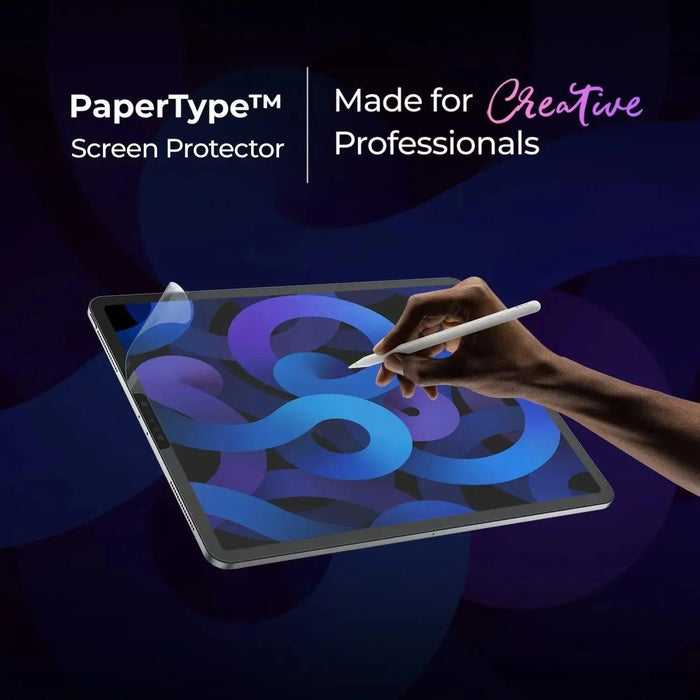
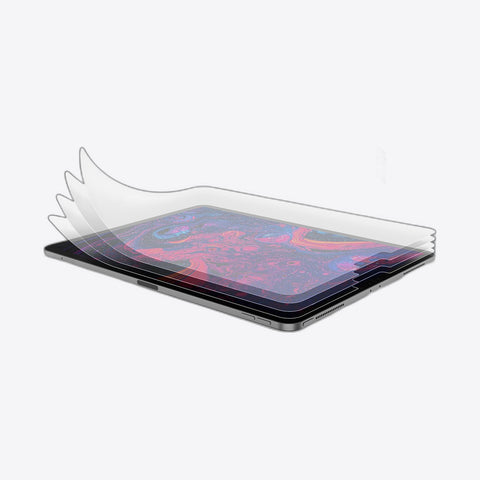
- A paper-feel screen protector gives the Pencil grip and cuts glare. PaperType® fits current iPads (iPad mini 8.5" coming soon), ₹1,599.
- Spare Pencil tips, because textured films wear tips faster. PaperType Pencil Tips, ₹999 for 2.
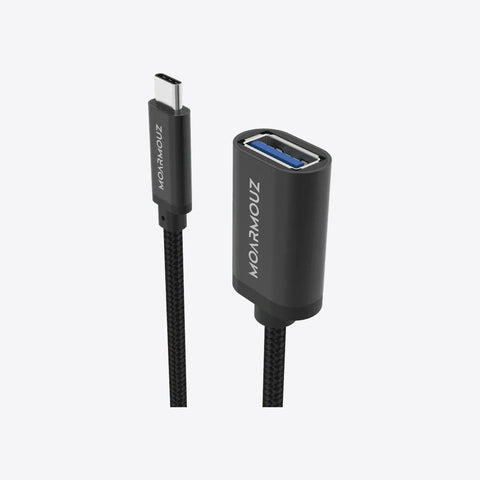
- A USB-C hub to present on a monitor or import from a card. USB-C iPad Pro hub, ₹5,999.

PaperType® Screen Protector for iPad
Paper-feel matte film with a Kent-paper style texture, for iPad Pro, iPad Air, iPad mini and iPad. ₹1,599.
Choose your iPad modelDoes a matte protector affect colour accuracy?
A little. Matte films soften the image slightly to cut glare. If you colour-check final artwork, view it without the film or on a calibrated monitor. Many designers keep the film for drawing because the control is worth it.

PaperType Pencil Tips
Two spare Apple Pencil tips, so you can swap a worn tip mid-project. ₹999. Free delivery on orders over ₹500, and returns within 5 days of delivery on unused items.
View the tipsFrequently asked questions
Is iPad Air good enough for graphic design?
For most designers, yes. Apple lists a fully laminated P3 display and Apple Pencil Pro support for iPad Air (M2 and later).
Do I need iPad Pro for Procreate?
No. Procreate runs well on iPad Air. Pro helps with very large canvases and many layers.
Which Apple Pencil should I buy for design?
Apple Pencil Pro, if your iPad supports it. It is pressure-sensitive and adds squeeze and barrel roll.
Is an 11-inch screen big enough?
For sketching and illustration on the move, yes. For detailed layouts, 13-inch is more comfortable.
Starting out? Read our sketching setup guide or compare paper-feel films.