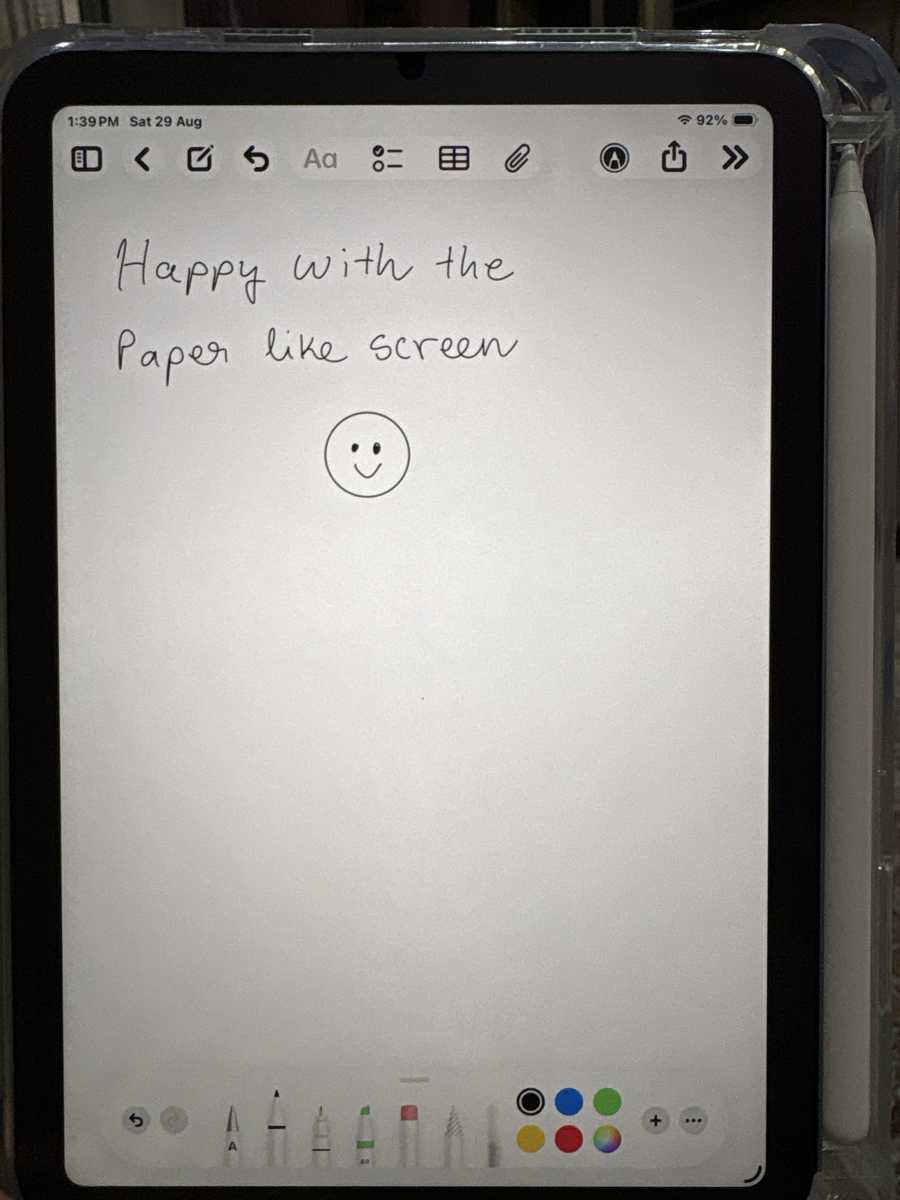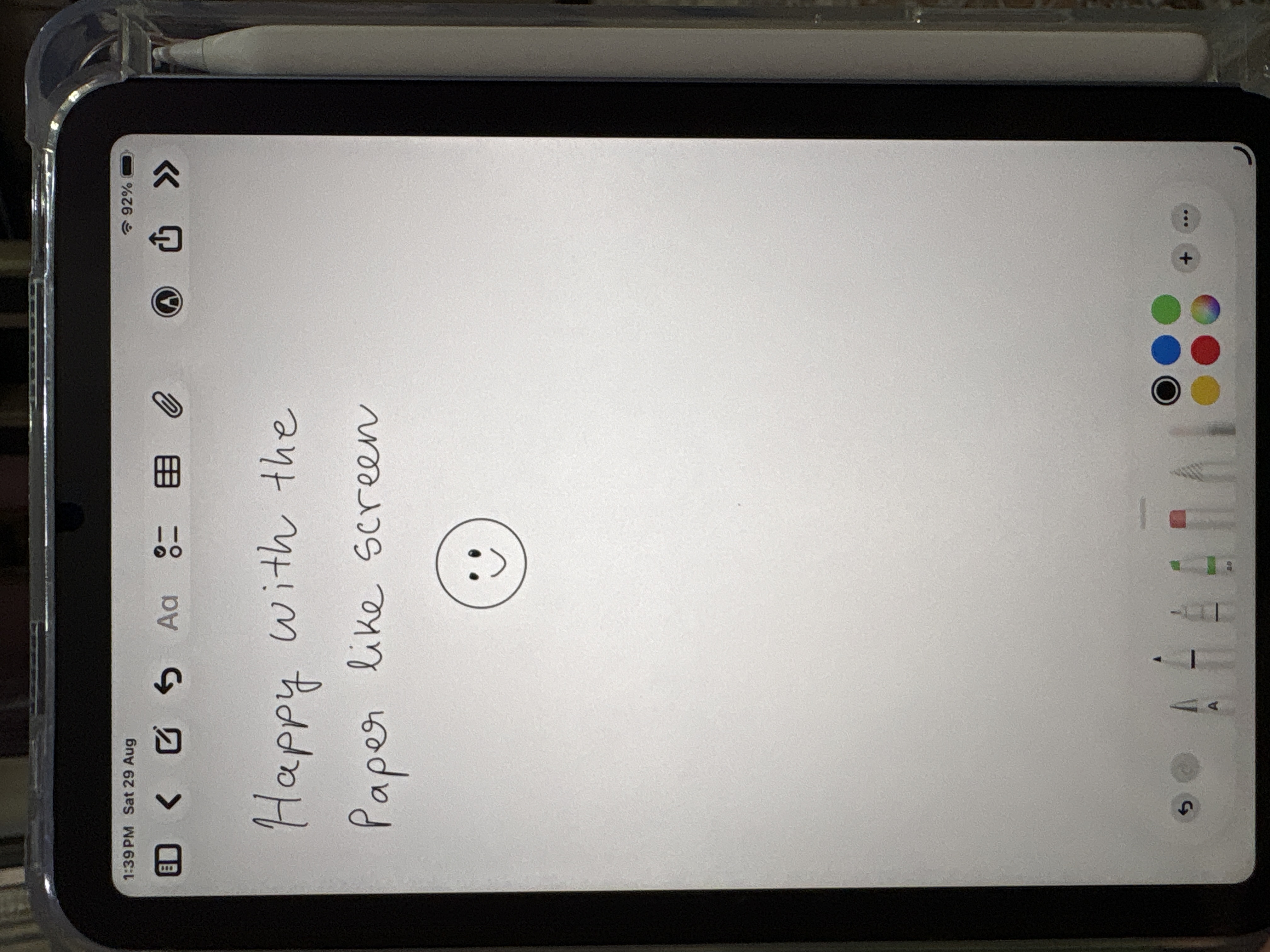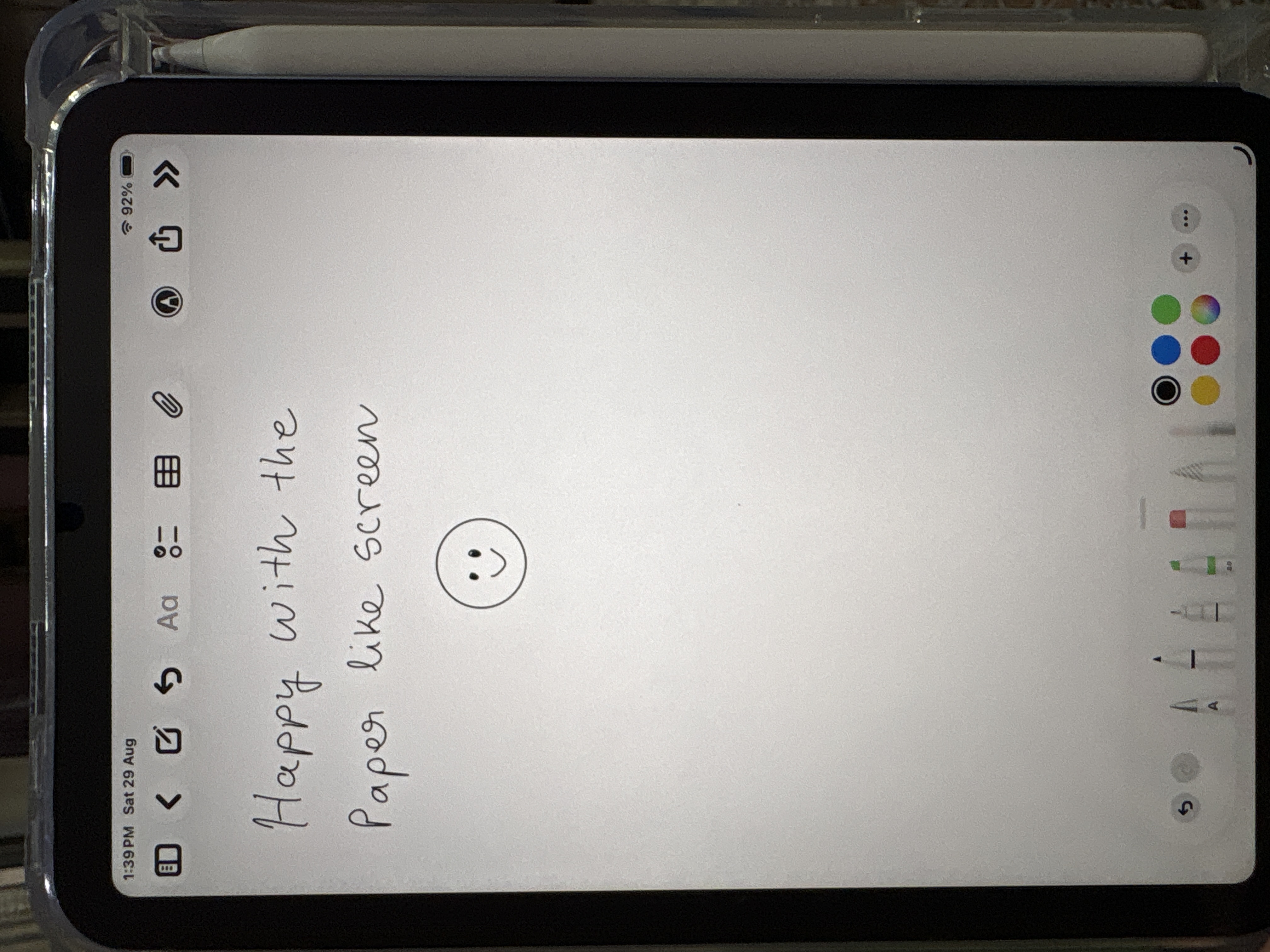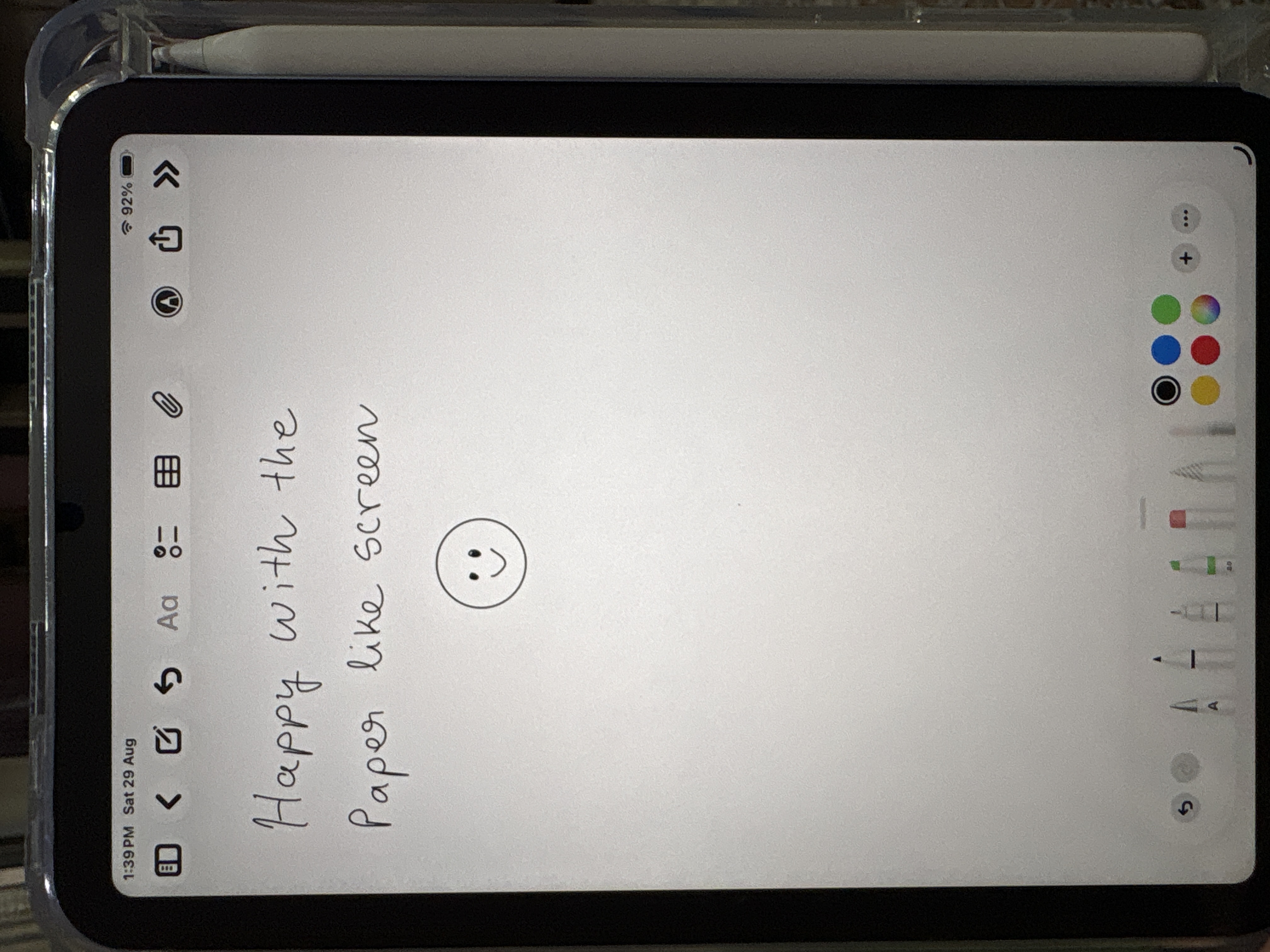






Drawing & handwriting
Control in every stroke.
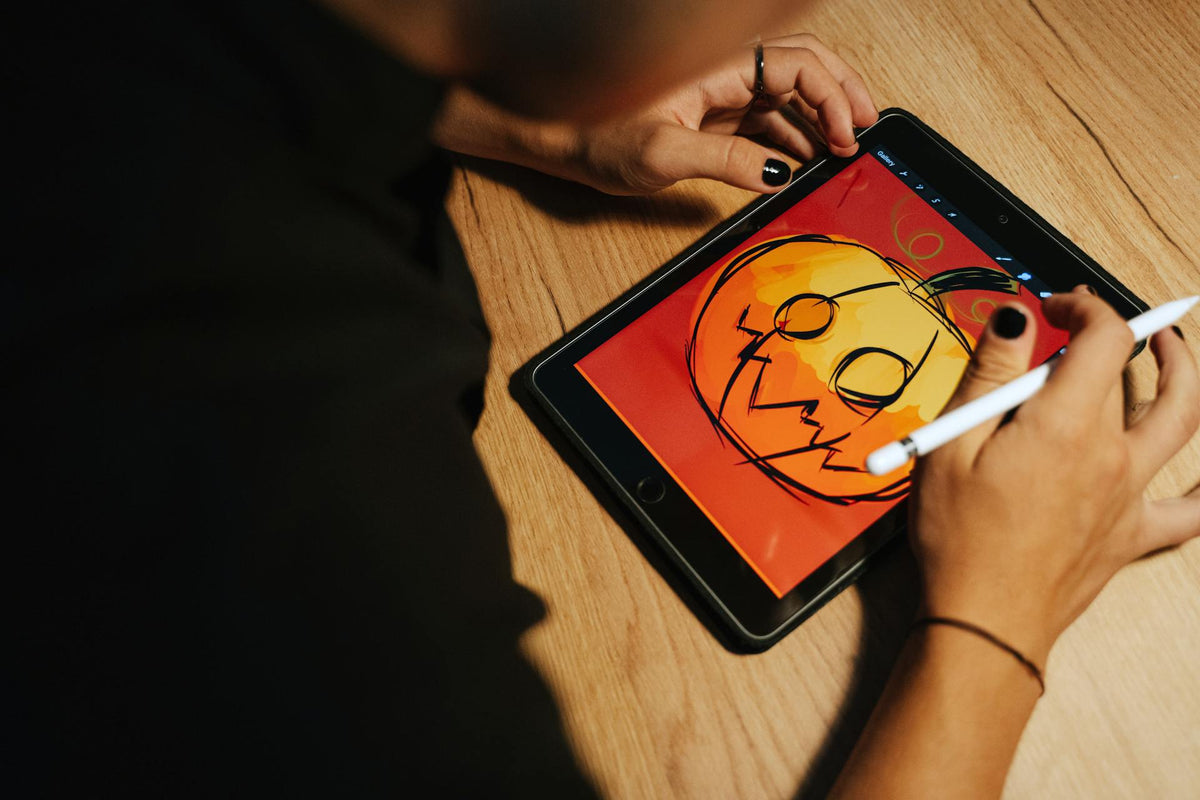
A paper-like texture slows the Pencil just enough for confident lines and neat notes.
MacBook Pro
MacBook Air
iPad Pro
iPad Air
iPad mini
Choose your Watch
Thunderbolt Cables
HDMI Cables
Free delivery over ₹500Order by 4 PM, ships same dayCash on delivery Need help choosing? Ask us
Your cart is empty
Popular with Apple users right now.
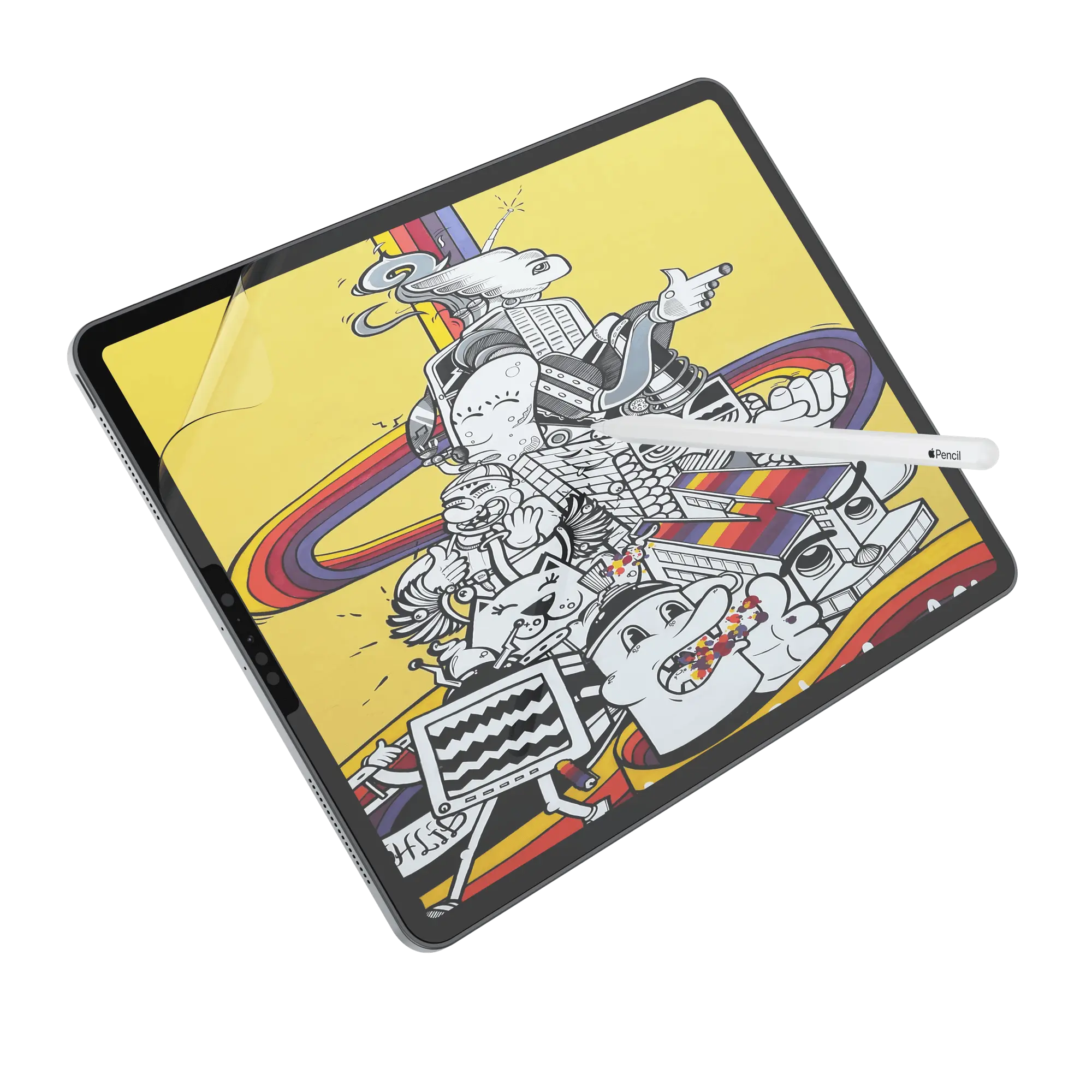
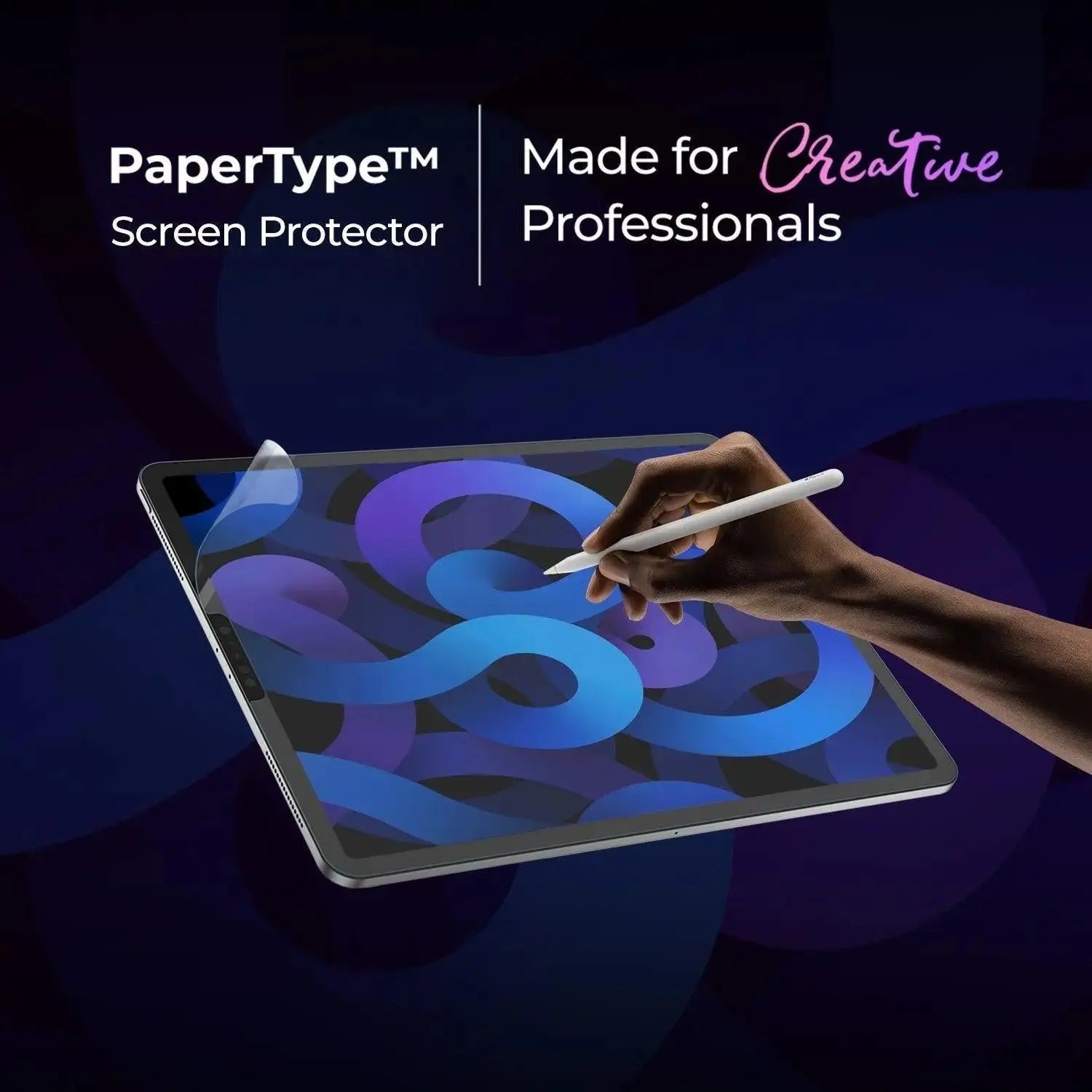
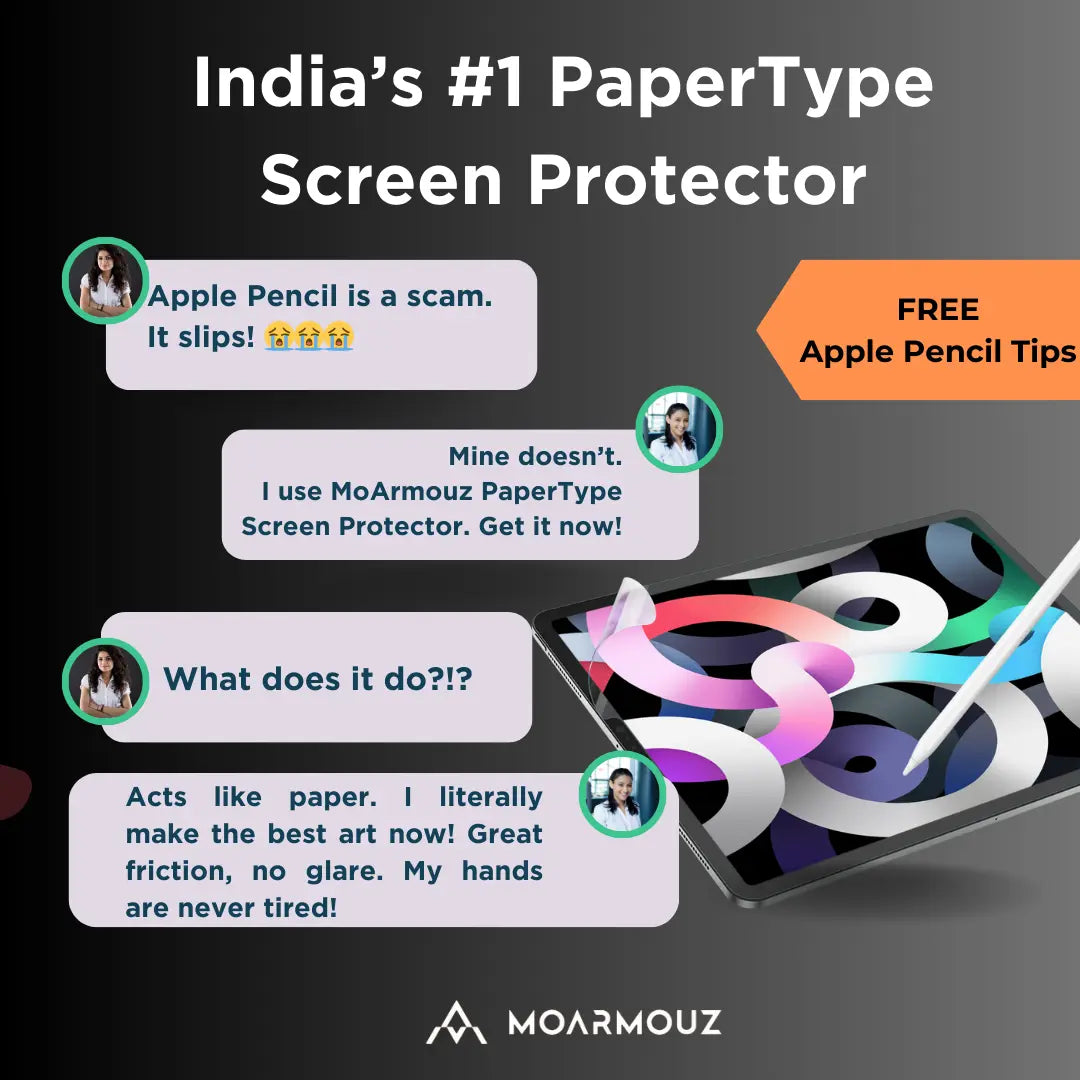
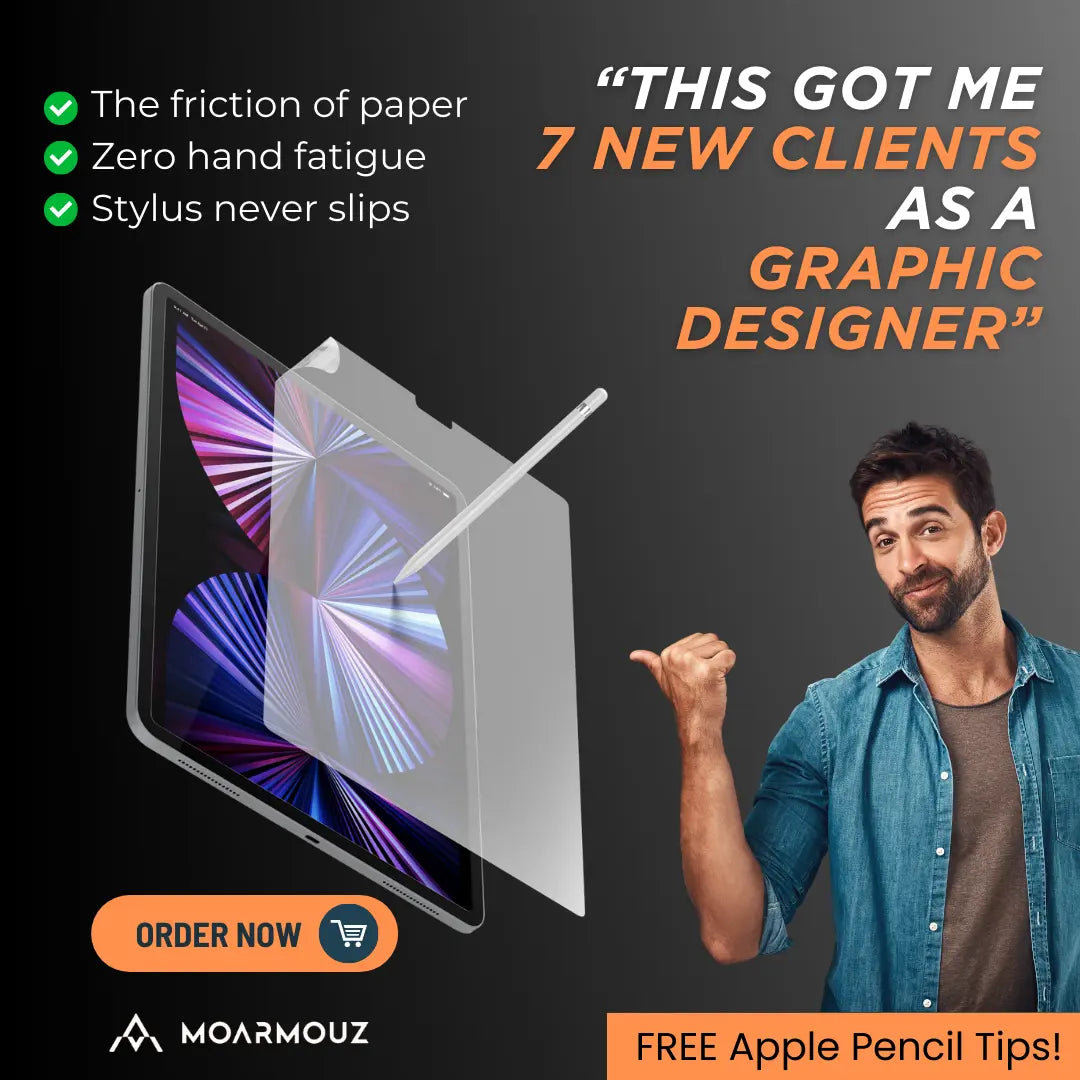
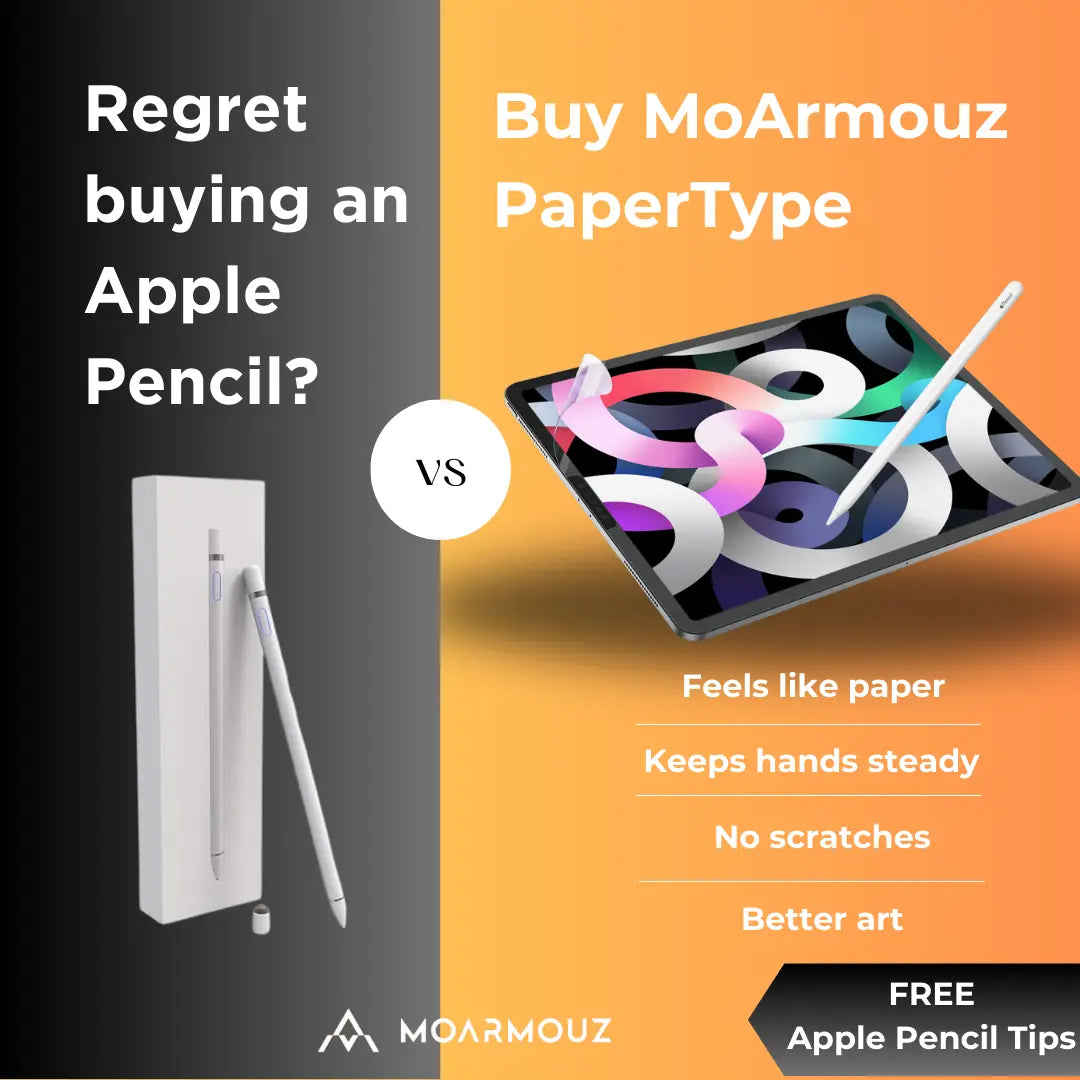
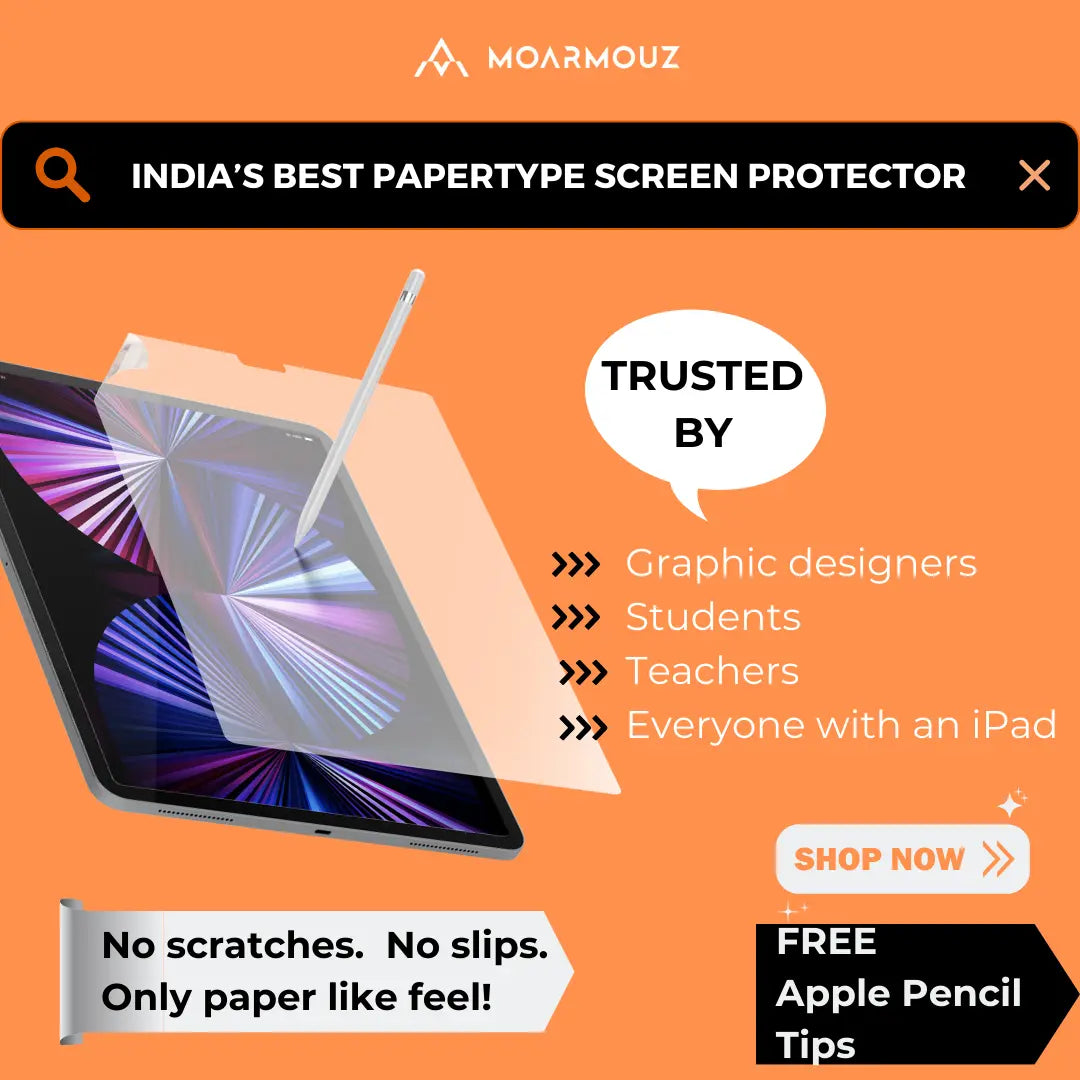
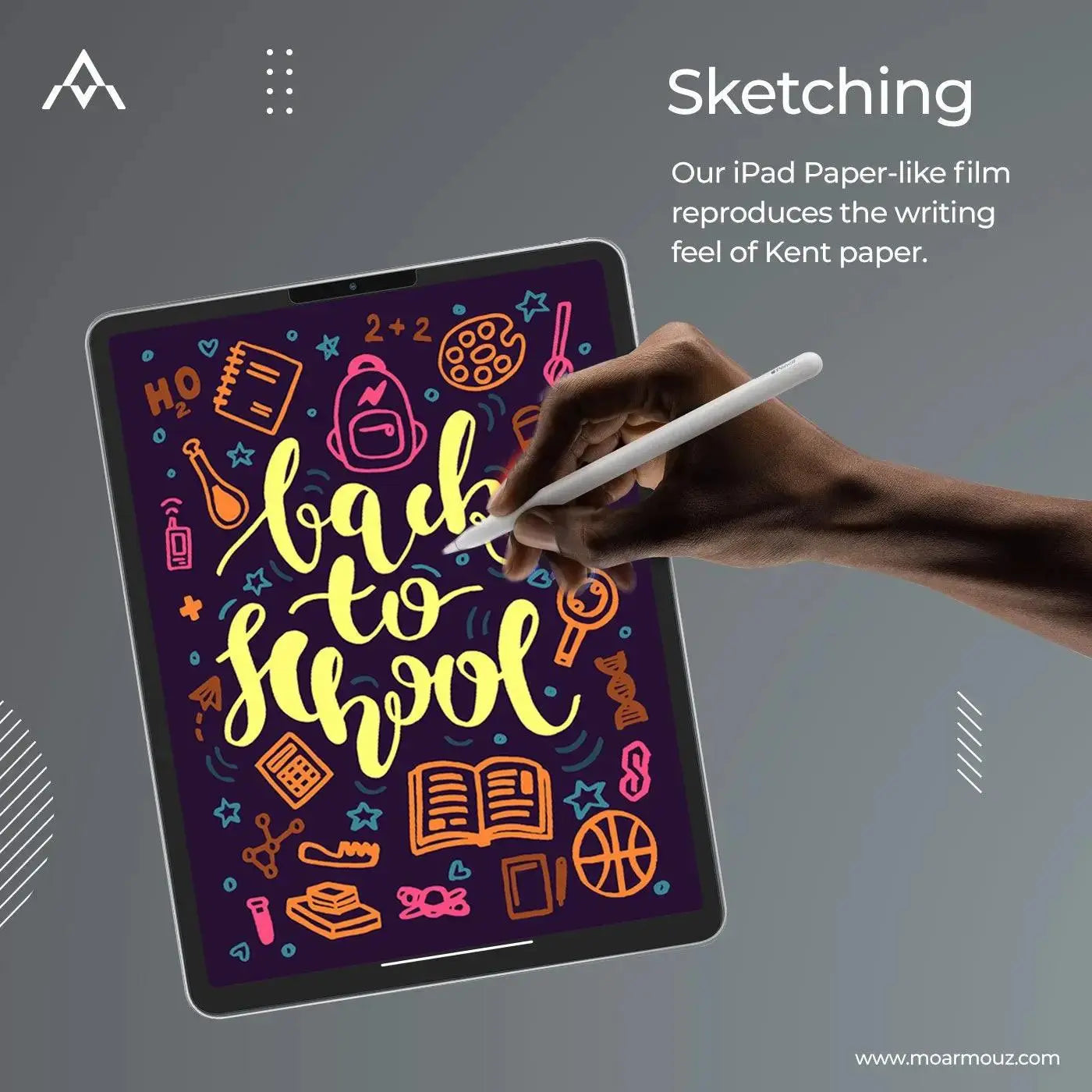
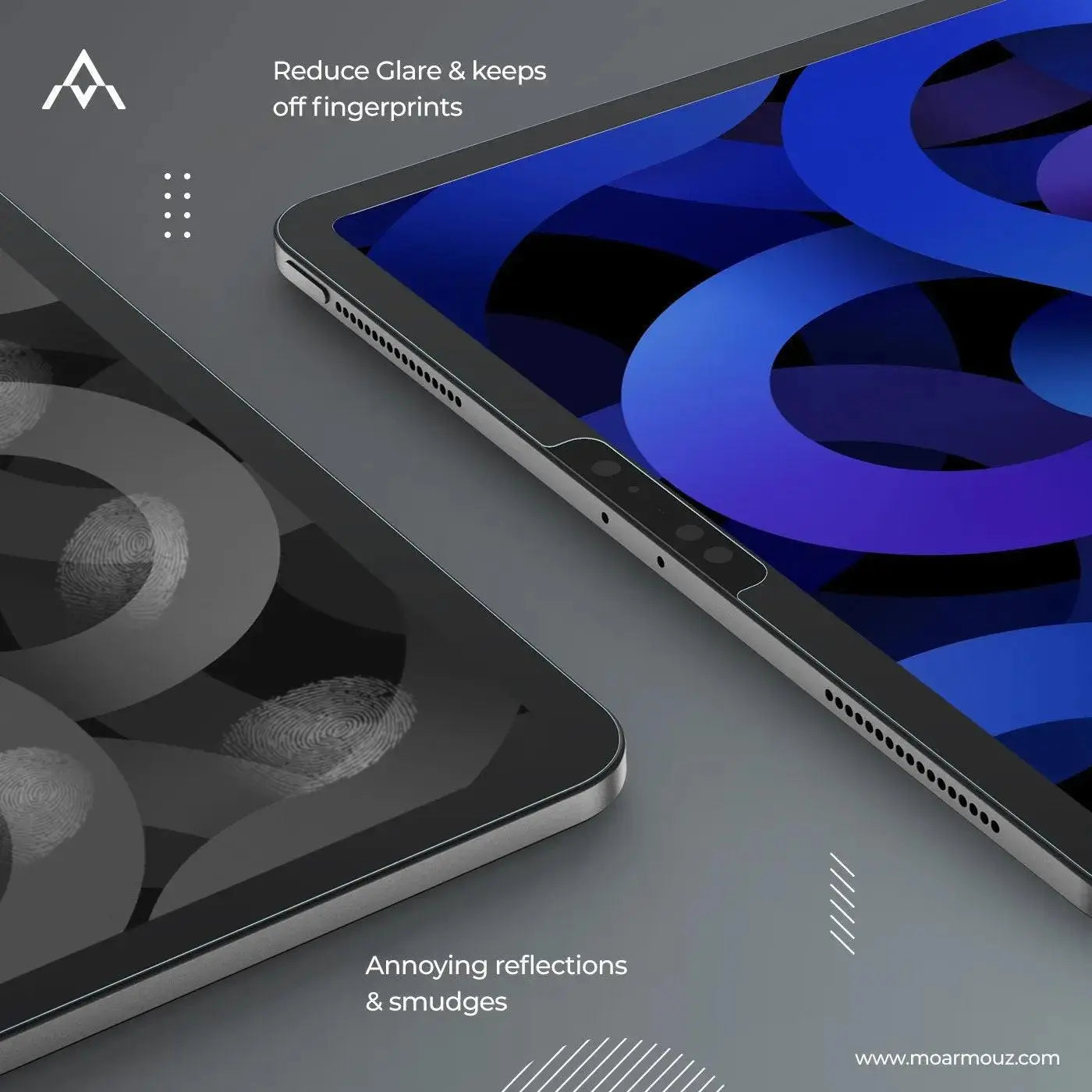
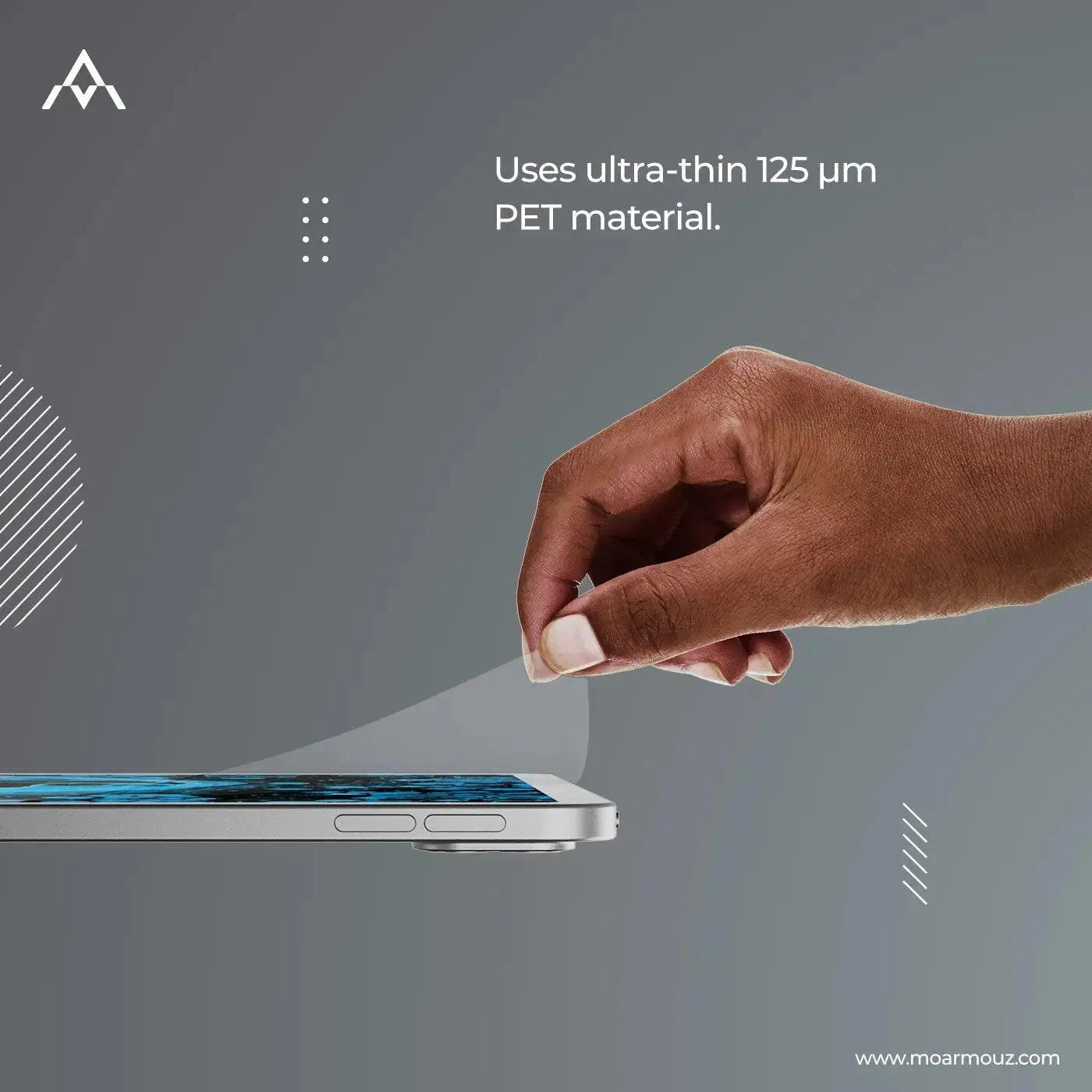
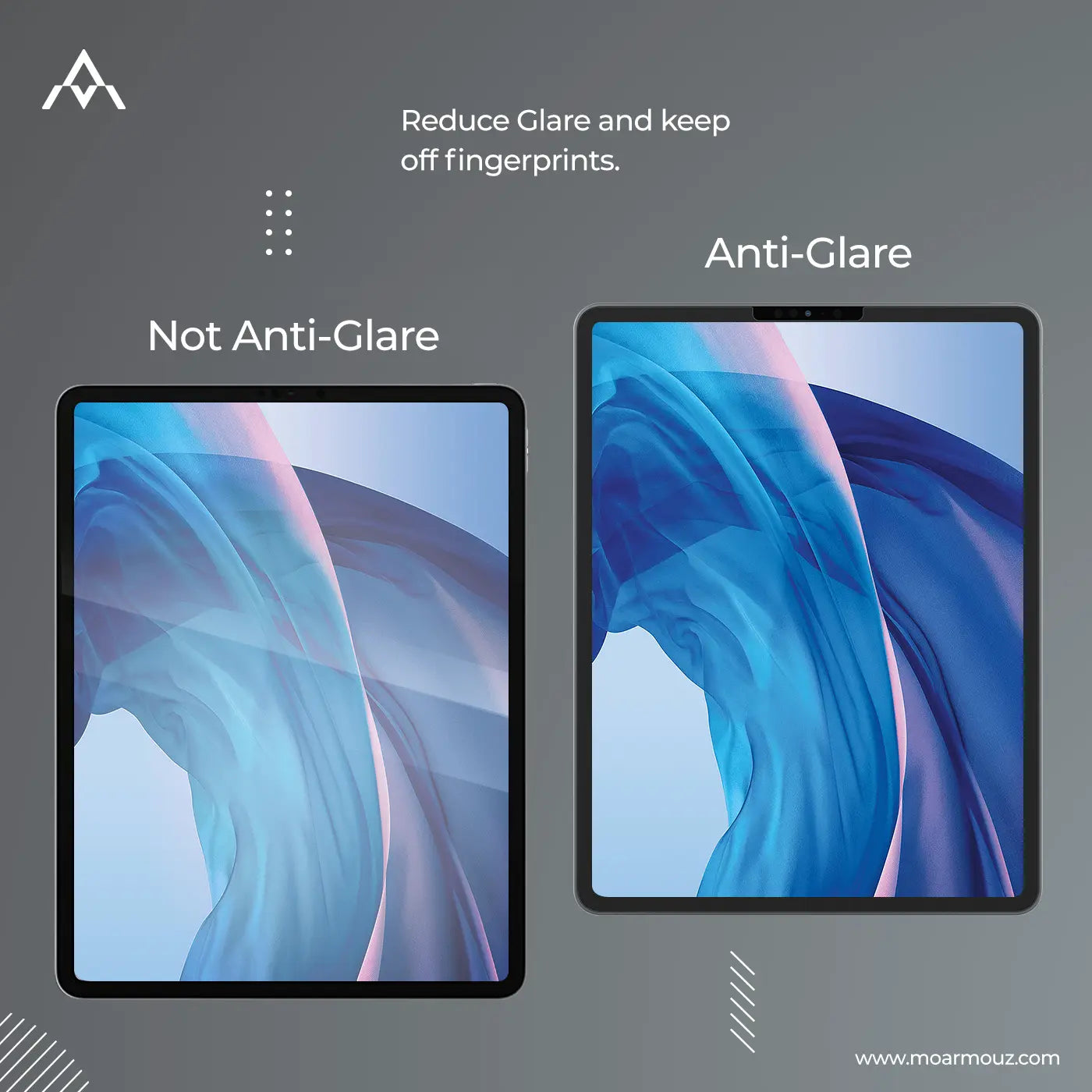
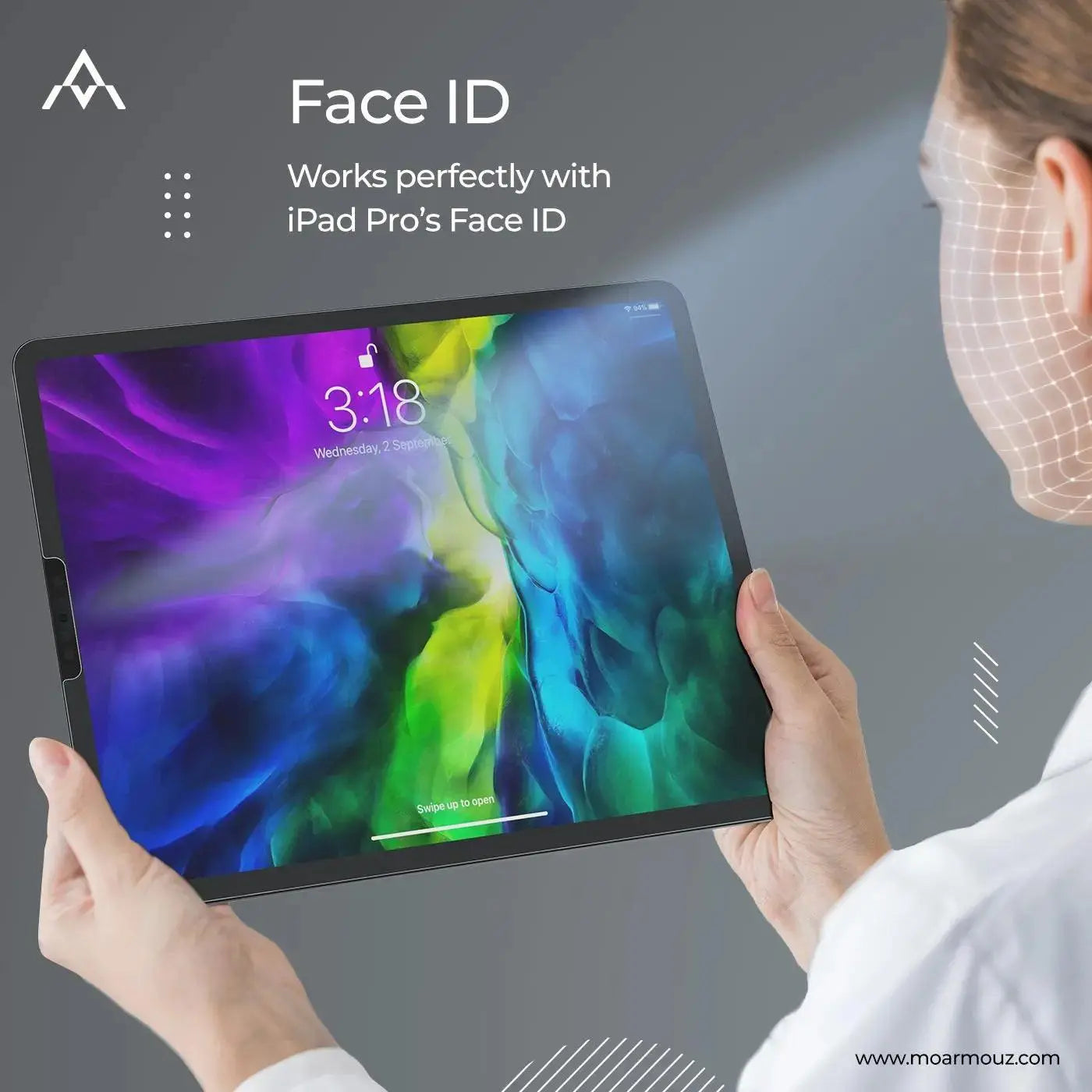
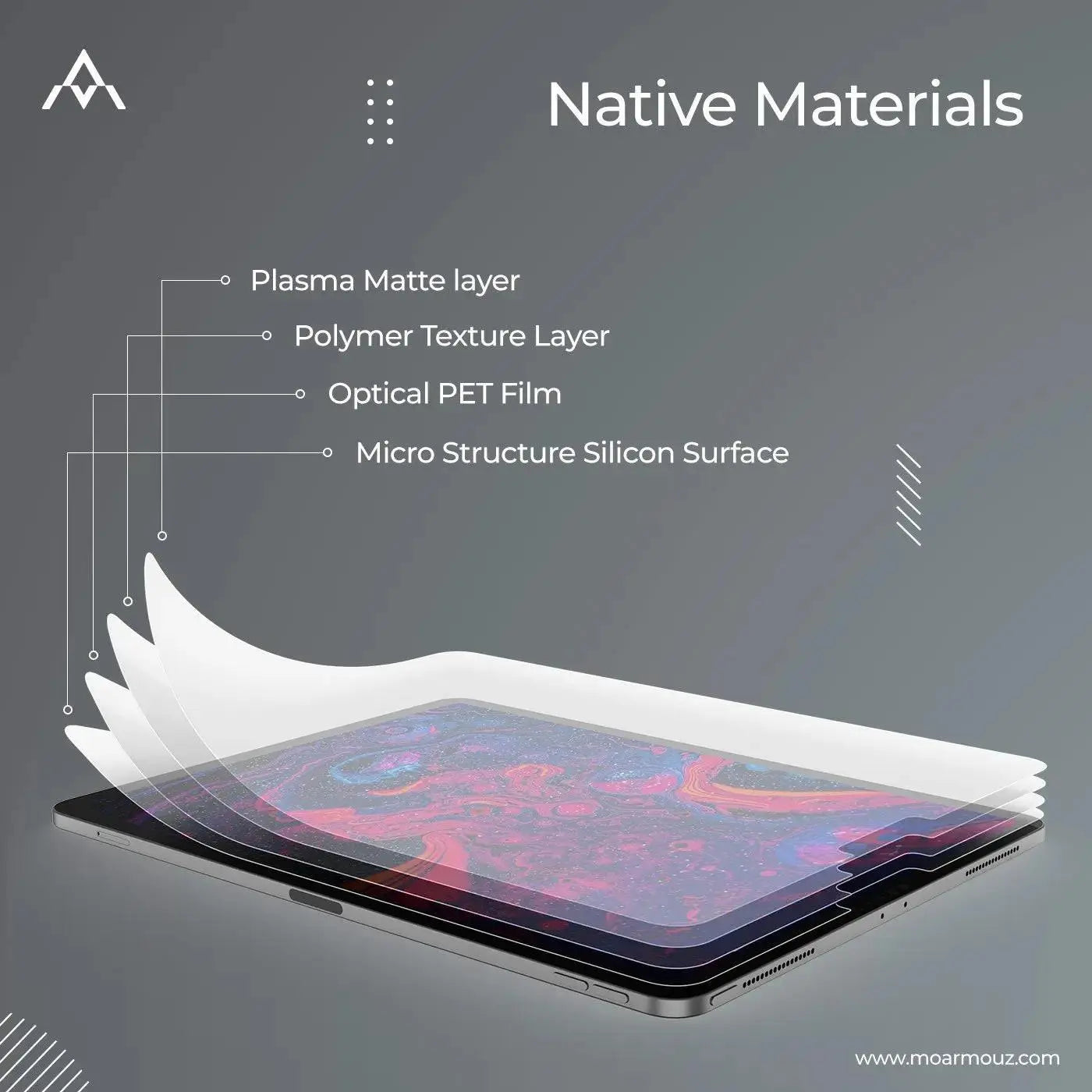
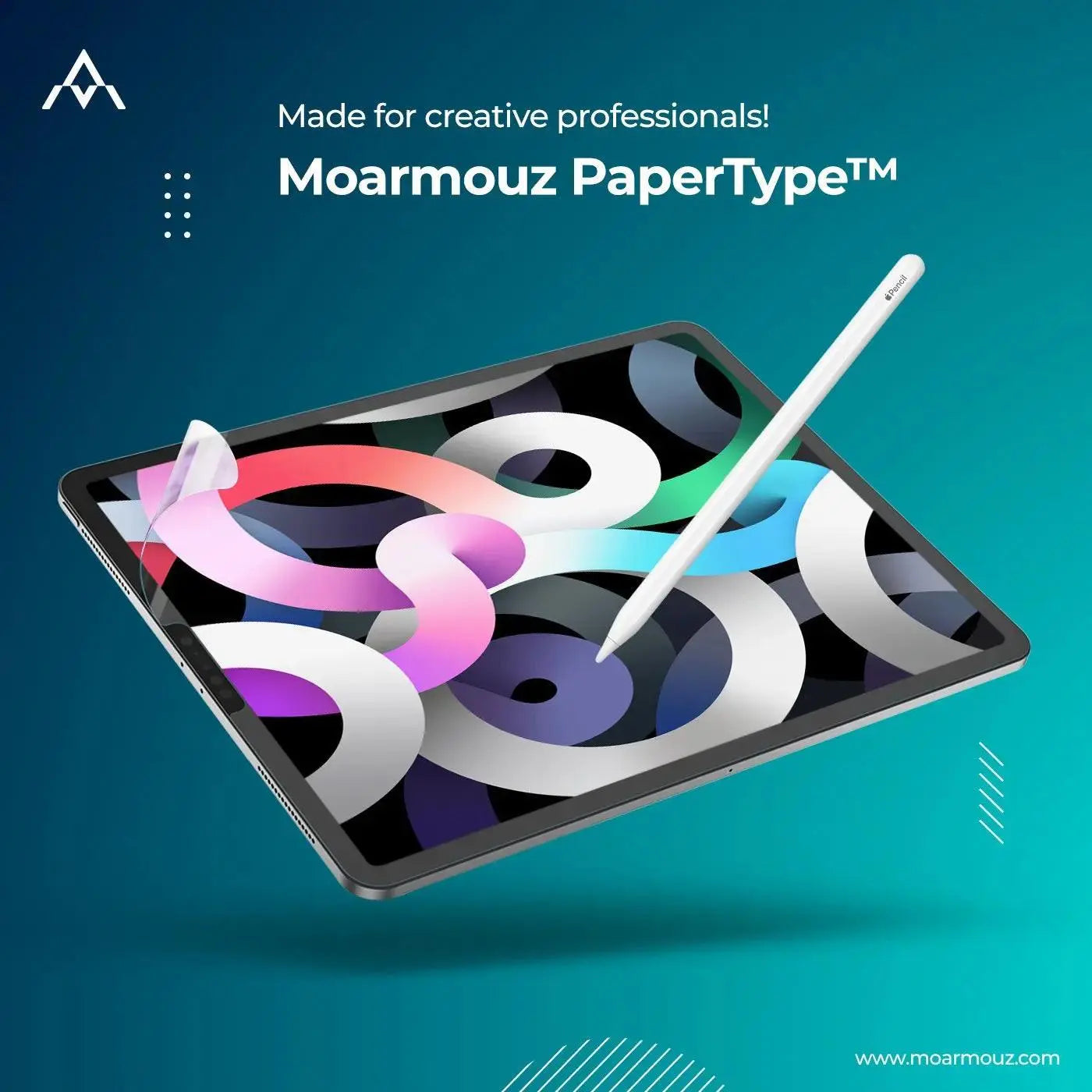
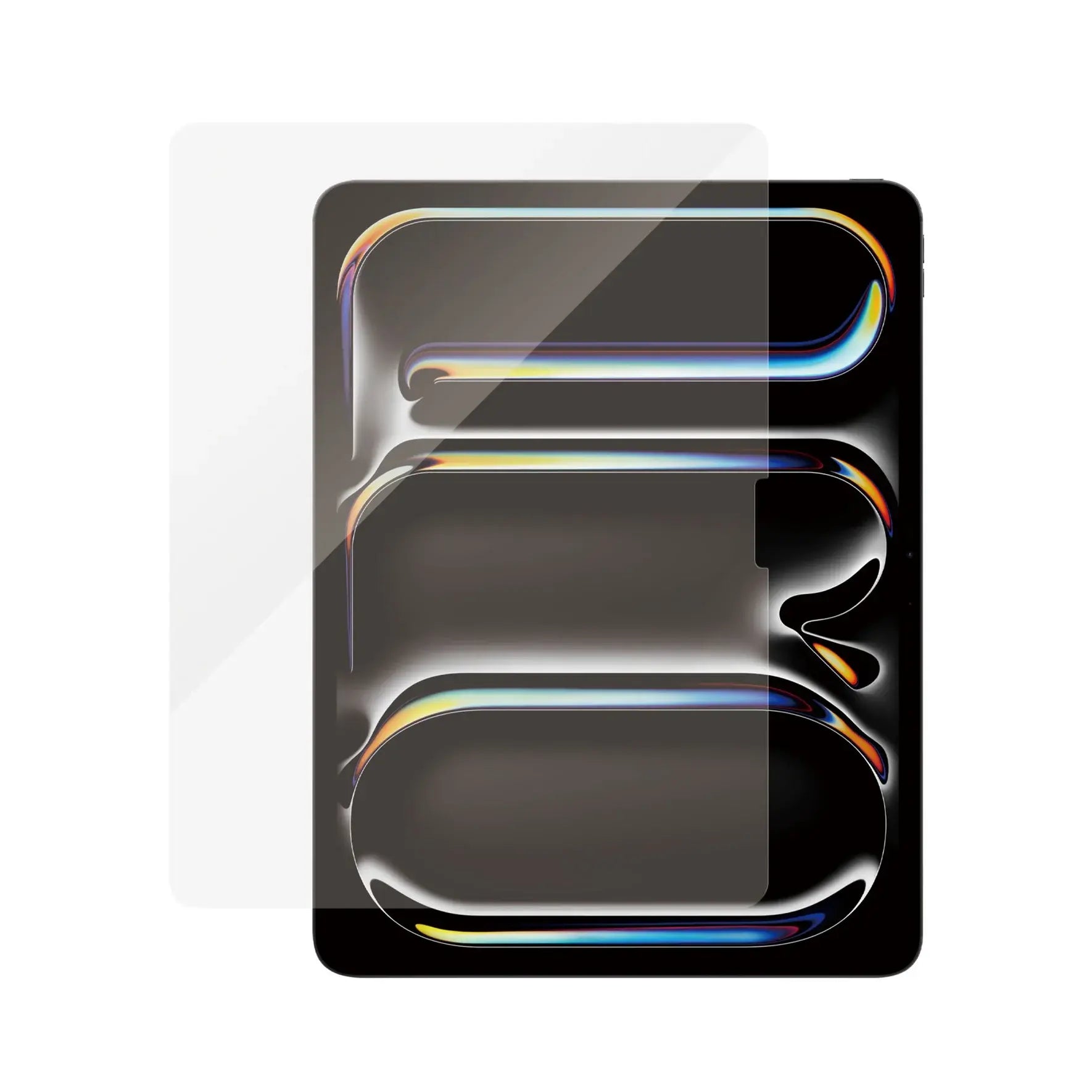
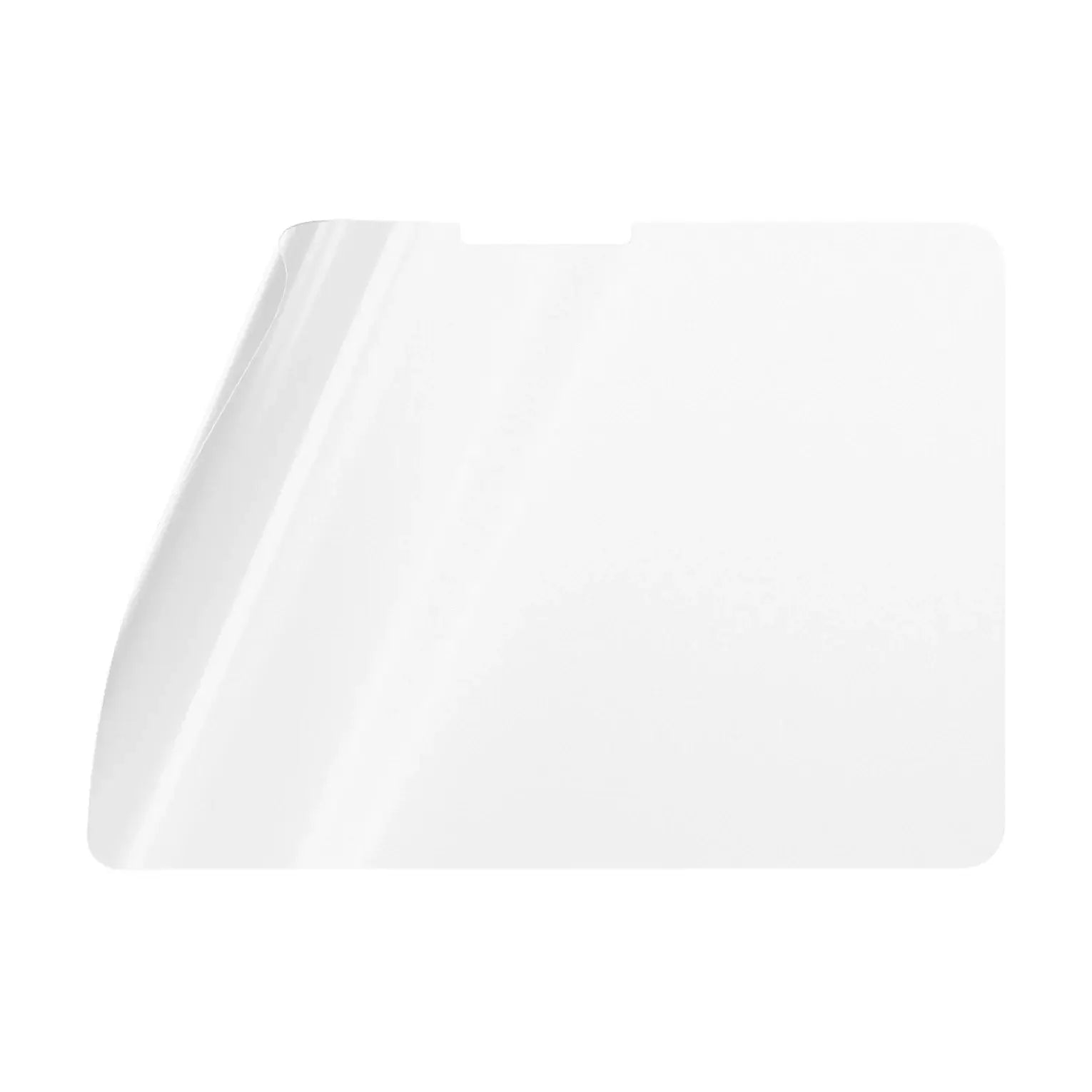
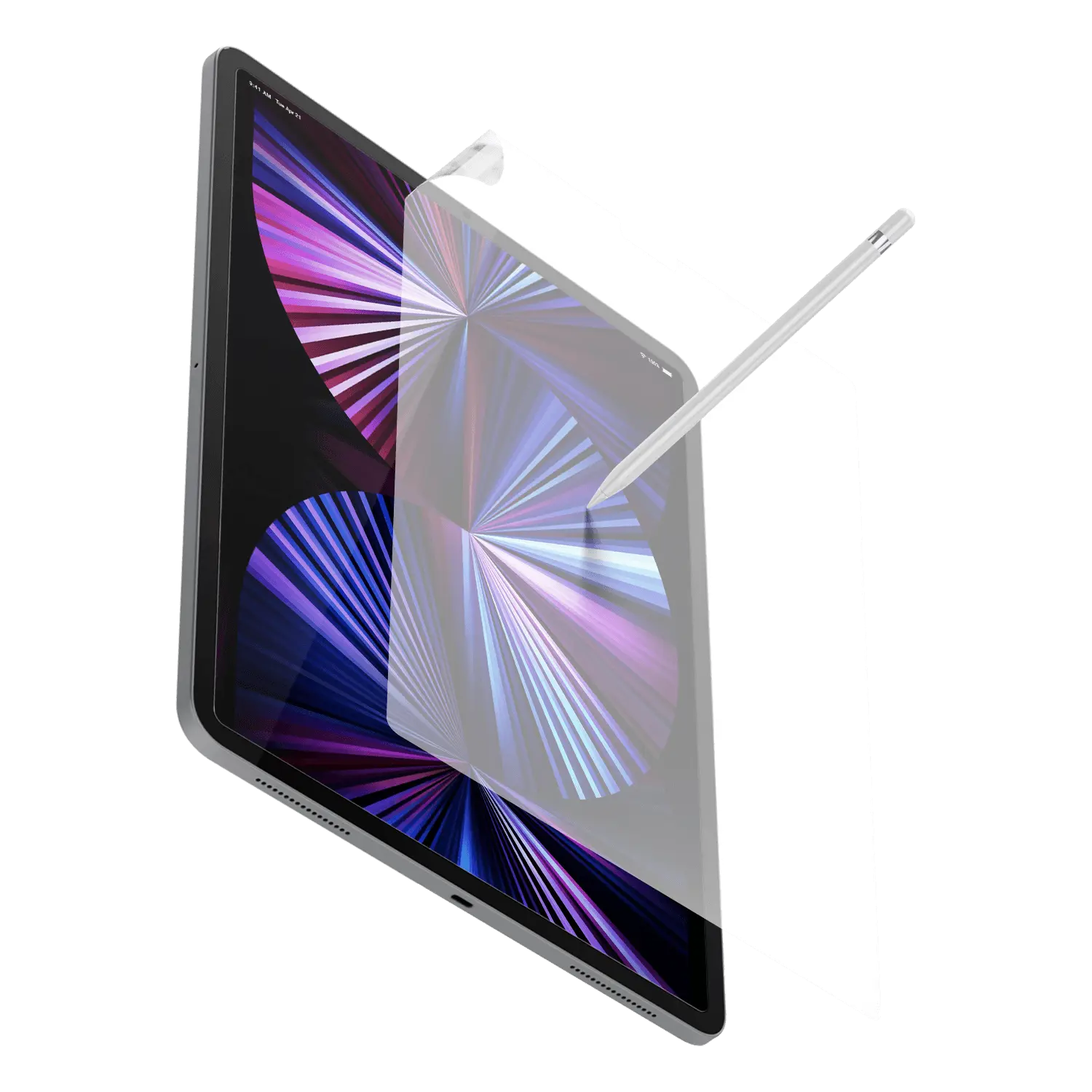
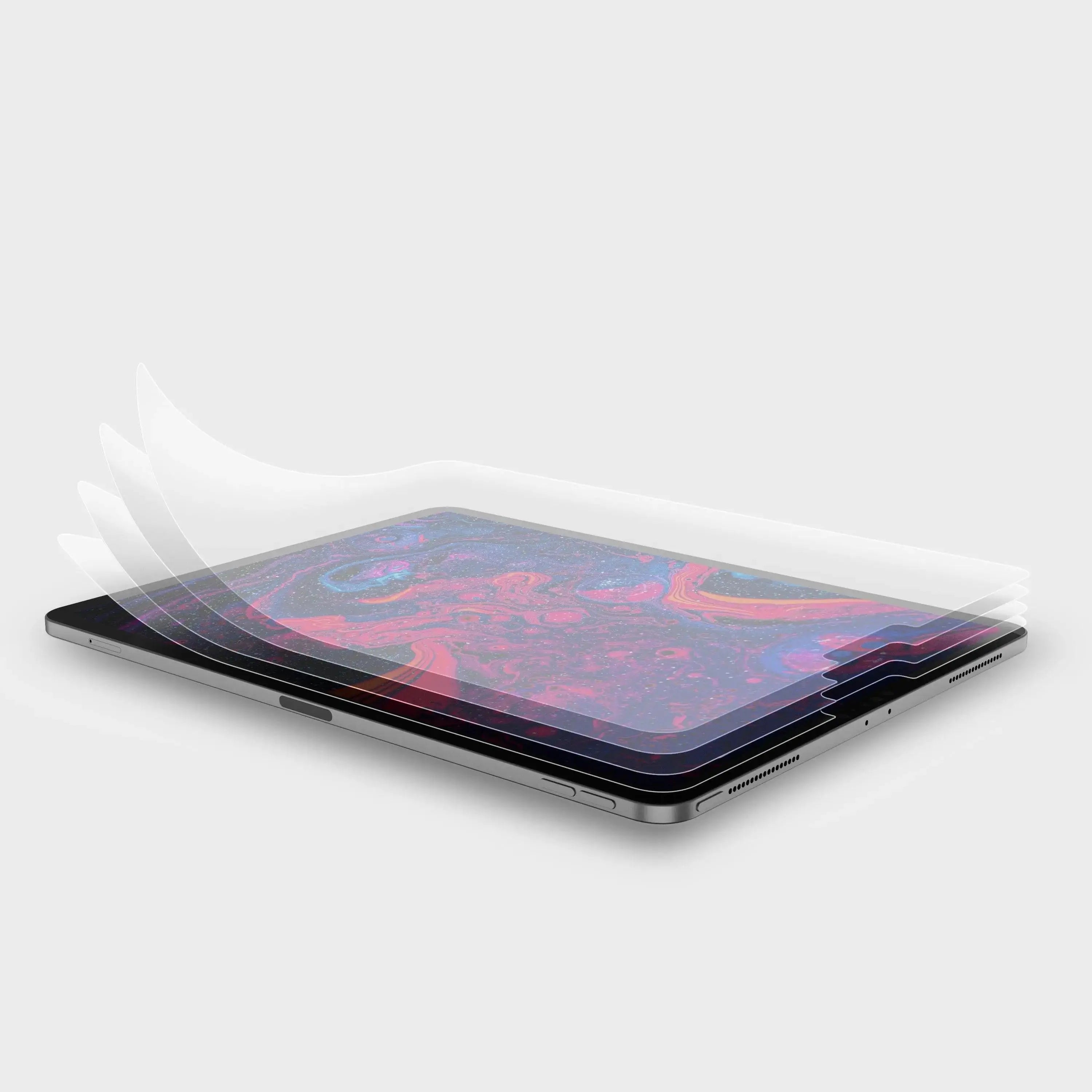
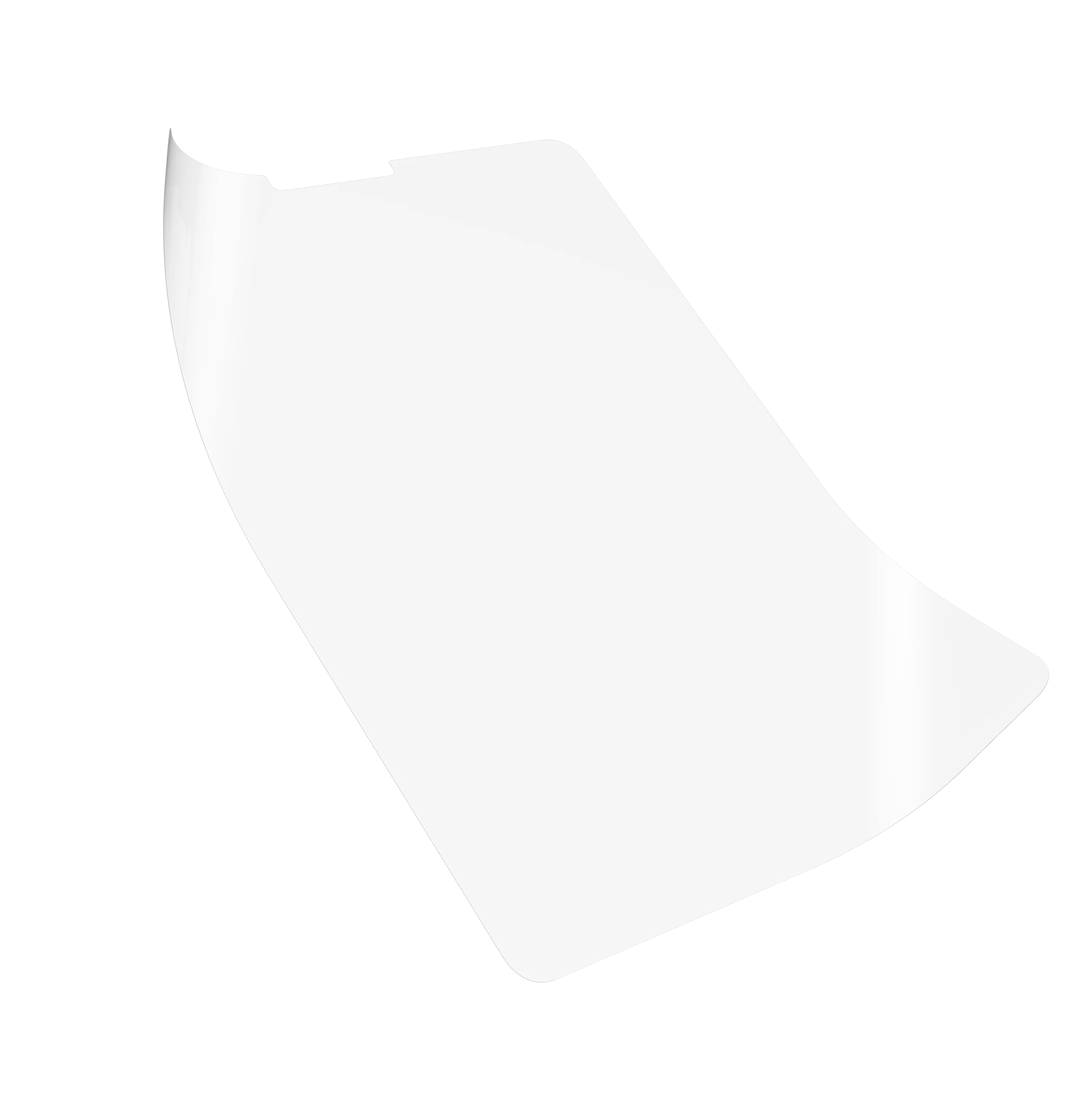
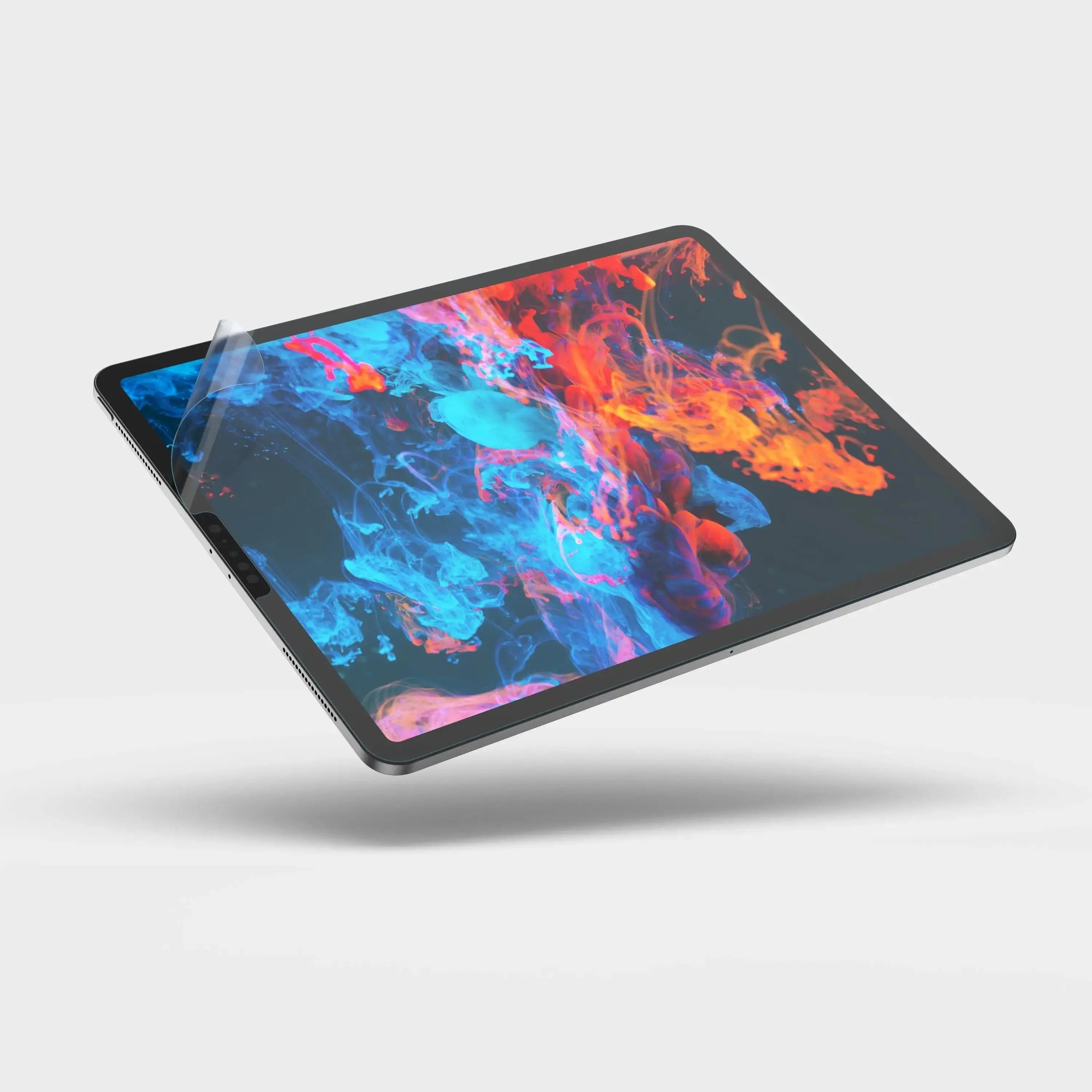
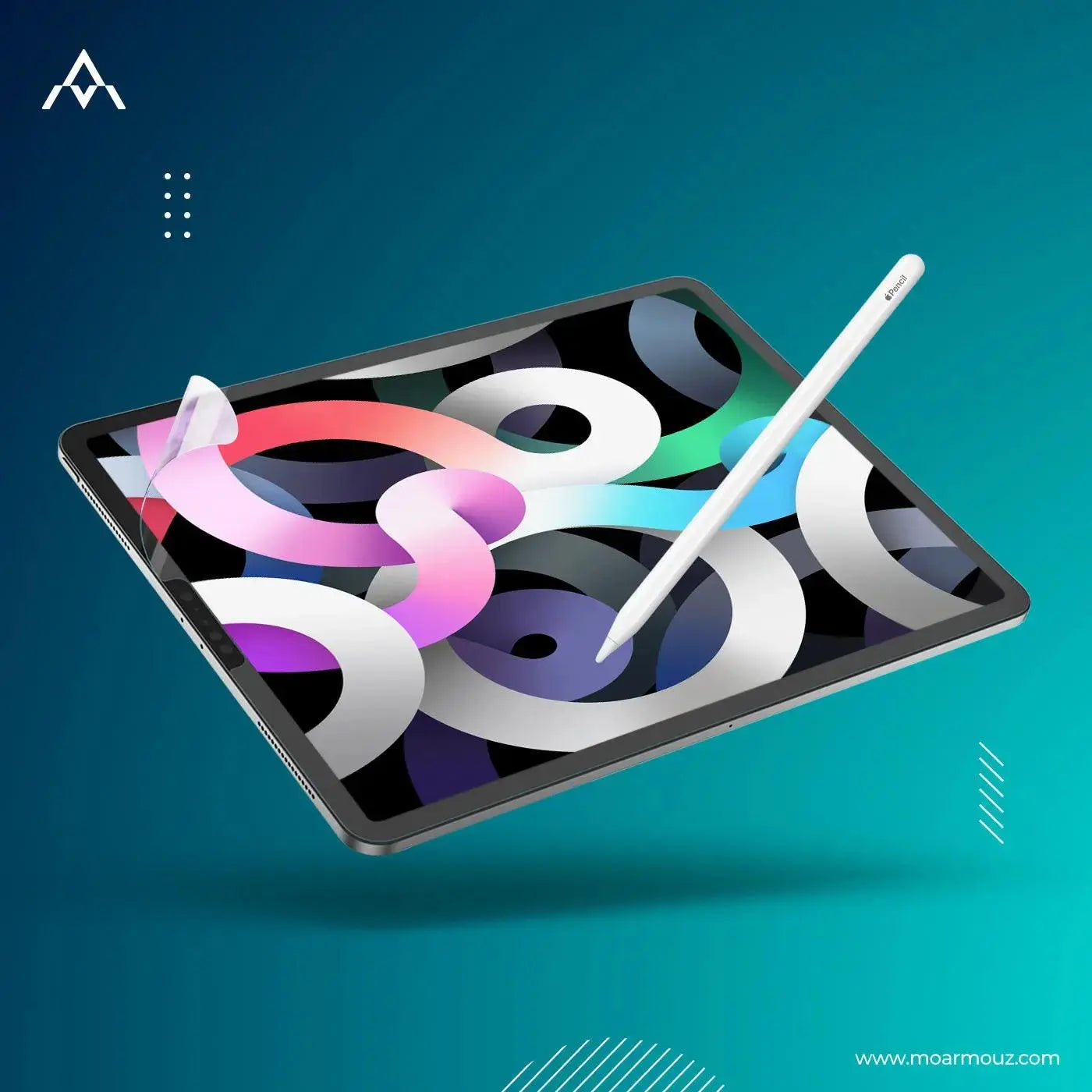
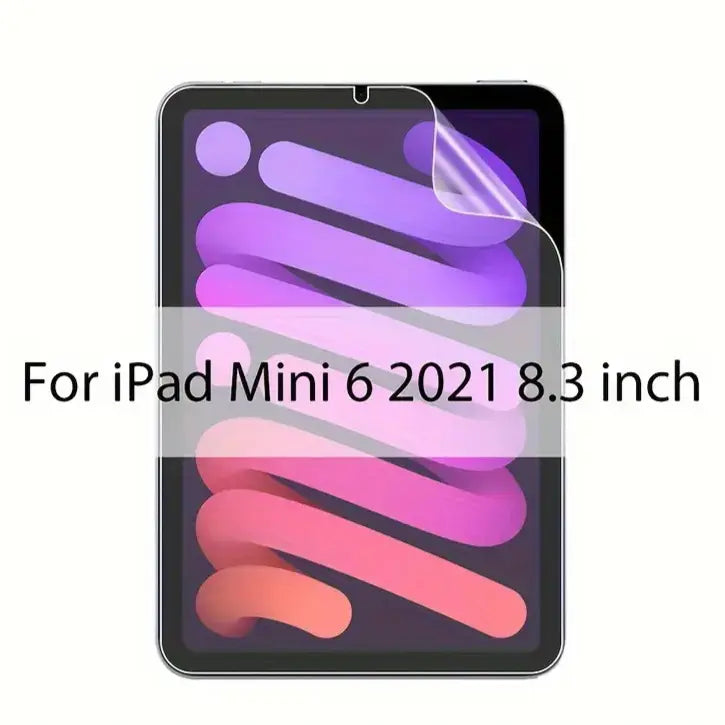
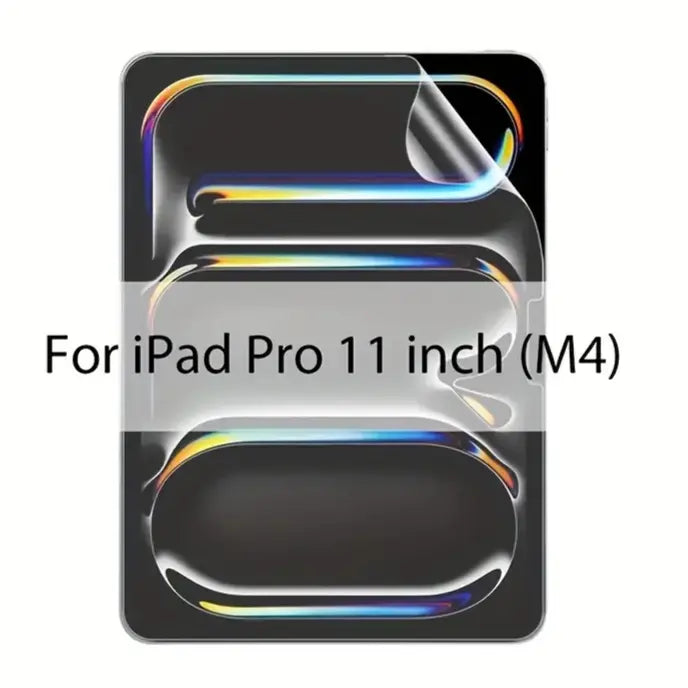
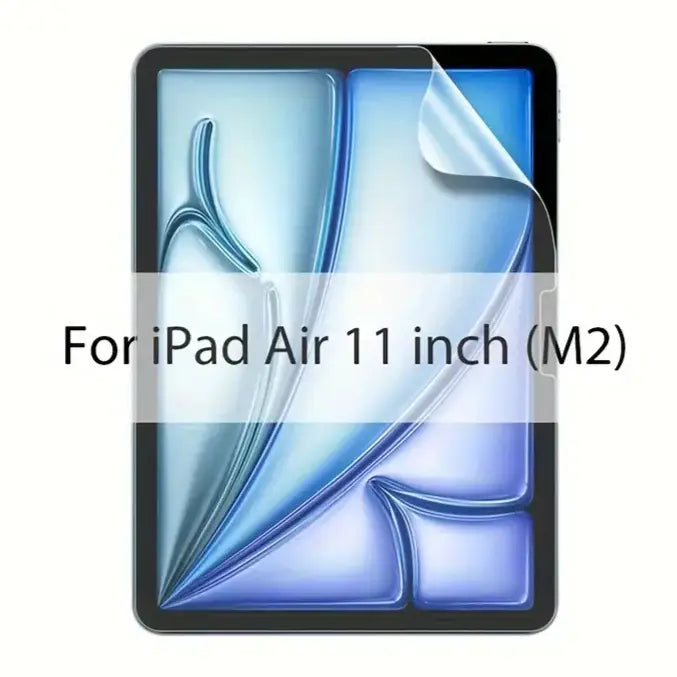
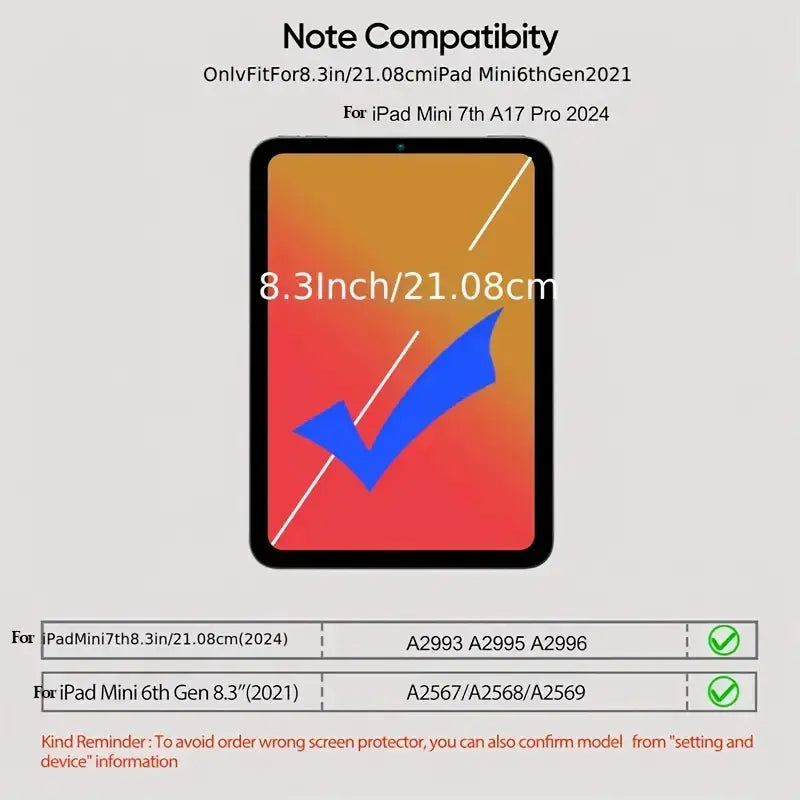
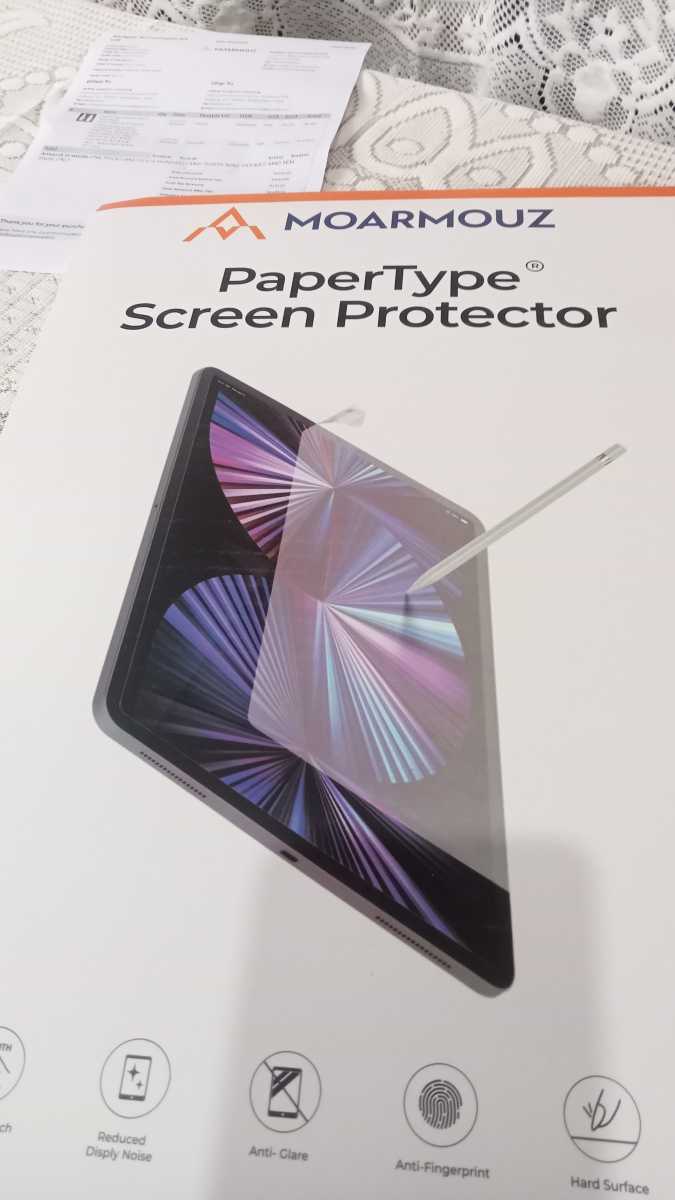
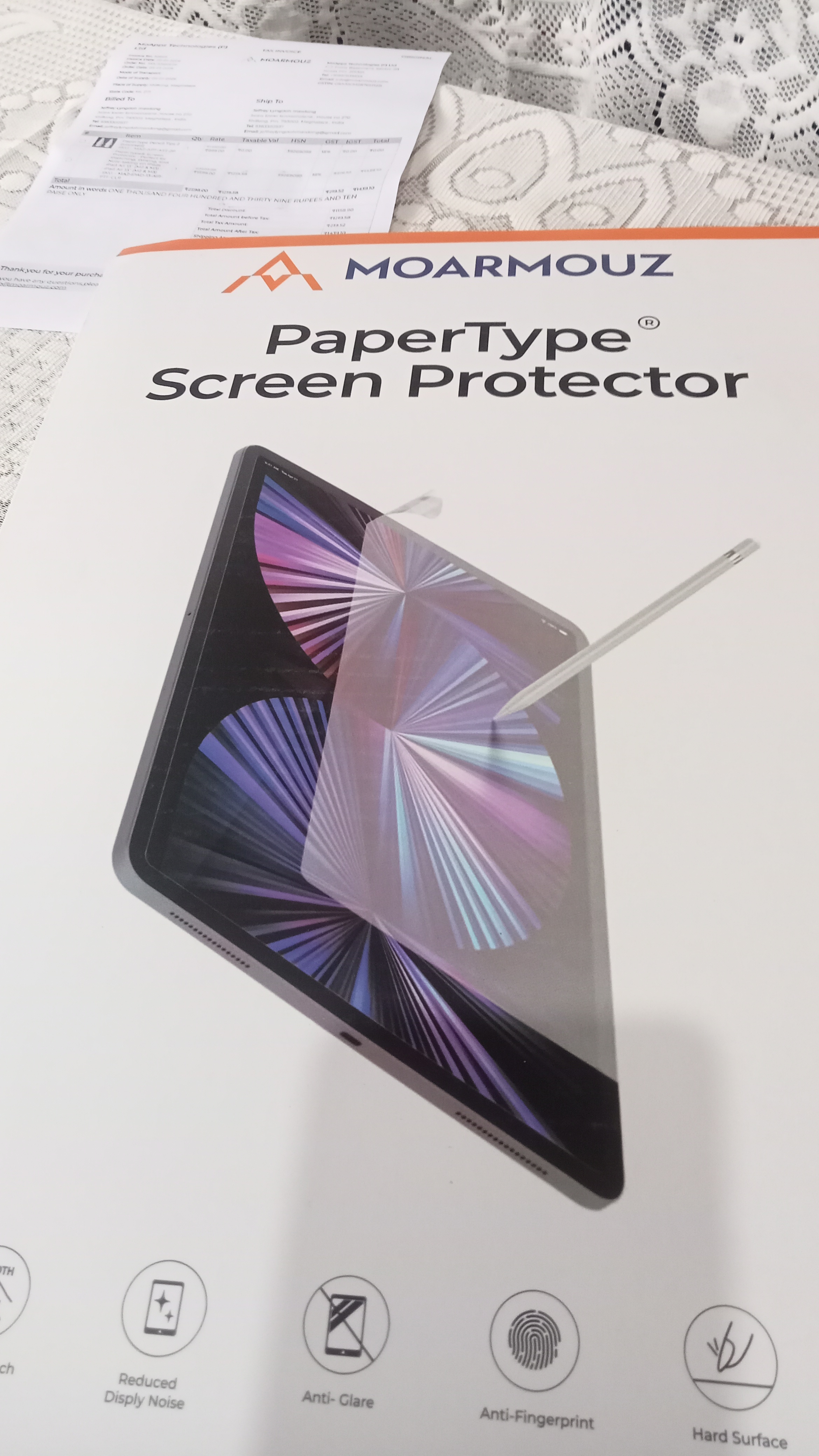
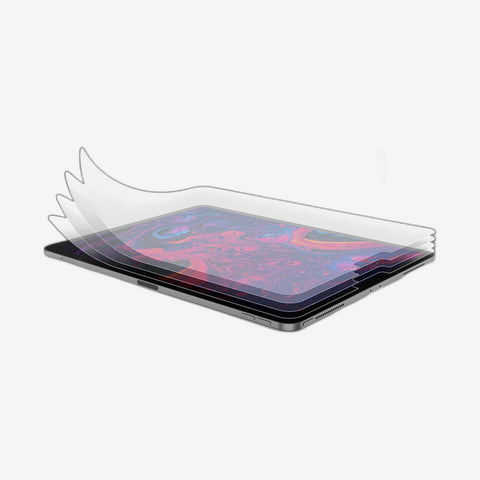
Paper-like feel for your Apple Pencil, with less screen glare.
₹1,449 at checkout with the ₹150 PaperType saving
Inclusive of all taxes
Not sure? On your iPad open Settings › General › About and look at Model Name.
“The screen protector is exactly as described, it provides a reasonable paper like sensation and is of good quality. The included stylus tips are also of reasonable quality. Packaging was top notch.”
Ashish K. · Verified buyer · Jan 2026
“I take a lot of handwritten notes so I specially bought this paper like screen. It does the job well, I am able to write very smoothly. Happy with the purchase.”
Tasneem H. · Verified buyer · Aug 2026
“The screen protector really helped in me taking notes and is helping me on my journey to sketching. It’s really great.”
Pushkar D. · Verified buyer · Nov 2025
“The screen fits perfectly… I'm using iPad Air 13. It still goes smoothly when swipe or draw on top of the screen cover and you get the paper feel.”
Jeffrey L. · Verified buyer · Jan 2026
“I really liked the protector, its very smooth and easy to view for long hours.”
Shubham N. · Verified buyer · Feb 2026

PaperType® Screen Protector - Perfect for Sketching, Writing, & Note-taking on iPads
PaperType®
A matte, paper-textured film that gives your Apple Pencil the grip of a real page, and cuts the glare while you work.

Made for Apple Pencil
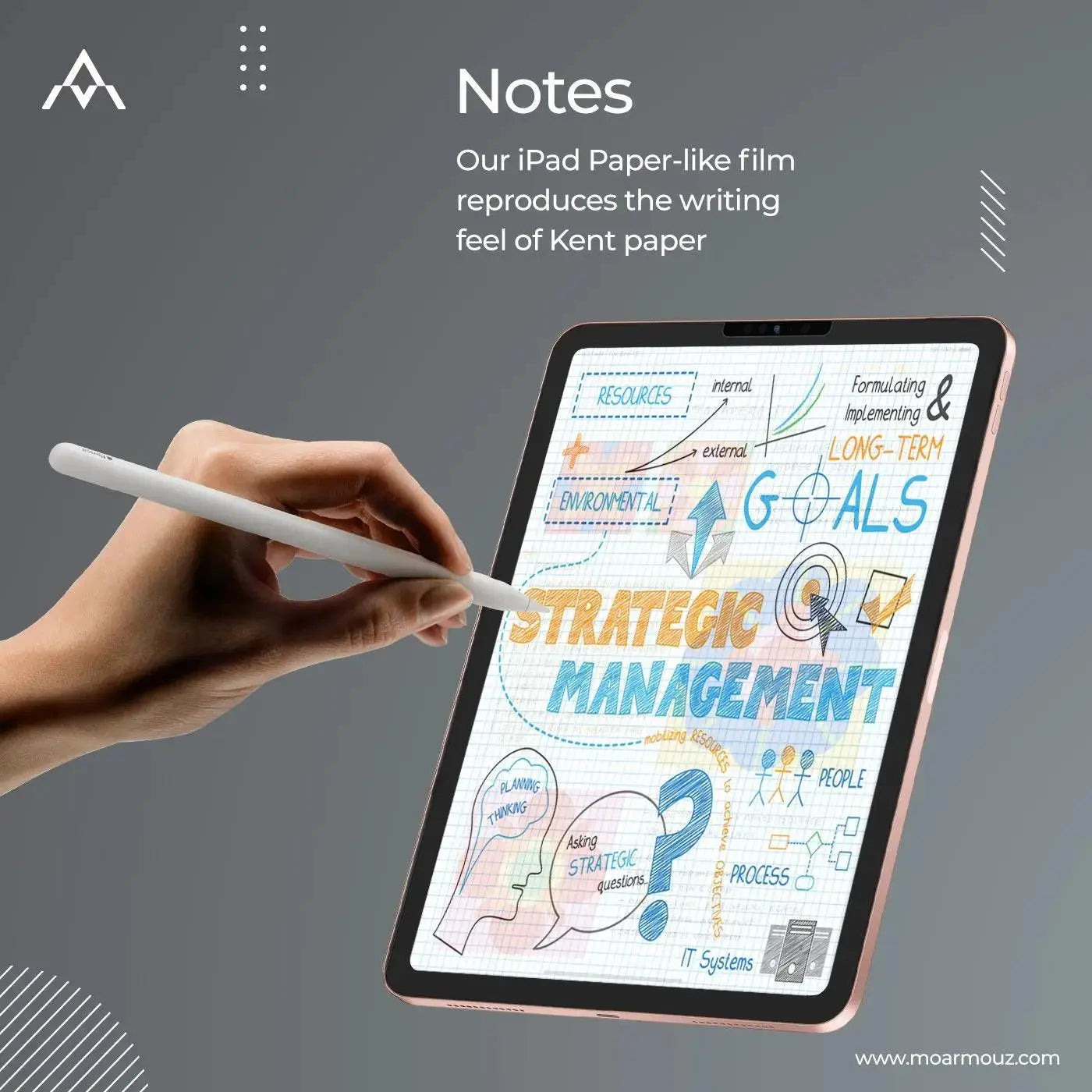
We tuned the surface friction, and the sound under the tip, to come close to Kent paper: the smooth drawing paper illustrators rely on.
*Compared with standard paper-feel screen films.
Why PaperType
Drawing & handwriting
A paper-like texture slows the Pencil just enough for confident lines and neat notes.
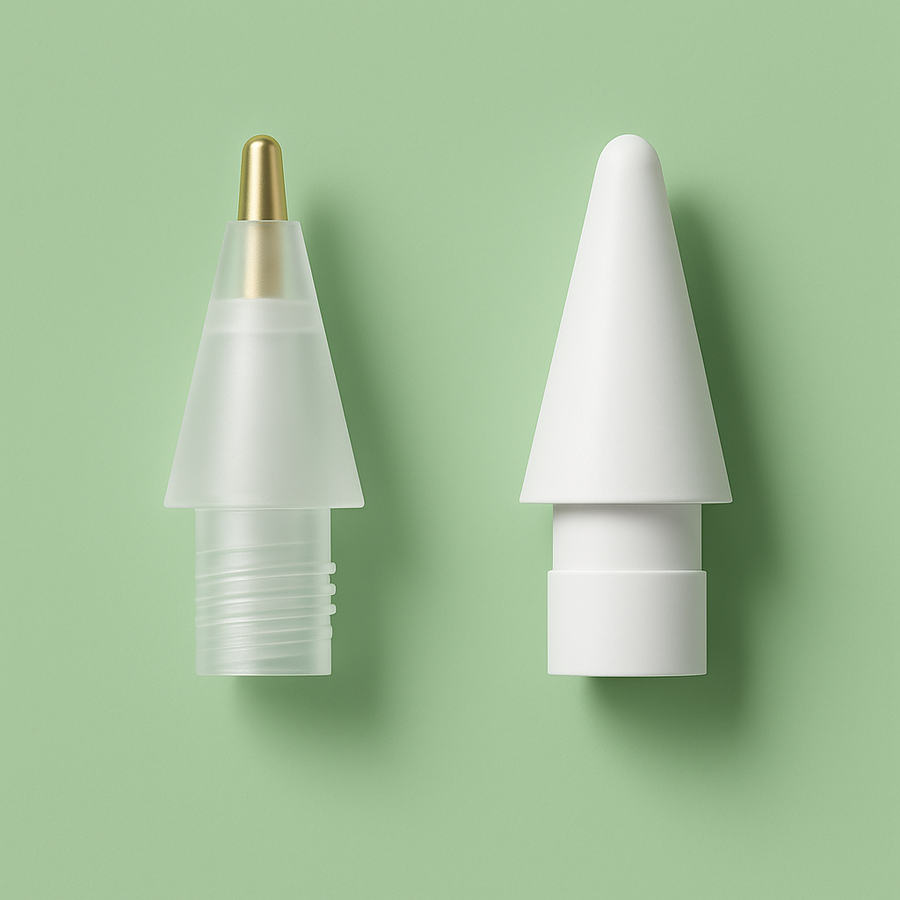
A standard and a metal tip come with every order.
The matte finish softens reflections from windows and lamps, so you can work longer in bright rooms.
It also softens the screen slightly. Not for anyone who needs full glossy clarity.
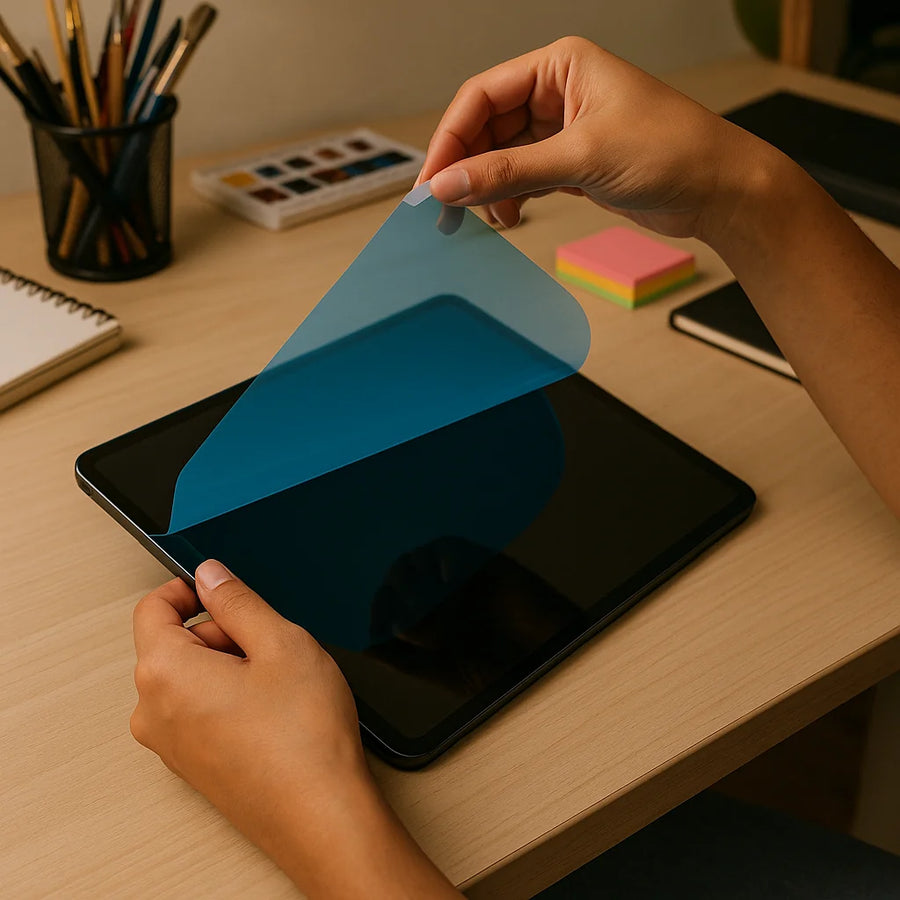
Guide stickers line the film up with your screen before it touches down. No bubbles, no second tries.
An anti-fingerprint, anti-reflection coating keeps the surface clean through long sessions.
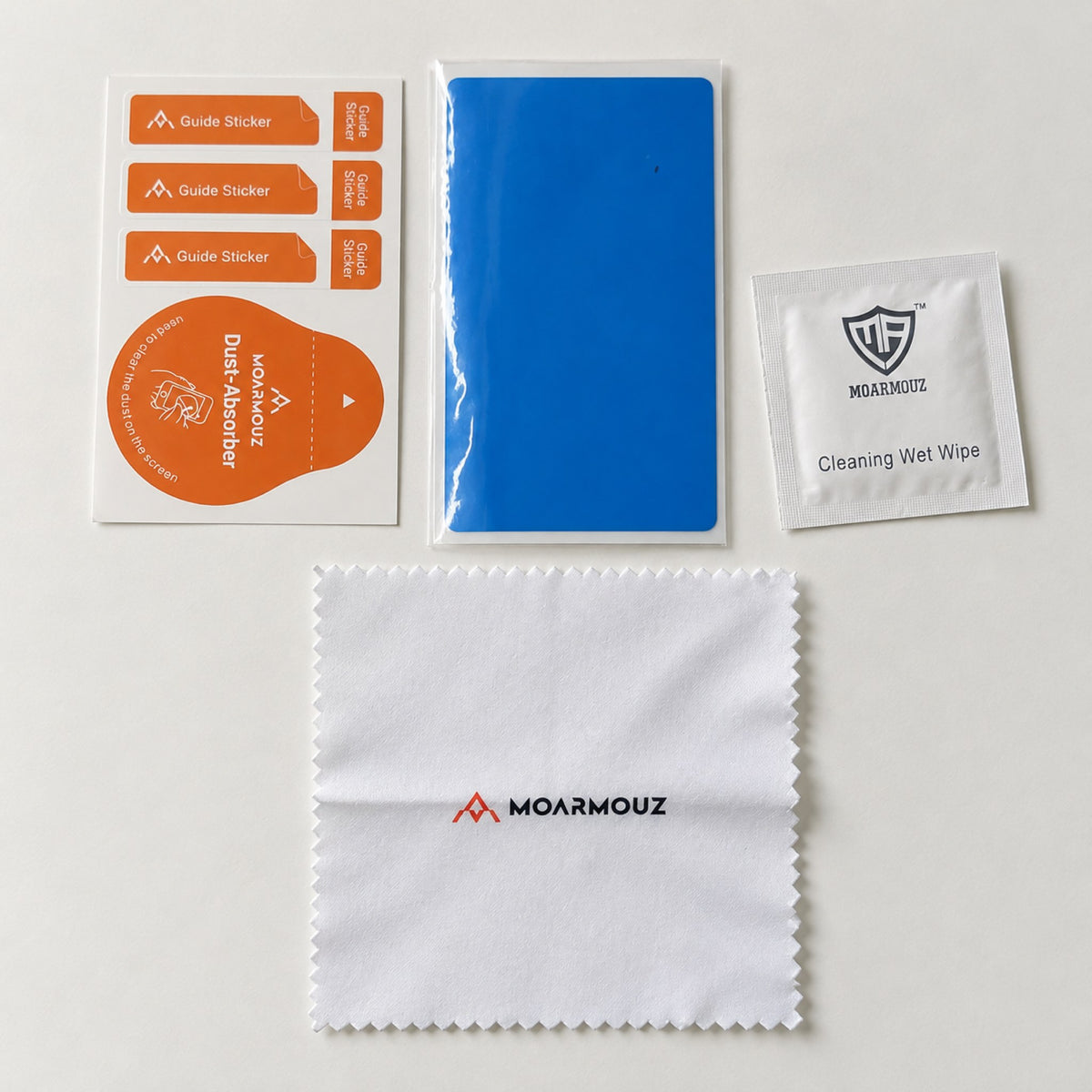
A wet wipe, a microfibre cloth, guide stickers and a dust absorber, with a film cut for your exact iPad, from iPad mini to iPad Pro 13″.
Which is right for you?
Find your model number on the back of your iPad, or in Settings › General › About.
If you have any questions, you are always welcome to contact us. We'll get back to you as soon as possible, within 24 hours on weekdays.
Shipping Information
Free delivery across India. Orders placed before 4 PM on working days ship the same day. Shipped in fully recyclable, biodegradable boxes.
Customer Support
Give us a few details and we’ll find the best solution. Call, WhatsApp or email us, Monday to Saturday, 10 AM – 6 PM IST.
Contact Us
We'd love to hear from you. Our team is here to help. Visit our contact page to send us a message.
FAQs
What buyers usually ask before choosing PaperType.
Still have a question?
Call or WhatsApp +91 99111 39555
10 AM – 6 PM IST, Mon–Sat
Still have a question? Call or WhatsApp +91 99111 39555 (10 AM – 6 PM, Mon–Sat) or send us a message.