On this page
Yes, a paper-feel screen protector is worth it if you use an Apple Pencil on your iPad most days. It adds a fine texture that gives the nib grip, so your handwriting and lines stay steadier, and its matte finish cuts glare and fingerprints. You give up two things in return: the image looks slightly softer than bare glass, and your Pencil tip wears down faster. If you mostly watch videos or edit photos where colour accuracy matters, skip it. If you take notes, study or sketch, it is one of the most useful upgrades you can make for around ₹1,599.
Below are the 7 honest pros and cons, a side-by-side comparison with tempered glass, and a quick guide to who should buy one.
In this article
- What is a paper-feel screen protector?
- What are the pros? (4)
- What are the cons? (3)
- Paper-feel vs tempered glass vs no protector
- Who should buy one, and who should skip it?
- How do I make it last longer?
- FAQ
What is a paper-feel screen protector?
A paper-feel screen protector is a thin, matte PET film with a micro-texture on its surface. Bare iPad glass is smooth and slippery, so the Apple Pencil glides with almost no resistance. The textured film adds a small, controlled amount of friction, which is what makes writing on it feel closer to writing on paper.
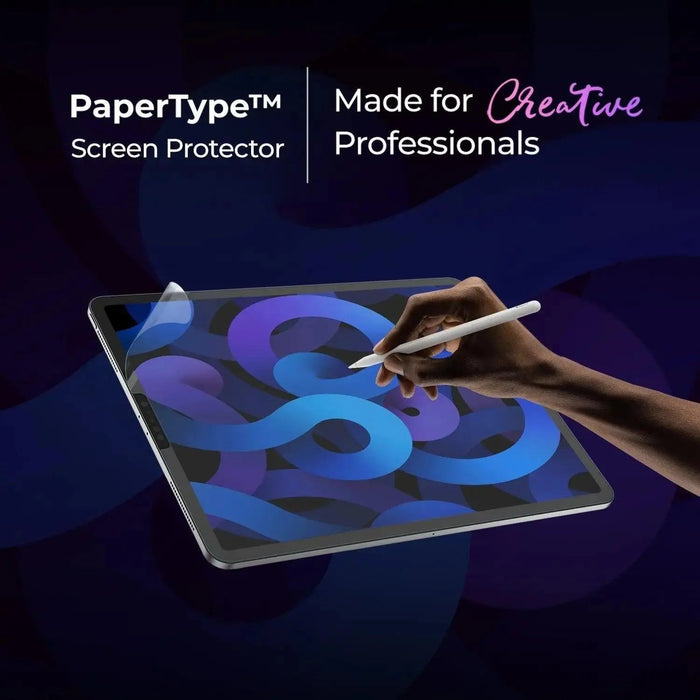
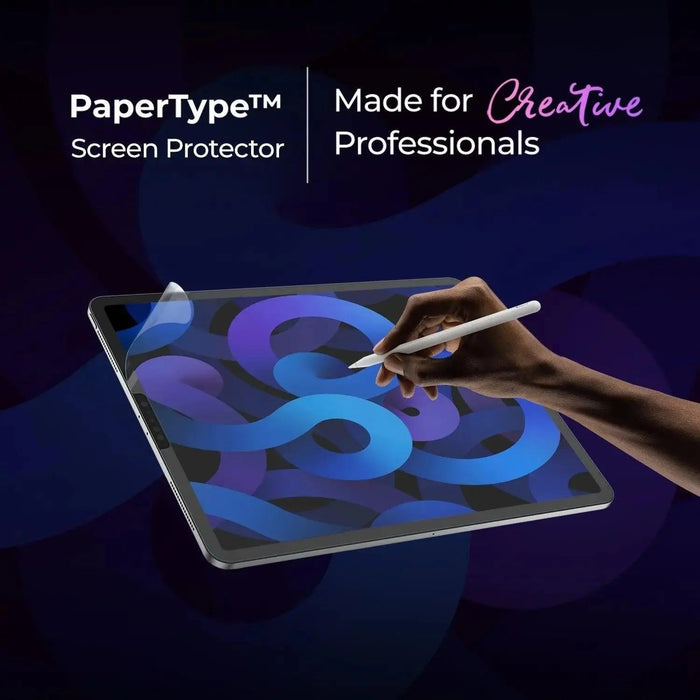
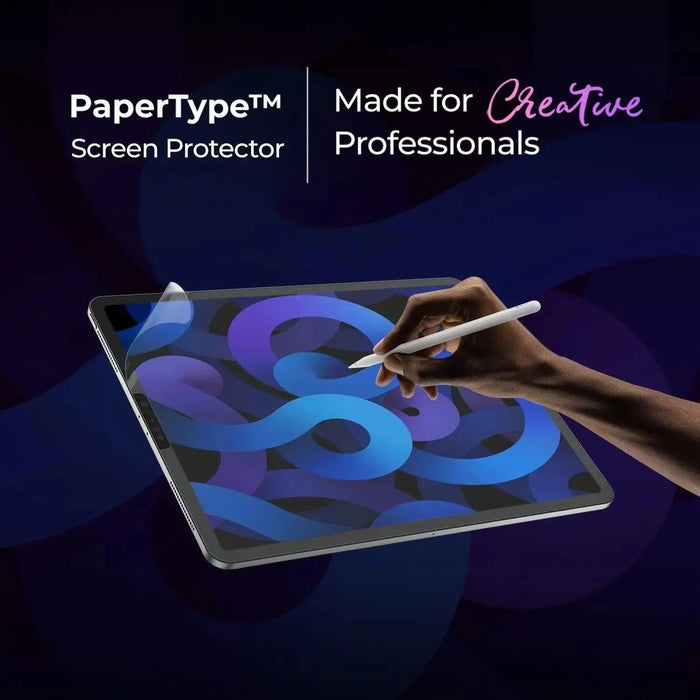
Our PaperType® Screen Protector is modelled on Kent paper, a smooth, heavy drawing paper that artists use for fine line work. It is about 0.12mm thick and has a 3H surface hardness rating.

What are the pros of a paper-feel screen protector?
1. You get far more control over the Apple Pencil
This is the main reason people buy one. On bare glass the nib tends to skate, especially on short strokes like the dot of an "i" or the tail of a "g". The added friction slows the nib just enough that letters close properly and lines stop overshooting. Many users find their handwriting on iPad becomes recognisably their own again.

2. Less glare in bright rooms and outdoors
The matte surface scatters reflected light, so ceiling lights in a classroom, a window behind you or daylight on a metro ride wash out the screen much less. If you have read our guide to anti-glare screen protectors, this is the same benefit, plus the writing texture on top.

3. Fingerprints and smudges barely show
Your palm rests on the screen while you write, so a glossy iPad quickly collects prints and grease. A matte film hides most of them and wipes clean with a dry microfibre cloth.
4. It guards against everyday scratches
Keys, zips and grit inside a bag scratch the protector instead of your display. To be clear, a 0.12mm film protects against scratches, not drops. If your iPad lands face-first on a hard floor, tempered glass or a good case does more.

Kent paper texture, matte anti-glare finish, 0.12mm thin. Available for 15 iPad models, with 2 free Pencil Tips (worth ₹999) in every order.
What are the cons of a paper-feel screen protector?
5. The image looks slightly softer
The same texture that kills glare also diffuses the light coming out of the screen. Text and colours look a touch less crisp than on bare glass, and on bright white backgrounds some people notice a faint grain. For notes, reading and sketching most users stop noticing within a few days. For photo editing, colour grading or anyone who prizes a perfectly sharp display, it is a real trade-off. PaperType's surface is tuned to keep this to a minimum: compared with typical paper-feel films, it cuts display noise (that grainy look) by 50%.
6. Your Apple Pencil tip wears down faster
Friction works both ways: the film grips the nib, so the nib slowly wears. How fast depends on how much and how hard you write. If you write for hours every day, expect to replace tips more often than you would on bare glass. PaperType is engineered to be gentler on nibs: compared with typical paper-feel films, it reduces pen-tip wear by 86%. Every PaperType order also comes with 2 free Pencil Tips worth ₹999, so you have spares from day one.

Replacement Apple Pencil tips that twist on in seconds. A pack of 2 is free with every PaperType order, or buy extra spares anytime.
7. Installation takes a little patience
A film is less forgiving than glass. Dust trapped underneath leaves a permanent bump, and Indian homes are dusty. Install in a closed room with the fan off (a bathroom a few minutes after a hot shower works well because the steam settles dust), clean the screen thoroughly, line up the top edge first and smooth outwards from the centre.
Paper-feel vs tempered glass vs no protector: which is better?
| Paper-feel film | Clear tempered glass | No protector | |
|---|---|---|---|
| Apple Pencil feel | Textured, controlled | Smooth, slippery | Smooth, slippery |
| Glare | Low | High | High (lower on nano-texture iPad Pro) |
| Image sharpness | Slightly softer | Near original | Original |
| Fingerprints | Hidden | Visible | Visible |
| Pencil tip wear | Faster | Slow | Slow |
| Scratch protection | Yes | Yes | No |
| Drop/impact protection | Minimal | Better | None |
| Best for | Notes, study, sketching | Media, photo work, kids | Careful users who rarely write |
Who should buy a paper-feel screen protector, and who should skip it?

Buy one if you:
- Take handwritten notes in GoodNotes, Notability or Apple Notes for school, college or work
- Sketch, letter or illustrate in Procreate or similar apps
- Use your iPad near windows, under bright lights or outdoors
- Find the Apple Pencil "too slippery" and your writing messy
Skip it if you:
- Use the iPad mainly for Netflix, YouTube and browsing
- Edit photos or video and need the sharpest, most accurate colour
- Own an iPad Pro with Apple's nano-texture glass, which already cuts glare (though it stays smooth to write on)
Building a full study or work setup? See our list of essential note-taking iPad accessories.

How do I make a paper-feel screen protector last longer?
- Wipe it dry. Use a clean microfibre cloth. Skip harsh sprays, which can clog the texture.
- Write lightly. The Apple Pencil reads pressure, not force. A lighter hand saves both the film and the tip.
- Change worn tips early. A worn tip with exposed metal can scratch the surface. Swap it as soon as it feels scratchy.
- Keep the screen covered in your bag. A folio cover or sleeve stops grit from rubbing the texture smooth.
New to drawing on iPad? Our beginner's guide to sketching on iPad covers apps, brushes and settings.
Frequently asked questions
Does a paper-feel screen protector affect Face ID or Touch ID?
No. PaperType is designed to work with Face ID on iPad Pro, and the thin film does not interfere with touch or Apple Pencil input.
Does a paper-feel screen protector damage the Apple Pencil?
It does not damage the Pencil itself. It wears the replaceable plastic tip faster than bare glass does. Replace the tip when it feels scratchy and the Pencil works exactly as before.
Is a paper-feel screen protector the same as an anti-glare one?
Not quite. Both are matte and reduce reflections. An anti-glare film is mainly about visibility, while a paper-feel film adds a deliberate texture designed to give the Apple Pencil grip.
Can I remove a paper-feel screen protector?
Yes. PaperType uses a self-adhesive backing designed for easy removal. Plan on it being single-use, though, because reapplying a removed film usually traps dust.
Which iPads does PaperType fit?
PaperType comes in 15 sizes covering iPad (A16, 10th, 9th, 8th, 7th and 6th gen), iPad Air 11" and 13" (M2 to M4), iPad Air 10.9" and 10.5", iPad Pro 11" and 13" (M4 and M5), older iPad Pro 12.9", 11", 10.5" and 9.7" models, and iPad mini (6th and 7th gen). Check your model number in Settings > General > About before ordering.
Make your iPad write like paper
PaperType® gives your Apple Pencil the grip of Kent paper, with less glare and fewer smudges.
Shop PaperType, ₹1,599 →Free Pencil Tips (pack of 2, worth ₹999) with every order · Free shipping across India · 5-day returns