On this page
A well-chosen note-taking iPad accessory can transform how you capture ideas, structure tasks, and review your work. The right setup improves comfort during long sessions and reduces interruptions while writing. It can also protect your device and enhance the feel of the writing surface. With a clear selection strategy, you can build a workflow that matches your habits and your study or work style.
1. What an accessory should do for you
2. Myths vs. Facts
3. Step-by-step guide to choosing
4. Setup for writing and review
5. A practical product choice
6. Maintenance and durability
7. Frequently Asked Questions
8. Summary and key takeaways
9. Q&A
What an accessory should do for you
Buying a note-taking iPad accessory is not only about convenience. A strong accessory improves your consistency, your ergonomics, and the clarity of your output. When the accessory supports your routine, you write more smoothly and review faster. When it does not, you spend more time adjusting settings than capturing ideas.
Start with a simple evaluation. Ask what you want to improve most: speed, comfort, handwriting feel, organization, or device protection. For example, students often prioritize quick capture and reliable marking during lectures. Professionals often prioritize structured notes, legible writing, and a workflow that supports meeting follow-ups. Creators often prioritize a tactile feel that reduces friction while sketching or annotating.
Myths vs. Facts
-
Myth: Any iPad accessory will improve handwriting automatically.
Fact: Handwriting quality depends on the writing surface, input accuracy, and how you position the device. -
Myth: A screen protector never changes the writing experience.
Fact: The texture and anti-reflection properties can affect pencil glide, glare, and contrast. -
Myth: If you use note apps, accessories are optional.
Fact: Apps organize content, but accessories shape how easy it is to create that content in the first place.
Step-by-step guide to choosing
Use this selection process to choose the right accessory without overbuying. Each step reduces uncertainty and supports a balanced setup.
-
Define your primary use case. Decide whether your focus is class notes, work meetings, planning, sketching, or document markup.
-
Prioritize writing feel and visual clarity. Evaluate how glare behaves in your typical lighting. Consider a surface that supports natural pencil movement and consistent contrast.
-
Choose ergonomic compatibility. Select support that helps you maintain a comfortable angle while writing. A stable setup reduces hand fatigue and improves accuracy.
-
Check compatibility and installation. Confirm that the accessory matches your iPad model and screen size. Also confirm whether installation is straightforward.
-
Plan for durability. Look for protection that resists everyday wear. A durable surface reduces the need for frequent replacement.
-
Test your workflow before committing to upgrades. After the core item is in place, observe how often you reach for it during normal sessions. If you pause to adjust, the accessory may not be aligned with your needs.

Angle and glare concepts with layered note screens
Setup for writing and review
After you select your note-taking iPad accessory, set it up for practical use. A clear workflow improves capture and retrieval. Consider the following elements, which work together even if you use different apps.
1) Stabilize the writing posture
Stability is the foundation of legible notes. Use a consistent writing angle so your wrist and hand maintain a predictable position. If you write for extended periods, comfort becomes a performance factor. A stable posture also improves line control, especially when you write quickly.
2) Reduce reflections that interrupt focus
Reflective glare can make handwriting harder to read and can force you to reposition your device. Anti-glare properties help preserve contrast, particularly in daylight or near bright screens. With better visibility, you spend less time correcting your view and more time producing notes.
3) Build a repeatable organization method
Accessories should support your system, not compete with it. Use a consistent naming convention for folders and a predictable structure for each session. For example, you can store lecture notes by date and meeting notes by client or project. When your organization is stable, you can search and review faster.
4) Use templates for repeatable pages
Templates reduce decision fatigue. If you frequently record the same categories, such as goals, action items, or meeting outcomes, create a layout once and reuse it. This approach supports cleaner review and faster planning cycles.
5) Protect your investment as you work
Note-taking creates daily contact: pens, palms, and frequent screen interactions. A protective surface helps reduce the effect of scratches and smudges. Device protection also supports long-term usability, which matters for students and professionals who rely on their iPad for multiple years.
A practical product choice
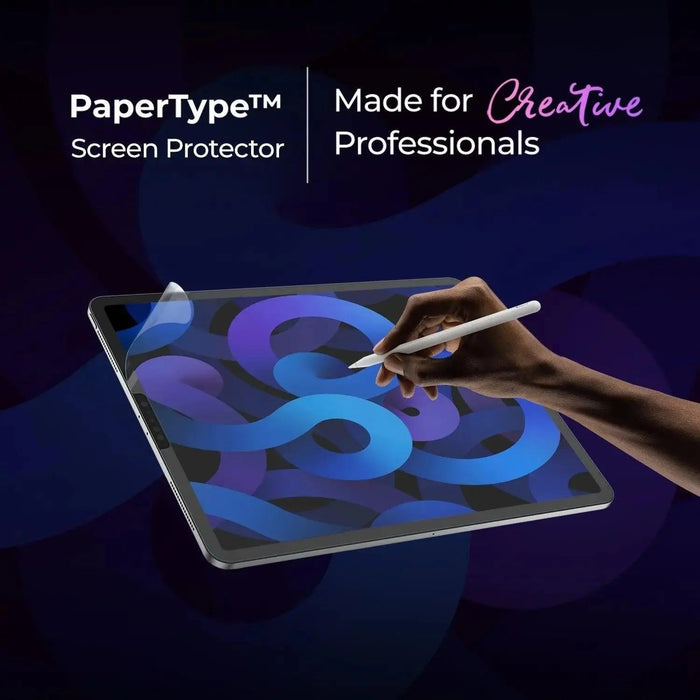
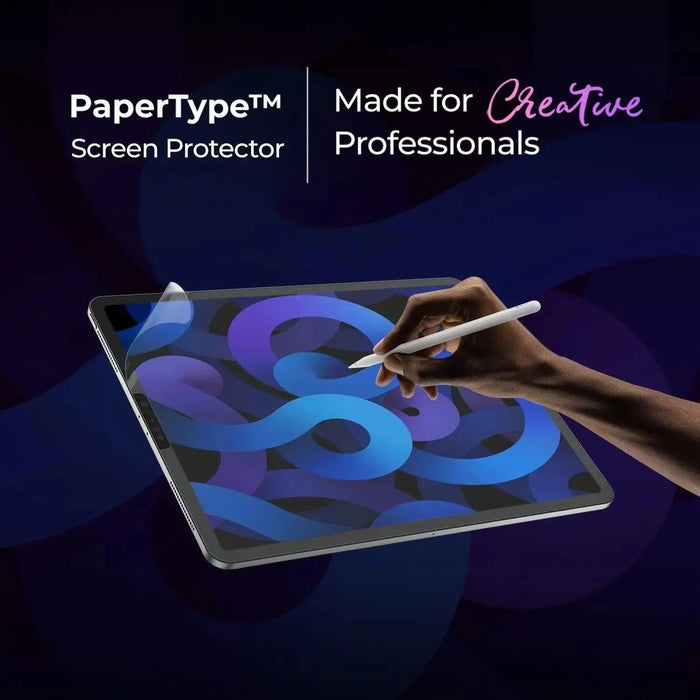
Selecting a screen accessory is often the highest-impact decision for handwriting feel. Many users notice a difference in pencil glide and contrast once they upgrade the writing surface. When you want a tactile, paper-like experience, a texture-based protector can help simulate the friction you expect from traditional writing materials.
PaperType® Screen Protector - Perfect for Sketching, Writing, and Note-taking on iPads
View the product details
This category of note-taking iPad accessory is designed to support writing sessions with a texture that encourages controlled strokes. Anti-reflection properties help improve visibility during sketching and note review. If you annotate documents or write in bright environments, visual clarity becomes a practical advantage, not a preference.
For additional protection options on related devices, you can explore screen-focused accessories in the store. For example, consider anti-glare screen protectors designed to improve readability under common lighting conditions.
Maintenance and durability
Even the best note-taking iPad accessory requires care. Proper maintenance preserves clarity and reduces wear. A simple routine also supports a smoother feel over time.
Clean safely and consistently
Use a microfiber cloth designed for screens. Avoid abrasive materials. For fingerprints, apply light pressure and clean gently. When you keep the surface free from dust, you also reduce drag and uneven pencil response.
Handle writing tools with care
Small debris can affect how a stylus glides. Store the stylus tip properly and inspect it when you notice sudden changes in feedback. If you use an eraser end or textured tip, check for wear regularly.
Keep your device protected during transport
Notes often lead to travel: commuting, campus movement, and client work. Use a case or sleeve that supports daily protection. A device that stays protected also stays ready to use when inspiration or deadlines appear.
If you also need a protective solution for travel, explore iPad covers that support everyday carry.

Concept sketch of a durable writing surface shield
Frequently Asked Questions
Will a note-taking iPad accessory improve handwriting?
It can. A screen texture, reduced glare, and a stable writing angle often improve legibility and comfort during longer sessions.
Do I need both a protector and a case?
A protector supports screen feel and visibility, while a case supports impact and everyday protection. Many users prefer both for a balanced setup.
How do I choose the right level of texture?
Match the texture to your writing style. If you want more feedback, choose a textured option. If you prefer minimal friction, select a smoother surface while maintaining anti-reflection clarity.
Summary and key takeaways
A note-taking iPad accessory should improve your writing experience, reduce distractions, and support durability. Focus on the essentials: writing feel, visual clarity, ergonomic stability, and compatibility. Once the core accessory is in place, build a repeatable workflow for organization and review. When your setup aligns with your habits, capturing ideas becomes more natural and your notes become easier to trust.
For more accessory options that complement your iPad workflow, visit the iPad cover collection and anti-glare options.
Q&A
What is the most important accessory for note-taking on an iPad?
The most important accessory is often the one that improves writing feel and visibility. A screen protector that supports pencil glide and reduces glare can make handwriting easier to read and more comfortable to create. However, stability also matters, so ergonomic support and proper positioning can deliver a similar quality of improvement.
How can I reduce hand fatigue during long note sessions?
Start with a stable writing angle and a consistent posture. Reduce glare so you do not constantly reposition the iPad. Keep your stylus tip in good condition and use a smooth, clean screen surface. These factors help reduce micro-adjustments that contribute to fatigue.
Are textured screen protectors suitable for both writing and sketching?
Yes, many users choose texture-based protectors for combined tasks. The tactile feedback can support controlled strokes for writing and provide a more natural feel for sketching. If you use different creative styles, you can select a texture level that balances feedback with legibility.
How do I know an accessory will fit my iPad model?
Confirm size and model compatibility before purchasing. Check the product description for device alignment details and ensure the protector is designed for your screen area. If you are unsure, review store specifications carefully and select the option matched to your model.
About the Author
Moarmouz is a technology and productivity content expert focused on writing workflows for modern devices. The goal is simple: help readers select practical tools that make note-taking clearer, faster, and more comfortable. If you build a setup that fits your daily routine, your notes become easier to capture and easier to revisit. Thank you for reading.
Disclaimer: This article provides general guidance for choosing note-taking accessories. Product performance can vary by device model, lighting conditions, and individual writing preferences.