



Updated on: 2026-07-08
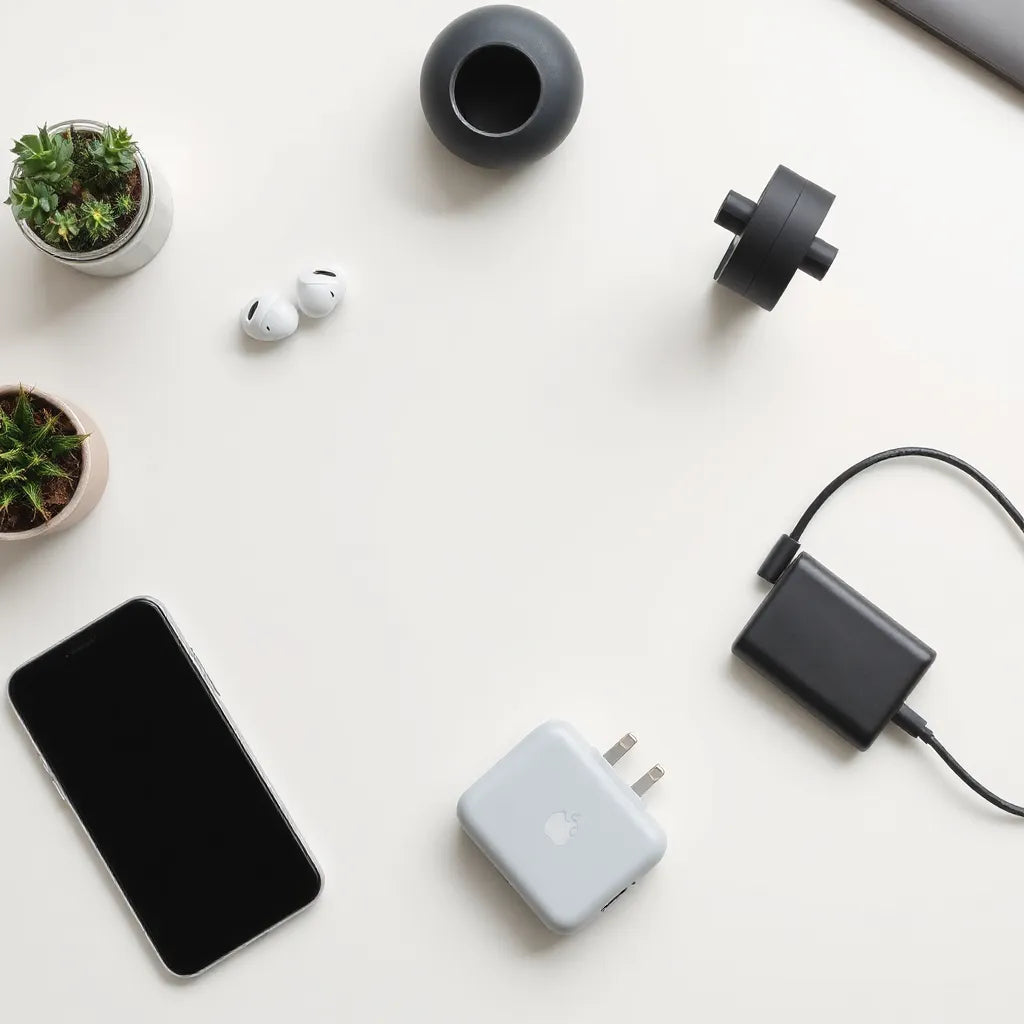
Choosing the right tech accessories improves daily usability, protects devices, and reduces avoidable replacement costs. This guide explains how to match accessory types to real usage scenarios, from charging to screen protection. You will also learn a practical selection process and a checklist you can reuse. By the end, you will know what to buy first and what to avoid.
- 1. Essential Tips
- 2. Detailed Step-by-Step Process
- 3. Smart Choices by Device Use Case
- 4. Quality Signals and Durability Criteria
- 5. Care, Maintenance, and Long-Term Performance
- 6. Summary & Takeaway
- 7. Q&A Section
- 8. About the Author
Essential Tips
- Start with compatibility. Match model numbers, port types, and screen sizes before choosing accessories.
- Prioritize protection for high-touch items. Screens, charging points, and wearable devices suffer the most from daily wear.
- Choose accessories that solve a specific problem, not just an aesthetic goal.
- Balance portability and performance. Compact options often reduce cable clutter and improve mobility.
- Confirm build quality through material and fit details, not only product photos.
Detailed Step-by-Step Process
Below is a repeatable approach to select tech accessories with confidence. It is designed to prevent common buying mistakes such as mismatched dimensions, weak fastening, or poor cable strain relief.
-
List your devices and primary goals. Write down what you use most: work laptop, phone calls, travel charging, desk organization, or screen readability.
-
Identify compatibility constraints. Note exact device model, screen size, port generation, and whether you need magnetic alignment, case clearance, or strap compatibility.
-
Choose one protective layer first. For phones and tablets, screen protection and corner buffering usually deliver the most visible benefit. For laptops, hardshell or sleeve protection reduces scuffs and impact transfer.
-
Select your power and connectivity strategy. Determine where you charge, how many devices you manage, and whether you require fast charging support for each device.
-
Improve ergonomics and workflow. Consider stands, keyboard protectors, and cable management that reduce friction and repetitive strain.
-
Test fit and access. Ensure buttons remain reachable, ports remain usable, and accessories do not block ventilation. If you use earbuds or a watch daily, verify that the accessory design supports effortless handling.
-
Evaluate longevity. Look for reinforced edges, durable coatings, and strain relief on cables. For wearables, check that materials resist skin contact and daily flexing.
-
Set a budget by category. Allocate more to items that physically protect or connect your devices. Reduce spend on low-impact add-ons that do not change usability.
-
Review usage risk. If you commute often, prioritize shock resistance and drop stability. If you work in bright environments, prioritize anti-glare screen performance.
Where to start when you want the biggest impact
If you feel uncertain, begin with screen protectors and device cases. They are directly linked to day-to-day visibility and safety. After you secure the most fragile surfaces, add charging and cable solutions that reduce strain on ports.

Checklist visuals for compatibility, protection, and charging
When your choices align with your device realities, tech accessories stop feeling interchangeable. They become functional tools that support a predictable routine.
Smart Choices by Device Use Case
Not all tech accessories serve the same role. The best options depend on your environment, routine, and the risks you face. Use the scenarios below as selection cues.
For mobile professionals: phone and wearable coverage
Mobile work usually combines calls, messaging, navigation, and frequent screen viewing. A protective phone case with reliable corner coverage plus a clear anti-glare screen protector can improve readability in daylight and reduce micro-scratches from keys and surfaces.
For wearables, prioritize watch cases designed for everyday comfort and secure fit. If you carry the device daily, choose materials that resist grime and repeated contact without degrading over time.
If you also use earbuds, a dedicated air travel and daily carry accessory reduces cable stress and limits accidental damage.
Related options can be found through these curated collections: anti-glare screen protectors and iPhone cases.
For creators and office work: laptop and tablet protection
For laptops and tablets, protection should address scuffs and impact risk. A sleeve supports safe storage in bags, while a hardshell approach adds a firmer barrier for transport. If you type on the go, a keyboard protector can reduce dust buildup and protect against everyday residue.
For tablets, an iPad cover should provide stable hold and easy access to ports. You also want clean camera cutouts and reliable hinge behavior that maintains alignment during long sessions.
For hardshell coverage, you can browse: MacBook hardshell cases and sleeves for travel: bags and sleeves.
For desks and charging stations: cables, alignment, and cable care
Charging often fails from mechanical wear, not electrical limitations. The most reliable accessory strategy is to pick cables with strong strain relief and to route cables so they do not bend sharply near the connector.
When you use multiple devices, choose charging accessories that keep ports accessible and reduce repeated unplugging. Cable management tools also improve safety by minimizing trip hazards and preventing connector wear from tension.
Explore cable-focused options at cables.
Quality Signals and Durability Criteria
Consumers often choose based on appearance. In practice, durability comes from design decisions that reduce stress at impact points and protect sensitive areas. Use the criteria below to evaluate tech accessories before purchase.
Fit, finish, and access points
Good fit is not a cosmetic issue. It determines whether buttons remain usable and ports remain unobstructed. Inspect edge alignment, cutout precision, and fastening behavior. A tight but flexible fit often reduces movement that can cause scuffs.
Material performance and coating behavior
For screen protectors and anti-glare layers, the ideal outcome is a consistent surface experience. You should expect reduced glare without sacrificing touch responsiveness. Confirm that coatings are designed to resist fingerprints and daily smudging.
For cases and covers, consider how materials handle impacts. Corner buffering should absorb stress, while back rigidity should limit flex during drops or pressure events.
Cable strain relief and connector reinforcement
For cables, strain relief is a major durability factor. Reinforced transitions near the connector reduce bending fatigue. Also consider how cable length supports your setup. A slightly longer cable can reduce tension and allow safer routing.
Evidence from documentation and clear specifications
High-quality accessories usually include clear compatibility notes, dimensions, and installation guidance. If a product description lacks model fit information or does not explain what is included, you should assume compatibility risk.

Layered durability icons: fit, coating, and strain relief
Care, Maintenance, and Long-Term Performance
Buying the right tech accessories is only half the outcome. Maintenance extends performance and helps protect device surfaces. Follow these evergreen care practices.
Screen protection maintenance
- Clean with appropriate tools. Use a microfiber cloth designed for screens to reduce micro-scratches from grit.
- Remove dust before installation or re-application. Particles trapped under a screen layer can create persistent imperfections.
- Follow the recommended cleaning routine. Overuse of harsh cleaners can affect coatings over time.
Case and cover care
- Wipe regularly to remove oils and sweat. Wearables and phone cases accumulate skin contact residues.
- Check for debris at seams. Small particles can reduce the sealing effect and create friction during removal.
- Inspect for wear. If edges separate or fasteners loosen, replace the accessory rather than waiting for failure.
Cable care and connector hygiene
- Avoid sharp bends near connectors. Route cables with gentle curves.
- Store cables with minimal tension. Coil loosely to reduce strain.
- Keep charging ports free of lint. A soft, dry cleaning approach is safer than aggressive methods.
When to replace instead of repair
Replace an accessory when protection layers become compromised, when alignment no longer holds, or when repeated handling causes looseness. Replacement is often more cost-effective than dealing with device surface damage.
Summary & Takeaway
Effective tech accessories choices follow a clear logic: verify compatibility, prioritize protection where damage is most likely, and select cables and power solutions that reduce mechanical stress. Use the step-by-step process to narrow options, then evaluate quality signals such as fit precision, material behavior, and strain relief design. Finally, maintain your accessories with simple cleaning and storage practices so performance stays consistent. With a structured approach, you can build a small accessory ecosystem that improves daily reliability.
Q&A Section
How many tech accessories do I need before everything feels complete?
Most users benefit from a small starter set: one protective layer for the most frequently used device, a reliable charging approach, and basic cable management. After that, add items only when they address a specific limitation, such as glare, travel storage, or keyboard cleanliness. This prevents overspending and reduces clutter.
What is the most common mistake when buying accessories online?
The most common error is compatibility oversight. Many products look similar but vary in dimensions, model fit, port placement, or screen curvature. Reading compatibility notes carefully and matching the exact device model reduces return risk and improves satisfaction.
Are anti-glare screen protectors worth it for daily use?
For users who work or browse in bright environments, anti-glare protection can improve readability and reduce visual strain from reflections. The key is to choose a protector that maintains touch responsiveness and is designed for your device model. If your environment is predominantly indoors with controlled lighting, the benefit may be smaller.
How can I extend the life of charging cables?
Use gentle routing, avoid repeated sharp bends near the connector, and store cables with minimal tension. Strain relief design also matters, because it reduces fatigue at the transition points where wear typically begins.
Should I buy cases before screen protection or the reverse?
Either sequence can work, but many users start with screen protection because it directly affects visibility and day-to-day touch experience. If you frequently drop or press the device into hard surfaces, securing a case first can also reduce surface exposure during the initial period. The best choice depends on which risk is most urgent for your routine.
About the Author
Moarmouz specializes in practical e-commerce guidance for consumer electronics and productivity setups, with a focus on compatibility, usability, and long-term value. The author reviews accessory categories through the lens of real customer workflows, emphasizing clear decision criteria over hype. A strong accessories strategy, in the author’s view, reduces friction and improves everyday device confidence. Thank you for reading.
Disclaimer: This article provides general guidance on selecting consumer device accessories. Specifications, compatibility, and performance can vary by device model and product version. Always verify official compatibility information for your specific devices before purchase.
Share:
How to Choose the Right Laptop Bag for Daily Use
PaperType Screen Protector: Fit and Care Tips That Work