



Updated on: 2026-07-15
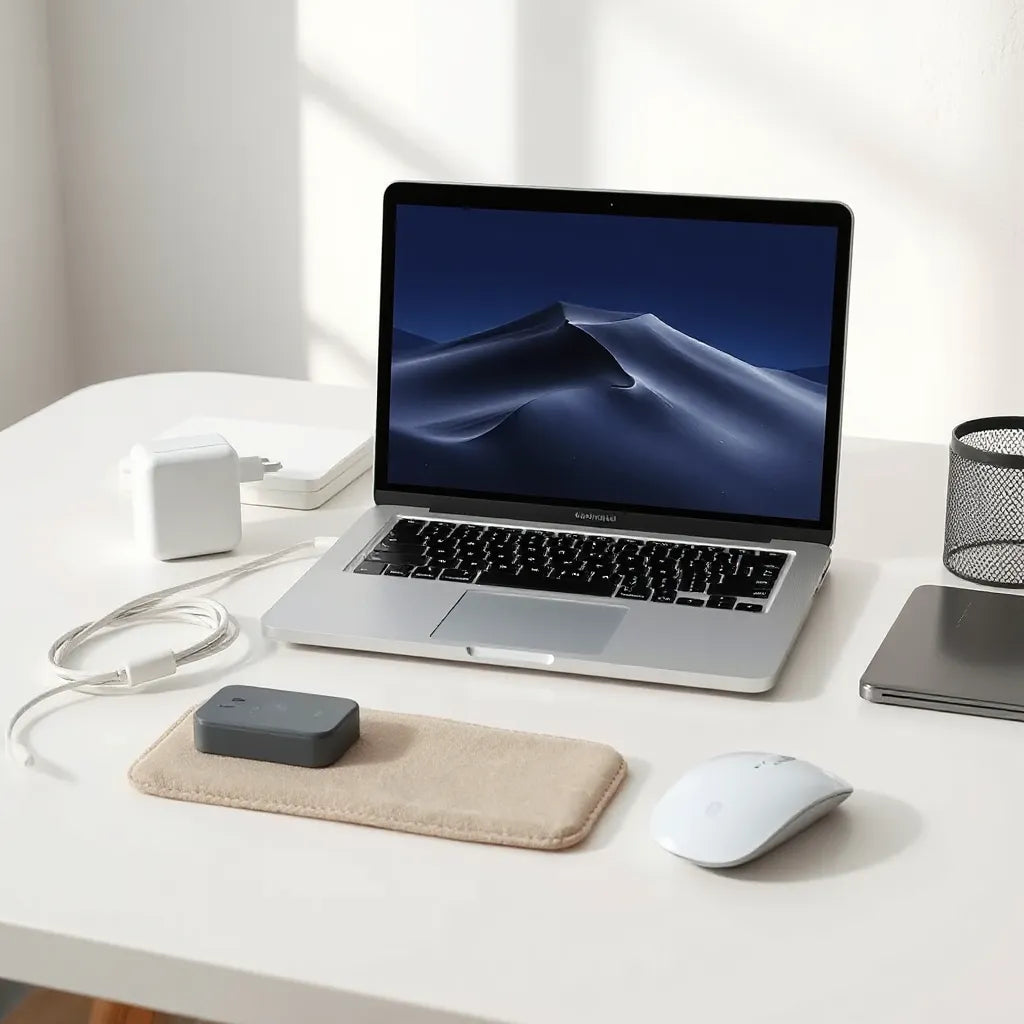
Choosing the right macbook m4 accessories helps protect your device and improve day-to-day productivity. The best setups balance durability, ergonomics, and desk organization. You can reduce wear from travel, daily typing, and screen exposure with the correct case, keyboard cover, and display protection. This guide explains how to select compatible gear and build a cohesive accessory strategy.
Contents
- 1. Key Benefits of macbook m4 accessories
- 2. Step-by-Step Guide to Choosing macbook m4 accessories
- 3. FAQ Section
- 4. Summary & Final Thoughts
- 5. About the Author Section
Key Benefits of macbook m4 accessories
macbook m4 accessories are not only about appearance. A well-chosen accessory ecosystem can reduce risk of cosmetic damage, improve comfort during long work sessions, and make storage and portability more efficient. When products are selected for proper fit and material quality, they also support reliable daily use.
- Protection against everyday wear: High-quality shells, sleeves, and screen protection reduce scratches, scuffs, and minor impacts.
- Better travel readiness: Laptop bags and sleeves keep ports and edges safer during commutes and trips.
- Improved typing comfort: Keyboard protection and refined desk setup can reduce friction and help maintain cleanliness.
- Cleaner workspace management: Organizers and cable solutions help you avoid loose connectors and unnecessary tangles.
- Design continuity: Consistent accessory materials and color tones help your setup look intentional rather than improvised.
Before purchase, confirm compatibility with your specific MacBook model size and port layout. The m4 generation includes different configurations across models, so fit is the difference between a secure accessory and one that shifts.

Shield icons over laptop silhouette, screen, and keyboard
Step-by-Step Guide to Choosing macbook m4 accessories
1) Start with your use case and daily routine
Begin by describing how you use the MacBook. Do you work at a desk all day, carry the device frequently, or switch between locations? Your answer determines which accessories matter most. For example, frequent travel typically requires a sleeve or bag with strong edge protection, while desk use may prioritize keyboard protection and a display-friendly surface.
- Commute or travel: prioritize sleeves and hardshell protection.
- Long work sessions: prioritize comfort-focused items such as keyboard covers and stable workspace organization.
- Frequent screen exposure: prioritize anti-glare and scratch-resistant display protectors.
2) Confirm compatibility and exact device dimensions
MacBook accessories must match the model size and camera/port cutouts. Measure or verify the screen size from your device settings or documentation. Then select products that explicitly state compatibility with your MacBook configuration. This prevents lifted corners, blocked vents, and misaligned camera openings.
If you want a structured hardware base, start with the outer protection. A compatible hardshell case often guides the rest of the accessory ecosystem by defining clearance for your sleeve and cable routing.
3) Protect the display and body with layered defense
For most users, screen protection is a top priority. A thin screen protector can guard against micro-scratches from dust, microfiber abrasion, and daily contact with bags. If you work in bright environments, an anti-glare option helps reduce reflections and improves readability.
For body protection, consider a protective shell or case that resists scuffs and minimizes corner impacts. Look for materials that maintain tight fit and do not interfere with heat dissipation. Ventilation gaps and edge coverage matter, especially under sustained workloads.
If you want a focused option for body protection, explore MacBook hardshell cases designed for secure coverage. For screen protection, compare display film options such as anti-glare screen protectors to improve visibility.

Layered checklist over laptop outline and desk lighting
4) Add keyboard and port safety without compromising function
Keyboard and port protection should support reliable use. A keyboard cover can help keep crumbs and dust from accumulating between key rows. For charging and accessories, cable solutions reduce strain at the connector. When cables are handled properly, port wear risk decreases, and you avoid loose connections.
Evaluate your behavior. If you often eat near the desk or transport your laptop in a backpack with other items, keyboard protection becomes more valuable. If you keep a clean workspace and transport in a dedicated laptop compartment, screen and body protection may be sufficient.
For users who want additional device organization, consider combining protection with practical accessories. A set of correctly sized cable options can make docking and charging sessions smoother.
5) Build a complete desk and travel system
Instead of buying isolated items, assemble a cohesive setup. A good system includes how the device moves, how it is stored, and how accessories are used. A sleeve protects your MacBook when it is not actively in use. A bag adds structure, especially if you carry peripherals and chargers.
When planning a travel system, consider these practical elements:
- Edge and corner coverage: sleeves and protective shells should reduce scuffing.
- Internal fit: the device should not rattle inside storage compartments.
- Accessory space: room for cables, chargers, and small tools prevents clutter.
You can also connect this approach to related electronics. If you use iPhone for tethering or as a companion device, matching cases and cable organization can help keep workflows consistent across devices. For example, you may want to coordinate cables and storage habits so that MacBook charging is predictable.
6) Evaluate material quality and long-term durability
Accessory quality is visible over time. Protective shells should resist discoloration and maintain shape after repeated removal and reinsertion. Screen protectors should adhere smoothly without bubbles and should not reduce touch responsiveness or display clarity.
When reviewing materials, prioritize:
- Adhesion reliability: screen protectors must stay secure and align properly.
- Surface comfort: covers should not feel sticky or overly glossy.
- Heat and airflow: avoid accessories that trap heat against vents.
- Cleaning compatibility: choose materials that can be safely cleaned with standard methods recommended for screen and shell surfaces.
7) Avoid common mistakes when buying macbook m4 accessories
Many accessory issues come from mismatched fit or unrealistic expectations. The most frequent mistakes include choosing products for a similar-but-not-identical model, selecting overly thick covers that interfere with ports, and ignoring how a screen protector affects lighting conditions.
To reduce errors:
- Confirm model size and cutouts before checkout.
- Verify that cases and sleeves can work together without pressure points.
- Prefer accessories that support normal daily cleaning routines.
- Check whether the accessory affects camera alignment and mic positioning.
FAQ Section
What macbook m4 accessories are most important for daily protection?
The highest-impact items are typically a compatible protective shell or case, a screen protector, and a travel sleeve or bag. These cover the most common exposure points: the display surface, the outer casing, and edge risks during transport. If you work in bright areas, an anti-glare screen option can also improve usability.
How do I ensure an accessory fits my specific MacBook M4 model?
Use the screen size and model identifiers from your device information to match compatibility. Then select accessories that explicitly mention your model generation and size, including correct cutouts for ports and camera openings. If you plan to use both a shell and a sleeve, verify that the sleeve accommodates the additional thickness.
Are keyboard covers and cable solutions worth adding?
Keyboard covers can be beneficial if you frequently carry your laptop in bags, work in environments with dust, or want to reduce crumbs in key areas. Cable solutions are worthwhile for strain reduction and organization, especially if you frequently charge, dock, or connect peripherals. The key is choosing accessories that do not interfere with airflow or port access.
Can screen protectors affect display clarity or glare?
A high-quality screen protector usually maintains good clarity when properly aligned. Anti-glare options can reduce reflections, which improves readability in bright rooms. If you notice reduced brightness or halo effects, check installation quality and confirm the protector matches your screen size.
Summary & Final Thoughts
Choosing macbook m4 accessories is a practical decision that supports both protection and productivity. When you select accessories with correct fit, durable materials, and a layered approach for travel and daily use, your MacBook stays cleaner, safer, and easier to manage. Start with the fundamentals, then build outward into a complete system that matches your routine.
If you are ready to refine your setup, browse compatible options from MacBook hardshell cases and anti-glare screen protectors, and select a sleeve or bag strategy that fits your lifestyle.
About the Author
Moarmouz is a content specialist focused on consumer technology accessories and accessory compatibility guidance. The expertise centers on practical selection frameworks, durability considerations, and user workflow improvement for everyday devices. The author’s goal is to help customers make confident purchases that align with real use cases. Thank you for reading, and choose accessories that support long-term value.
Disclaimer: This article is for general informational purposes. Compatibility and performance can vary by model configuration, installation method, and usage conditions. Always confirm product specifications and follow manufacturer instructions for installation, cleaning, and safe use.
Share:
MacBook Screen Protector: Fit, Care, and Common Mistakes
Sketching on Tablets: Essential Tips for Better Lines