On this page
An anti-scratch MacBook case protects your device from everyday wear without adding unnecessary bulk. It helps reduce visible scuffs and keeps the finish looking consistent over time. A well-designed shell also supports heat-friendly coverage and secure fit for daily use. If you travel, work in shared spaces, or simply carry your laptop often, the right case can be a practical upgrade.
- 1. Myths vs. Facts
- 2. Step-by-Step Guide
- 3. How to Choose an Anti-Scratch MacBook Case
- 4. Installation and Everyday Care
- 5. Setup, Compatibility, and Real-World Use
- 6. Frequently Asked Questions
- 7. Q&A Section
Myths vs. Facts
-
Myth: Any laptop cover prevents scratches.
Fact: Scratch resistance depends on surface hardness, edge coverage, and material type, not only on “being a case.”
-
Myth: Protection always adds bulky weight.
Fact: Many anti-scratch designs are thin shells that protect the lid and base while maintaining a clean profile.
-
Myth: A case will trap heat and reduce performance.
Fact: Coverage strategy matters. A good shell uses ventilation-aware fit and does not interfere with vents or airflow paths.
Step-by-Step Guide
Choosing and using an anti-scratch MacBook case is a straightforward process when you follow a few practical steps.
-
Assess the risk points. Identify where scratches happen most: the lid contact area, the keyboard surround, and the base when placed on desks.
-
Match the model size. Select a case that fits your MacBook dimensions precisely, including cutouts for ports, speakers, and feet alignment.
-
Prioritize surface protection. Look for matte or scratch-resistant finishes designed to reduce visible scuffing from bag debris and daily contact.
-
Check edge coverage. Scratches often begin at corners. Ensure the shell covers likely impact points without lifting.
-
Verify installation alignment. Before final press, confirm that camera, vents, and openings line up cleanly.
-
Test closure behavior. Open and close the lid a few times to ensure the fit remains secure and does not shift.

Corner-focused protection and scratch-prone contact zones
How to Choose an Anti-Scratch MacBook Case
An anti-scratch MacBook case should do more than look good. The best options reduce everyday damage while staying stable during normal movement. Consider the following criteria to make an informed decision.
1) Material and finish quality
Scratch prevention is strongly influenced by the case surface and the way it resists abrasion. Look for finishes that are made for handling frequent contact, such as matte textures that help minimize the appearance of light marks. A consistent coating can also improve how the surface handles dust and small particles in bags.
2) Coverage strategy
Not all “cases” protect the same areas. If your goal is to keep your MacBook looking clean, focus on coverage that includes both the lid and the areas that experience contact during placement. For many users, covering the base reduces desk and bag-related scuffs, while lid protection supports long-term visual consistency.
3) Fit, alignment, and cutouts
A protective shell must remain aligned with the device. Accurate cutouts reduce friction at openings and help the case seat properly. When the case fits correctly, it is less likely to shift, which helps maintain reliable protection along edges.
4) Stability during daily movement
Anti-scratch protection works best when the case stays fixed. Check for design features that support a secure hold around corners and along the perimeter. A stable case also reduces the risk of tiny lifting points that can accelerate wear over time.
5) Complementary protection for high-contact areas
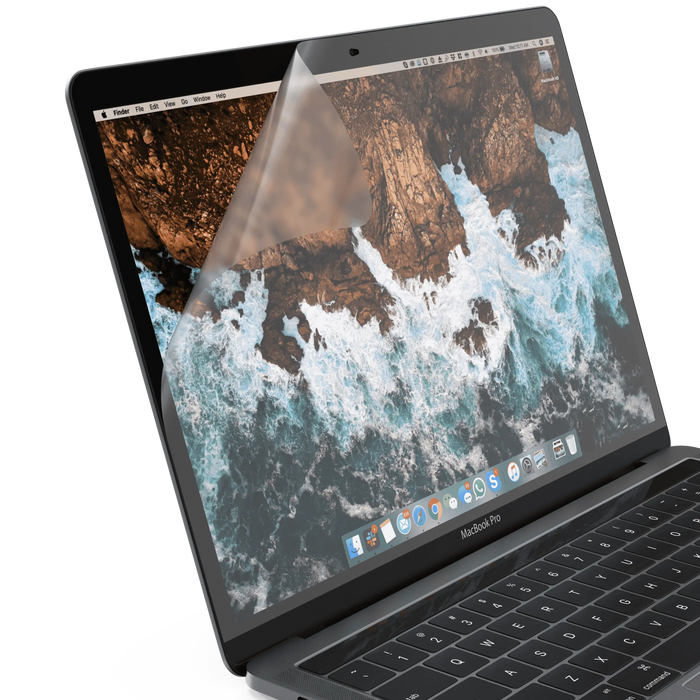
If you frequently place your MacBook on shared desks or carry it in a crowded bag, consider pairing a shell with surface protection for other touch points. A screen protector can reduce micro-scratches from cleaning cloths, while a keyboard-focused solution can help with daily debris.
For example, users who want additional surface safety may explore anti-glare screen protectors designed for Apple displays.
Installation and Everyday Care
Proper installation is essential for scratch resistance. Even a high-quality shell can underperform if it is not aligned correctly or if dust is trapped under the surface.
Preparation checklist
Clean the MacBook surfaces with a gentle, dry microfiber cloth.
Remove dust near edges and around cutouts.
Work in a clean, low-draft area to limit airborne particles.
Installation steps
Line up the first side or section with the device contours.
Press gradually along the edges rather than forcing one point.
Confirm that openings for ports and built-in elements remain unobstructed.
Use light pressure to secure the perimeter and corners.
Care that preserves protection
Everyday cleaning should be simple and safe. Use a microfiber cloth and avoid harsh solvents. If the case surface collects dust, wipe gently to prevent abrasive particles from dragging across the finish. For longer device longevity, clean before storing your MacBook in a sleeve or bag.

Clean microfiber wipe motion along protected edges
Setup, Compatibility, and Real-World Use
Compatibility is a practical factor that affects both comfort and protection performance. When a case is designed for a specific MacBook size, it reduces the chance of misalignment, which can lead to edge exposure and early wear. Always confirm your exact model and screen size before purchase.
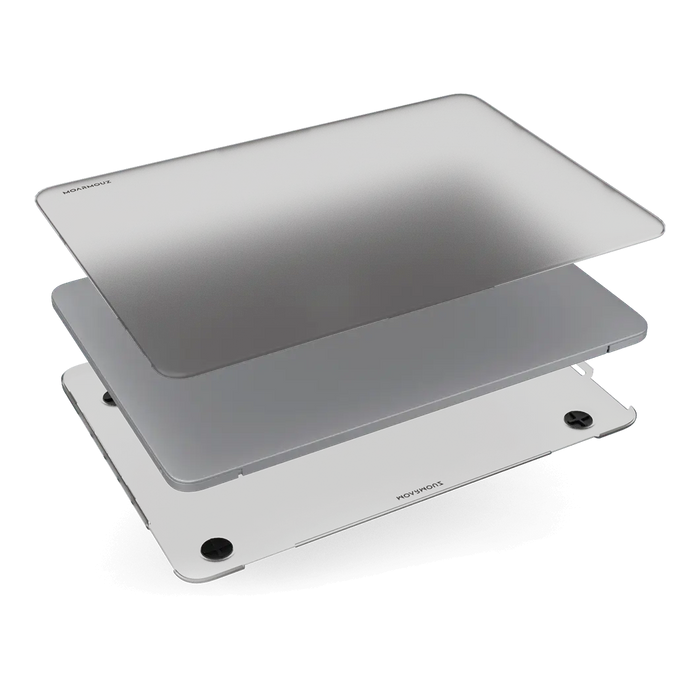
Here is a product example that fits the 13.6-inch MacBook Air family and supports a protective, anti-scratch approach through a tailored shell design.
Hardshell Case For MacBook Air 13.6", M4 (2025)/ M3-M2 (2024-2022)

How it performs in everyday scenarios
Commute and bag storage: The shell helps shield high-contact areas from small abrasive particles that travel with the laptop.
Desk work: A protective base reduces visible wear when the device is set down repeatedly.
Shared spaces: Stable fit reduces shifts that can expose edges during movement.
Pairing strategy for better outcomes
To maximize scratch reduction, it is often effective to layer protection based on where wear occurs. A case supports lid and base areas, while additional screen and keyboard-focused options can reduce micro-abrasions. If you want a complete approach, review related solutions like keyboard protectors and display-safe options from the same ecosystem.
Frequently Asked Questions
Will an anti-scratch MacBook case prevent all scratches?
No case can guarantee total scratch prevention. However, a quality shell can significantly reduce scuffing from everyday contact by covering the most exposed surfaces and maintaining stable coverage along edges.
Can I remove and reinstall the case without damaging my MacBook?
Most anti-scratch shells are designed for repeated use, but performance depends on correct installation and removal habits. Always follow the fit logic, avoid twisting, and clean the contact surfaces before reinstalling.
Does a case affect heat or ventilation?
A properly designed shell should allow airflow where needed. Before purchase, confirm that cutouts match your model and that the design avoids blocking vents or creating tight pressure points around airflow areas.
Q&A Section
What should I look for when choosing a case for scratch resistance?
Focus on surface finish, edge coverage, and model-specific fit. Scratch resistance is improved when the shell sits firmly on the device and covers corners where abrasion tends to start.
Is a matte finish better than a glossy finish for everyday protection?
Matte finishes often help reduce the visual appearance of light marks and fingerprints. The most important factor remains abrasion resistance and secure coverage, but finish texture can influence how wear looks over time.
How can I reduce scratches beyond using a case?
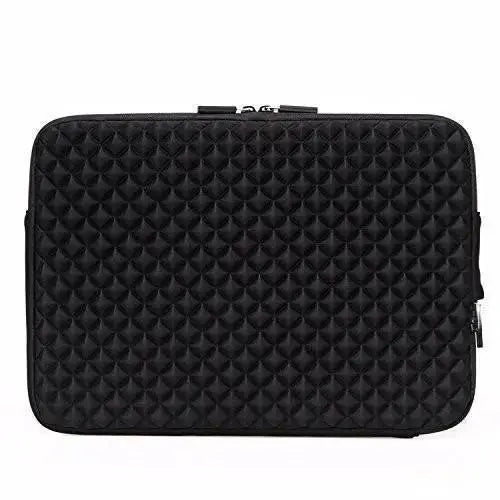
Use a padded sleeve, avoid placing the laptop directly on abrasive surfaces, and keep your bag free of loose grit. Regular cleaning with a microfiber cloth also helps prevent tiny particles from acting like sandpaper.
Where can I find anti-scratch options for different Apple device lines?
You can browse compatible protective categories on the Moarmouz site. For example, explore MacBook hardshell cases for model-matched protection, and laptop sleeves to reduce friction during travel.
Summary & Key Takeaways
An anti-scratch MacBook case is a practical investment for protecting your device against everyday wear. Prioritize model-specific fit, edge coverage, and a scratch-resistant finish to reduce visible scuffs. Combine the shell with responsible handling and optional screen or keyboard protection for a layered defense. When you select the right protective system, you can maintain a cleaner look and a more consistent daily experience.
Ready to upgrade your protection? Explore compatible options on MacBook hardshell cases and choose a finish that matches your workflow.
About the Author
Moarmouz Author Team
Moarmouz focuses on practical device protection for everyday users, combining material-aware design thinking with model-specific fit standards. We aim to help customers make confident choices based on real usage needs. Thanks for reading, and we hope your MacBook stays protected in the ways that matter most.
Disclaimer: Protection levels vary based on model fit, daily conditions, and how the device is handled. This article provides general guidance and does not guarantee that any case will eliminate all wear or scratches in every situation.