On this page
Charging habits shape battery health, device reliability, and daily convenience. This guide explains charging essentials for phones, tablets, laptops, and wearables, with clear practices that reduce heat and wear. You will learn how to match chargers to power needs, choose safer cables, and build a routine that supports long-term performance. Use the step-by-step section to set up a practical charging workflow you can maintain.
Charging Essentials: What Matters and Why
How to Apply Charging Essentials at Home and Work
Smart Device Pairing: Matching Power to Each Device
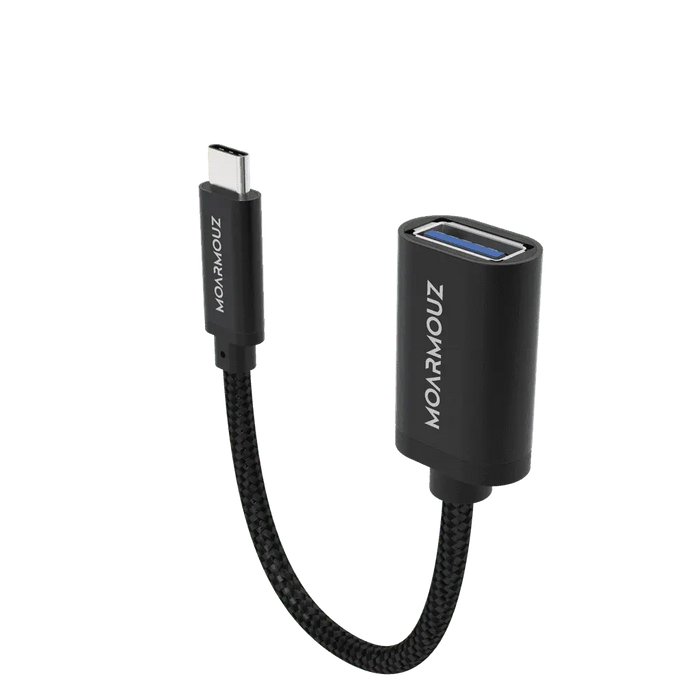
Cables and Adapters That Protect Performance
Heat Control and Battery Health Basics
Charging Essentials: What Matters and Why
Charging essentials are the practical rules that help your devices charge safely and consistently over time. Battery capacity declines naturally with use, but poor charging practices can speed up wear. Many issues people blame on “battery problems” are actually power mismatch, cable degradation, or heat buildup.
Modern devices use smart charging electronics, but they still depend on stable voltage and a properly rated charger. When the charger is incompatible or the cable conductors are damaged, the charging process can become less efficient. Less efficiency usually means more heat. Heat is one of the most common accelerators of battery aging.
Reliable charging also supports data integrity for devices that charge and sync. A steady connection reduces intermittent power drops that can disrupt transfers or cause system slowdowns. For daily life, charging essentials also reduce stress: fewer failed charge attempts, less downtime, and more predictable battery performance.
To implement these principles, focus on five areas: correct power matching, quality cables, safe handling, heat management, and a routine you can maintain. The next sections convert those areas into actionable steps.
How to Apply Charging Essentials at Home and Work
Use the steps below to establish a charging system that is both safe and convenient. The goal is not to charge more aggressively, but to charge smarter and more consistently.
Start with a power check. Identify the charging standard your device supports and confirm the charger and cable ratings align with that standard.
Choose one primary charger for each device class. For example, keep one high-quality USB-C charger for laptops and tablets, and one set for phones and accessories.
Inspect cables regularly. Look for fraying at the ends, stiff bends near the connectors, or visible wear in the outer jacket.
Control conditions while charging. Avoid charging on soft surfaces that trap heat, such as blankets or thick bedding.
Reduce unnecessary charge cycles. Unplug when the device reaches a comfortable level and avoid repeated top-offs at high states when not needed.
Use stable outlets. If you rely on extension cords, ensure they are in good condition and not overloaded by multiple high-draw devices.

Diagram: Device, charger, cable ratings, heat airflow
Smart Device Pairing: Matching Power to Each Device
Different devices require different charging profiles. The charger is not only a source of power; it also communicates capabilities so the device can select the safest charging rate. Pairing is crucial when your home includes multiple device types such as a phone, tablet, smartwatch, and laptop.
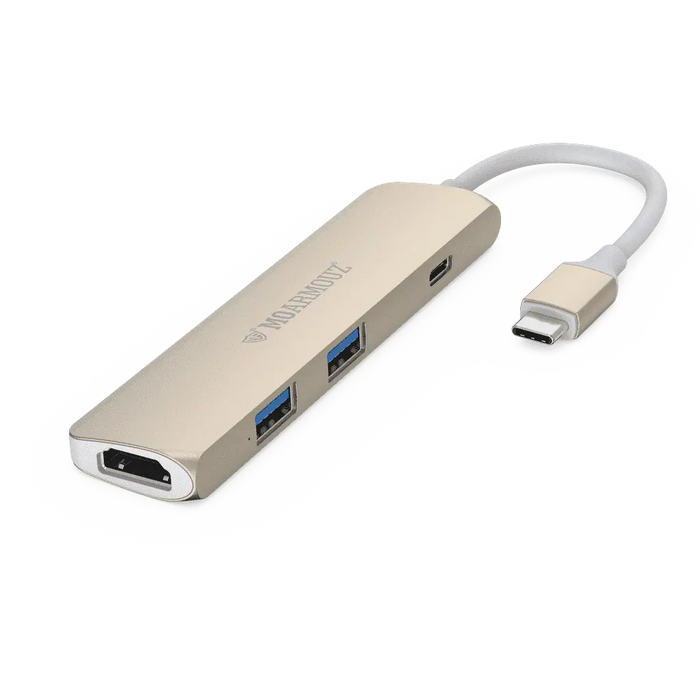
For phones and tablets, prioritize chargers that match supported fast-charging standards and output wattage. For laptops, confirm the charger supports the correct power delivery mode and watt range for that model class. For wearables and earbuds, use the charging method designed for that category, as they often use lower power and specialized connectors.
If you use a multi-port charger, verify that it can deliver sufficient power to the port you use. Some chargers reduce available output when multiple ports are active. That is not necessarily harmful, but it can lead to slower charging and longer time connected, which may increase heat exposure depending on your environment.
When in doubt, follow the device manufacturer guidance found in the device documentation. Even with “universal” connectors, compatibility is determined by the device’s negotiated power profile and safety requirements.
Cables and Adapters That Protect Performance
Cables often fail before chargers. Conductors weaken, shielding degrades, and connectors develop loose contact points. Poor contact increases resistance, and resistance increases heat. That combination can harm long-term battery health and can also cause inconsistent charging.
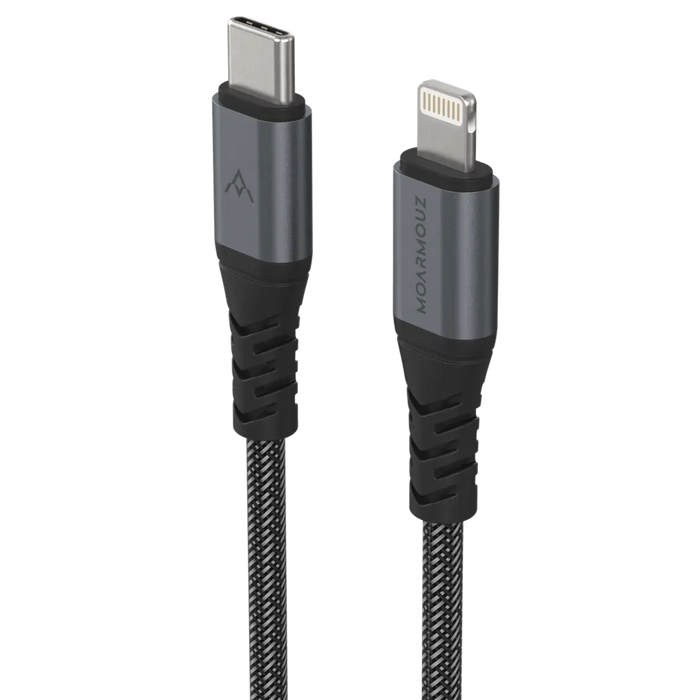
Charging essentials require cables that are rated for the power level you intend to use. For example, a cable that is adequate for low-watt charging may not safely carry the higher current needed for fast charging. Use the rating labels printed on cable packaging or the specifications provided by the cable maker.
Also consider connector quality. A connector that fits loosely can create intermittent charging. That can trigger repeated charging interruptions, which wastes energy and increases thermal stress. A firm, properly seated connection helps your device maintain a stable charging session.
If you regularly charge while moving around the house or office, consider using cable-management practices. Avoid sharp bends at the connector and do not pull on the cable to unplug it. Unplug by grasping the plug head, not the cable body.
For screen protection and device durability, a stable device surface can indirectly support safe charging because it reduces device wobble and accidental connector strain. If you want to reinforce protective habits for daily use, you can review options for screen protection and device accessories at anti-glare screen protectors.

Heat map: airflow arrows, safe surface, cable strain points
Heat Control and Battery Health Basics
Battery aging accelerates when a device spends long periods at high temperatures. Heat can come from multiple sources: ambient conditions, heavy use during charging, and electrical inefficiency from poor cable contact. While modern devices include thermal safeguards, repeated heat exposure can still reduce battery capacity over time.
Start with practical heat controls. Place your device on a hard, flat surface where air can circulate. Do not charge inside sealed compartments such as drawers or closed bags. If your device becomes noticeably warm while charging, stop charging and allow it to cool before resuming.
Also manage the behavior of the device during charging. Avoid resource-heavy tasks like intensive gaming or high-brightness video playback while charging. Those tasks increase both battery load and heat generation. For laptops, avoid charging while running high-demand workloads on a blanket or soft desk mat that reduces airflow to internal vents.
For prolonged charging sessions, set expectations around convenience. It is generally better to avoid repeated long connections at high charge states when you do not need them. The best balance is to charge to a practical level for your schedule and unplug when you are ready to use the device.
Do not rely on unverified “battery repair” tricks. Charging essentials focus on consistency, compatibility, and safe thermal conditions. That approach is more reliable than experimenting with unsafe methods.
A Simple Routine and Charging Setup Checklist
You can make charging essentials effortless by designing a setup that matches how you actually use your devices. The best routine is one that you will follow consistently. Use this checklist to streamline daily charging.
1) Create device-specific charging zones
Designate a dedicated spot for each device category: phones, tablets, laptops, and wearables. Keep chargers and cables within reach to reduce the temptation to use an incompatible adapter. If you travel, maintain a compact travel kit with the chargers you already trust.
2) Label chargers and store the “backup” properly
Label each charger and cable by device category. Store backups in a dry, cool place. When backups are mixed, people often reach for the wrong charger during busy moments. That increases risk of power mismatch and unstable charging.
3) Use a charging schedule that fits your day
For devices you use all day, charge during predictable windows rather than leaving them on the charger for extended periods whenever possible. A flexible schedule reduces long dwell time at very high charge states. If you charge overnight, ensure the device is in a cool, well-ventilated place.
4) Monitor for warning signs
If you notice slow charging, intermittent connections, or unusual warmth, troubleshoot. Start with the simplest checks: try a different cable, verify the adapter rating, and inspect the connector for debris. These checks often resolve issues without needing advanced diagnostics.
5) Strengthen physical protection where it matters
Protecting device surfaces can improve charging reliability by reducing accidental drops and connector strain. If you use a laptop in a shared workspace or carry it often, prioritize durability. You can explore protective options such as cases and sleeves at bags and sleeves.
FAQ
What are the most important charging essentials for battery longevity?
The most important essentials are correct charger and cable matching, stable connections, and heat control. Use a charger that supports the device’s accepted charging profile, avoid damaged cables, and keep the device cool while charging. Consistency matters more than frequent aggressive charging.
Is it safe to use one charger for multiple devices?
It can be safe if the charger supports each device’s charging standards and delivers the required output on the selected port. Verify wattage ratings and the charging protocol your device supports. If your devices charge slowly or get unusually warm, switch to a charger and cable set designed for that device category.
What should I do if my device charges slowly or stops intermittently?
First, inspect the cable ends and connector for wear or looseness. Try a different compatible cable, and confirm the adapter rating matches the device requirements. Also check the charging surface and avoid soft materials that may trap heat. If the issue persists, consider having the device’s charging port evaluated.
How often should I replace charging cables?
There is no single schedule that fits every situation. Replace a cable when you see visible damage, when the connector feels loose, or when charging becomes unreliable. A proactive approach prevents heat buildup caused by increased electrical resistance.
Do I need separate chargers for every device?
Not always. A quality multi-port charger can work well if it supports the correct standards and provides enough power for each device simultaneously. However, keep device-specific chargers as reliable options for situations where multi-port negotiation results in slower charging.
Closing Thoughts
Charging essentials are not complicated rules. They are practical choices that protect your battery, reduce failures, and improve daily reliability. When you match power requirements, use well-rated cables, and control heat, your devices perform more consistently for longer.
Apply the checklist, refine your setup, and evaluate results over time. If you want to strengthen device durability alongside safe charging habits, consider building a protection routine that includes reliable accessories from cable collections. Take action now so your devices charge with confidence every day.
About the Author Section
Moarmouz , a technology content specialist focused on device reliability and everyday power management, contributes guidance designed for real-world Shopify and consumer electronics use cases. Their work emphasizes compatibility, safety practices, and long-term device performance. With expertise in consumer tech workflows and charging fundamentals, they help readers make decisions that reduce friction and support battery health. Feel confident in updating your charging routine today.