





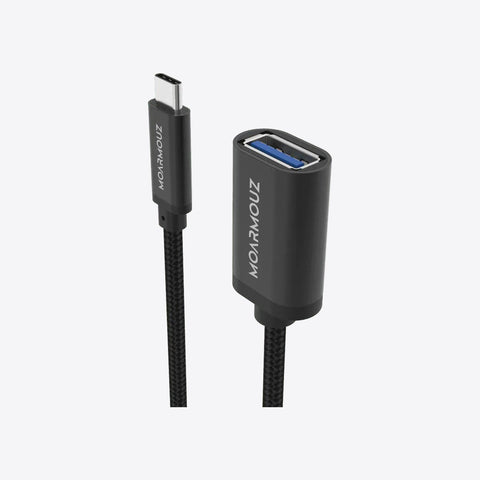


One connection
- Display output on every model (HDMI; VGA on some)
- USB-A ports for drives, mice and keyboards
- Card readers and Ethernet on selected models
Good to know
MacBook Pro
MacBook Air
MacBook
iPad Pro
iPad Air
iPad mini
Choose your Watch
Thunderbolt Cables
HDMI Cables
Free delivery over ₹500Order by 4 PM, ships same dayCash on delivery Need help choosing? Ask us
Your cart is empty
Popular with Apple users right now.
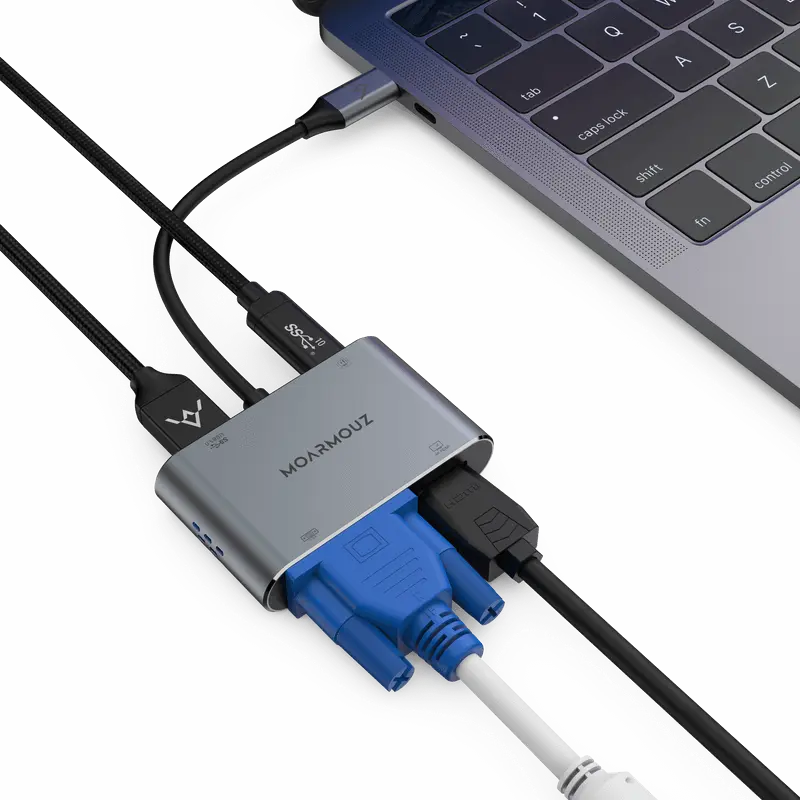
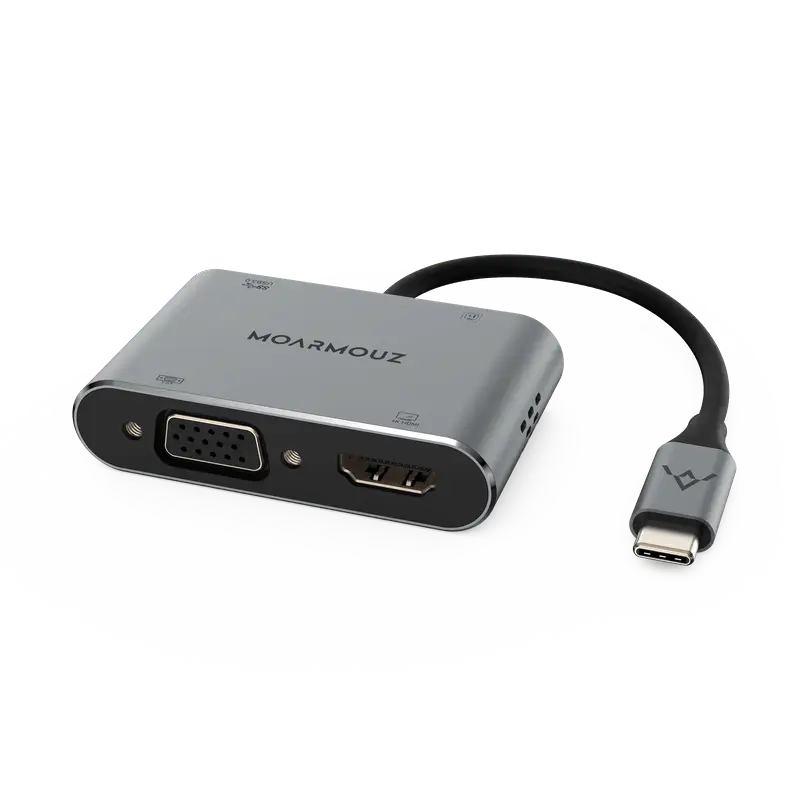
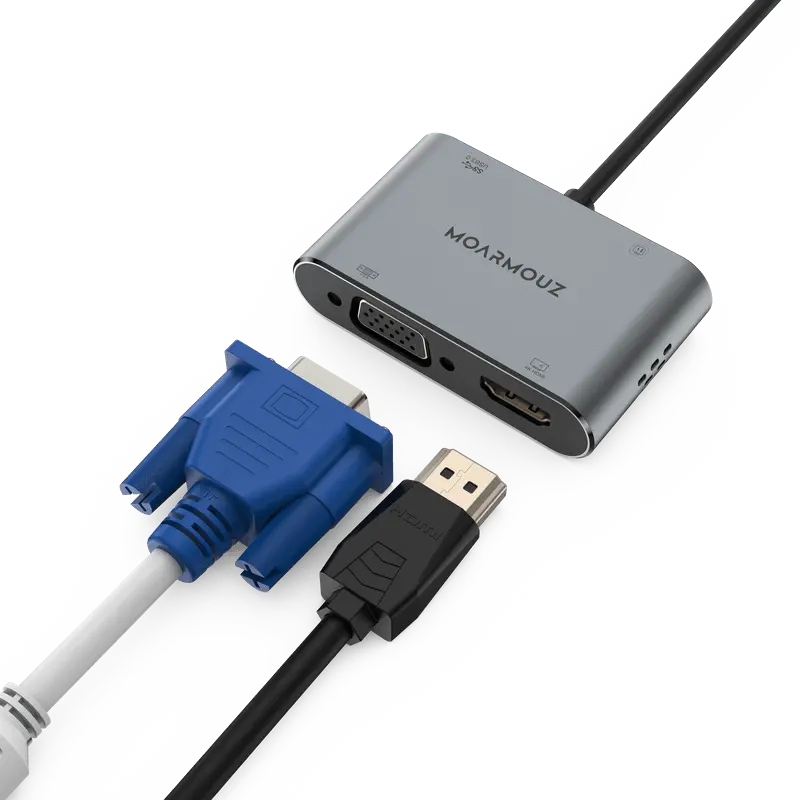
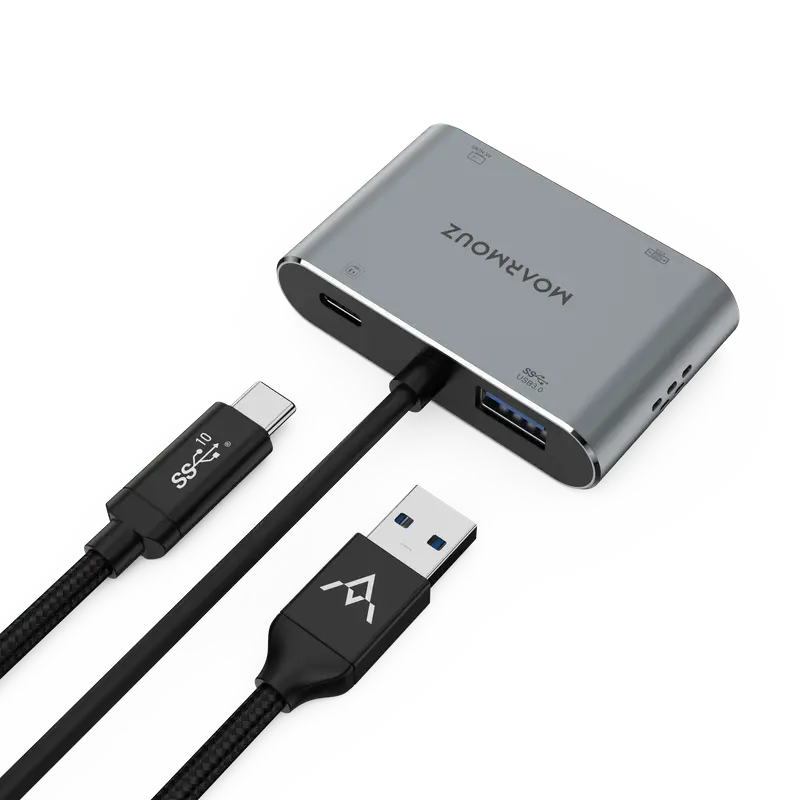
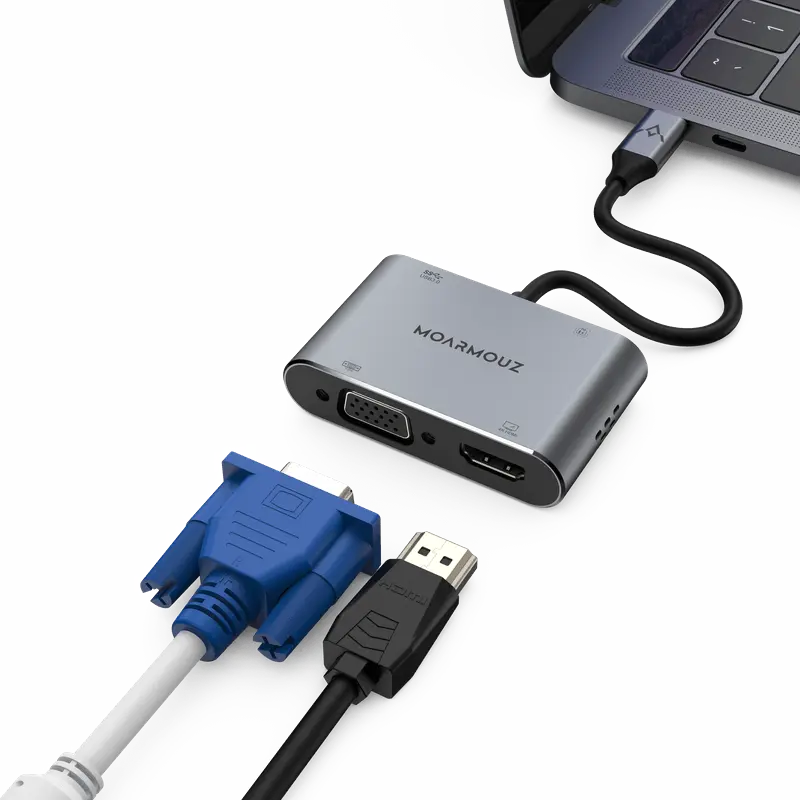
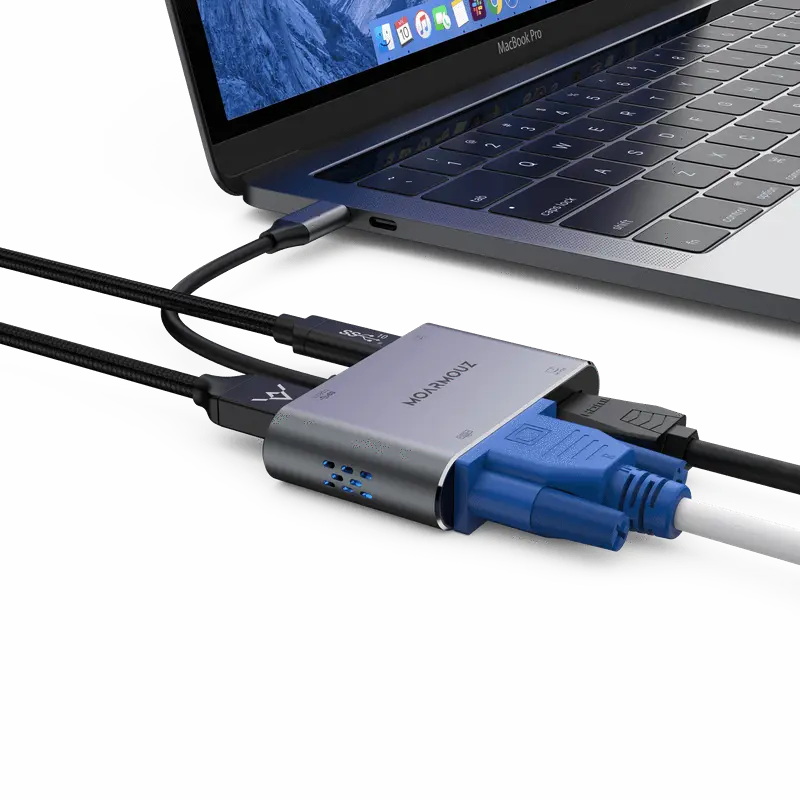
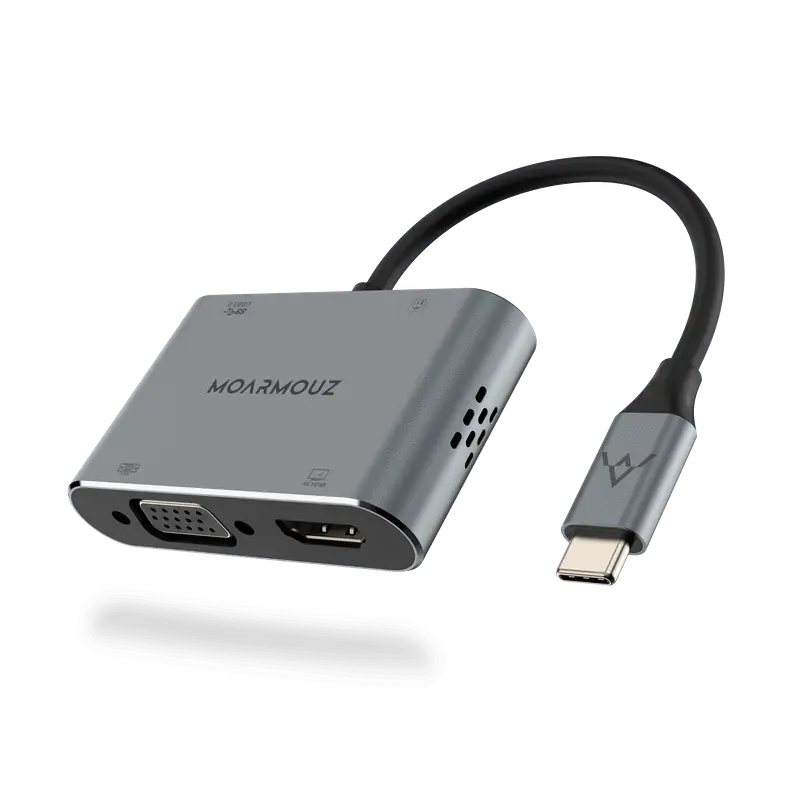
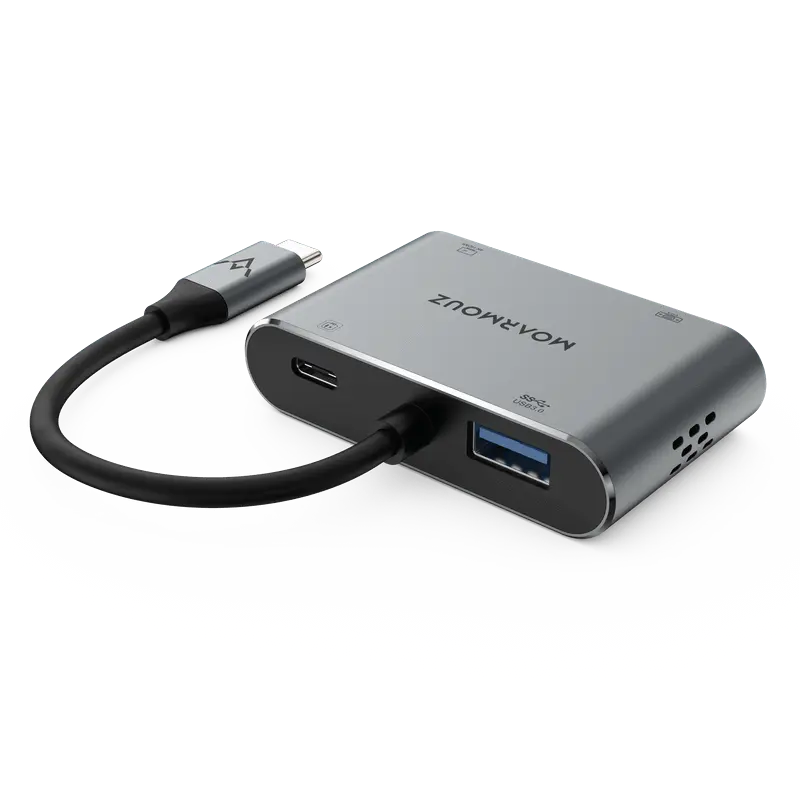
HDMI, USB, card readers and Ethernet from one USB-C port, plus charging pass-through.
Inclusive of all taxes
good product
“good, promptly delivered too in these difficult times. using it for note 10 plus dex mode. keyboard and mouse attached to the adapter (wireless dongle) works without much lag.”
Dr. V. · Verified buyer · May 2020
Excellent experience
“I had a very pleasant experience while shopping for the item. The product was delivered really fast, with updates provided at every step of the way and the product performs exactly as promised. Overall, a must buy if you want to make your ipad pro a more productive device.”
Divya N. · Verified buyer · Dec 2019
USB-C Hub
Turn one USB-C port into a display output, extra USB ports and charging pass-through.
Why a hub
Modern laptops and iPads have one or two USB-C ports. A monitor, a pen drive and a charger already need three.
What the hub does
Features
One connection
Keep charging
Bigger screen
Specs
Technical details
What's in the box
Model numbers (A1234) are printed on the underside of a MacBook and in Settings › General › About on iPhone and iPad.
Compare
How a hub compares with buying single adapters, or using only your laptop's own ports.
| Feature | Moarmouz hub | Separate dongles | Laptop ports only |
|---|---|---|---|
| Display + USB + charging at once | Yes, one connection | One job per dongle | Not on most USB-C laptops |
| Things to carry | One hub | Several adapters | — |
| Keeps your laptop charging | PD pass-through on most models | Each dongle takes a port | Only if a port is free |
| Memory cards and Ethernet | On models that include them | Separate adapter each | Rarely built in |
Before you buy
Choose this if
Look elsewhere if
Our cover
Questions
Still unsure? WhatsApp us or call +91 99111 39555, Mon–Sat, 10am–6pm support.
The Type-C to HDMI & VGA adapter is the addition to our USB-C line of hubs and the perfect companion to your USB C port device. Our 4 port dual display hub connects devices with USB-C port to display devices with HDMI/ VGA port. Add an external display/TV/projector equipped with HDMI or VGA port with ease.
Multifunction Adapter - Expand your USB c port to an HDMI, a VGA output, a USB 3.0 and a USB-C charging port. Allows you to expand the desktop to 2 external displays via HDMI and VGA cable; Perfectly work in gaming, working and entertaining.
Vivid 3D Effect Video Sync - Mirror or extend your screen with the USB C adapter’s HDMI and VGA Port, stream 4K UHD or Full HD 1080p video to HDTV, monitors, or projectors for a cinema-like visual feast.
USB C to VGA HDMI - HDMI port max support 4K UHD 3840×2160@30Hz; VGA display in up to 1080P@60Hz Full HD. When two ports work simultaneously, the maximum resolution of the two is 1920 x 1080P@60Hz. Note: Extend mode, while VGA and HDMI work at the same time, two monitors only show the same content. (Note: Not support two monitors to display different content separately.)
USB 3.0 and Power Delivery - The USB 3.0 port provides high-speed data transfer speed up to 5 Gbps, easy to transfer an HD movie in a short time. Also, support 87W PD charging and pass-through charge for the USB-C laptop or smartphone and other devices connected to the hub devices. Support system: Windows/Mac/XP. (Note: the Type-C PD charging port is only applicable to devices with PD Protocol, this hub cannot Sync data with iPad Pro 2018 via USB-A).
Wide Compatibility - Compatible with Type-C equipped devices (Thunderbolt 3 compatible) with DP-Alt mode, such as Pad Pro 11 & 12.9-inch (2018) with USB-C MacBook Pro 13 & 15-inch (2019-2016), MacBook Air 13-inch (2019-2018), MacBook 12-inch (2015–2019), Microsoft Surface Go, Microsoft Surface Book 2, Dell XPS 13/15 and more USB-C devices with Power Delivery and alt display mode. Also, support Samsung DEX/Huawei EMUI.


