



Updated on: 2026-06-26
What a type c to type c connector Does and Why It Matters
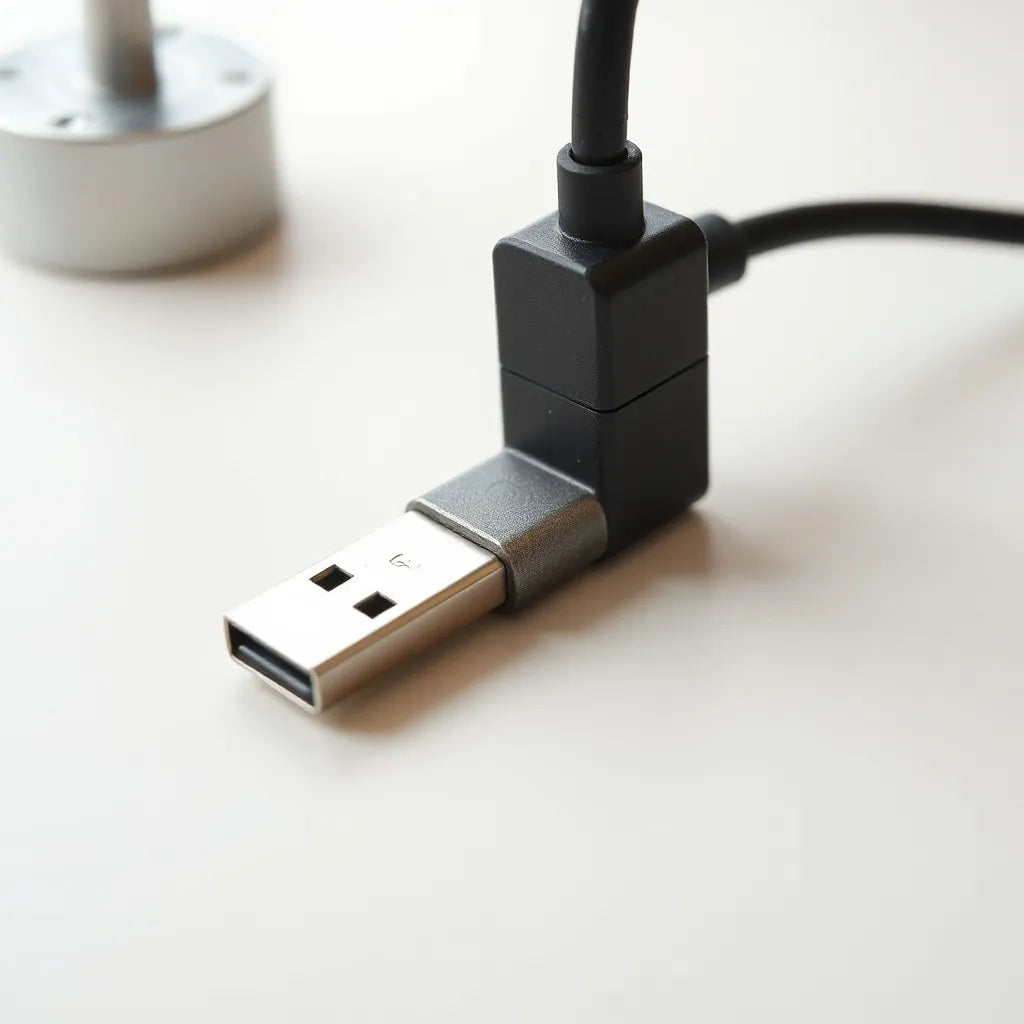
A type c to type c connector is a cable or adapter that links two USB-C style ports. It is widely used for charging, data transfer, and video output depending on what your devices support. Many modern laptops, tablets, phones, docks, and accessories rely on USB-C, which makes a reliable type c to type c connector a practical choice for everyday connectivity.
In practical terms, this connection standard reduces the number of cables people must carry. It can also support higher power delivery and faster data rates compared with older interfaces, provided the cable and the devices are compatible. For buyers and users, the key is not only the connector shape, but also the electrical and protocol capabilities that determine real-world performance.
If you want predictable charging and stable transfers, you should evaluate specifications such as power rating, supported data modes, and any video or accessory functions your devices require. Using the wrong cable can lead to slower charging, unstable connection behavior, or reduced transfer speeds. For users building a consistent home or travel setup, selecting the right cable is often more important than the device itself.

Abstract diagram of two ports connecting via signaling lines
Common Mistakes to Avoid
-
Assuming the connector shape guarantees capability. USB-C ports look similar across devices, but cables differ in supported power and data features. A correct physical fit does not automatically mean the cable can meet your performance needs.
-
Ignoring charging power limits. If your device expects higher wattage, a lower-rated type c to type c connector may charge more slowly or throttle power under load. This can be frustrating with laptops that require sustained delivery during active use.
-
Overlooking cable length. Longer cables can introduce higher resistance and signal degradation. For high-speed data or video output, excessive length can reduce reliability even when the cable is technically “USB-C compatible.”
-
Expecting video output from every USB-C setup. Video support depends on the devices and on the cable’s supported signaling. Without confirmation, users may connect a cable and see no display even though charging works.
-
Not checking device port capabilities. Some devices support charging only through USB-C, while others support data and display. Verify what your specific ports support before investing in a cable.
Pros & Cons Analysis
Advantages
-
Single-cable ecosystem. A well-chosen type c to type c connector can replace multiple legacy cables for charging and accessories.
-
Scalable performance. Many USB-C configurations allow higher watt charging and faster transfer speeds when both devices and the cable support the same capabilities.
-
Better convenience for travel. With a standardized connector, users can pack fewer items and reduce cable clutter.
-
Cleaner device management. When charging and data share the same connector type, docking setups become simpler and more predictable.
Limitations
-
Compatibility is specification-dependent. USB-C includes many optional features. The cable must match what you need: power, data, and possibly display.
-
Quality varies across products. Poor shielding or substandard internal components can cause intermittent data links or reduced charging stability.
-
Misleading labeling risk. Some product descriptions highlight USB-C support but do not clearly define power delivery or supported protocols. Users must read details carefully.
-
Port wear with frequent plugging. Any connector type can experience physical wear. A protective routine and gentle handling help preserve port health over time.
Quick Tips
-
Verify the required wattage for your device and choose a type c to type c connector that can deliver that level safely.
-
Match data needs to your workflow. For large file transfers, prioritize a cable that supports the relevant data modes.
-
If you use a docking station or external display, confirm whether your device supports video over USB-C and whether your cable supports it.
-
Choose a practical cable length. For desks and workspaces, shorter runs are often more reliable.
-
Use a consistent cable set for charging and data. Rotating random cables increases the chance of encountering mismatched specifications.
Compatibility Checklist for Modern Devices
Compatibility is where many shopping and setup decisions succeed or fail. To avoid disappointment, evaluate your devices and intended use before choosing a type c to type c connector.
1) Charging requirements
Start with your power expectations. Many devices negotiate charging behavior based on both the adapter and the cable. A higher-power cable can matter when you want consistent charging during heavy usage. If you primarily charge small devices at low demand, you may prioritize reliability and durability rather than maximum wattage.
2) Data transfer needs
For syncing files, connecting to peripherals, or transferring media, data support matters more than people often assume. Some cables focus on basic power and minimal data functions. If you rely on fast transfer speeds, confirm that your cable supports appropriate data performance for your device.
3) Display and accessory support
If you use docks, monitors, or multi-function hubs, check device documentation for USB-C display support. Not every host device supports video output. Additionally, the cable itself may need to support the signaling standards required for your display connection.
4) Port integrity and fit
Good physical fit reduces stress on the port. A connector that inserts smoothly and remains secure during use typically improves longevity. Even when compatibility is correct on paper, poor mechanical tolerance can cause intermittent behavior.

Checklist icons for power, data, and display capability
Performance Factors That Influence Results
Two type c to type c connector options may look identical externally. However, internal design choices shape performance outcomes. The following factors often influence what you experience day-to-day.
Cable rating and power delivery
Charging speed is governed by negotiation between device, adapter, and cable. A cable that cannot handle the required current may force the system to fall back to lower rates. Over time, that can translate into noticeable differences in how quickly devices reach usable battery levels.
Signal quality for data
For data transfer, the quality of shielding and conductor design affects stability. When signal integrity is weak, users can see slower transfers, repeated reconnections, or corrupt downloads. Reliable signaling is especially relevant when cables run near electronic noise sources such as power supplies or routers.
Thermal behavior and sustained use
In real work setups, charging is not always passive. Users may charge while running demanding applications. A quality cable typically manages heat better, reducing the likelihood of throttling or instability under sustained load.
Build durability and strain relief
Frequent bending at the connector end can weaken internal connections. Strain relief design helps reduce stress. For a workspace cable that stays in place most of the time, durability remains important, but flexibility priorities may differ from those of a travel cable.
Real-world reliability over maximum claims
Marketing descriptions can be broad. You should prioritize verifiable specifications and consistent behavior with your devices. If you already know your device model supports a certain power or transfer mode, choose a cable that aligns with those requirements rather than relying on generic statements.
Safe Use and Practical Setup Guidance
Proper use improves both safety and long-term performance. A type c to type c connector functions within an ecosystem that includes the adapter, ports, and devices. The following guidance helps create a stable routine.
-
Inspect connectors before use. If the plug or port shows visible debris, clean carefully and allow full drying time. Avoid forcing a connection that does not seat properly.
-
Separate charging and data tasks when troubleshooting. If data transfer fails, test charging separately first. This isolates whether the issue is related to power negotiation or data signaling.
-
Keep cables away from heat sources. Heat can degrade materials and affect electrical behavior. Route cables where they can remain cool and supported.
-
Support the cable near the connector. Gentle handling prevents strain on the internal contacts and helps maintain consistent connection stability.
-
Consider a protective screen accessory where relevant. For users pairing a laptop setup with screen protection, maintaining the overall device surface helps preserve usability. For example, explore options for display protection from privacy screen protection if your workflow includes frequent shared viewing.
For those who want a broader ecosystem of device accessories, the store selection on Kg2g.store can be a useful place to compare compatible accessory categories. Always verify specifications against your devices before purchase.
Wrap-Up & Key Insights
A type c to type c connector is a modern connectivity tool that can simplify charging and data workflows when chosen correctly. The most important lesson is that compatibility depends on more than connector shape. Power delivery, data signaling, and feature support determine performance outcomes.
When selecting a cable, verify your device requirements, match the cable to the intended use, and pay attention to build quality and safe handling. If you want a clean and consistent setup across devices, choosing the right type c to type c connector specifications is the most practical step toward stable daily performance.
Explore cable options on the Moarmouz collection pages to build a reliable USB-C setup.
Q&A Section
How do I know if my type c to type c connector supports fast charging?
Fast charging support depends on the combined behavior of your device and the charging adapter. Check the device requirements and choose a cable that is rated for the needed power level. If your adapter is lower wattage than the device can use, the cable cannot compensate. For best results, match adapter wattage and cable capability to the specifications your device supports.
Will a type c to type c connector work for video output?
Video output over USB-C requires both the source device and the display path to support it, and the cable must support the required signaling. Charging alone does not guarantee video. To confirm compatibility, review your device documentation for USB-C display or Alt Mode support and verify that the cable is specified for video use.
Why does my data transfer speed vary with different cables?
Different cables support different data modes and signaling quality. Even with the same connector type, a cable may provide only basic data capabilities. Shielding and conductor design can also affect reliability, which may lead to repeated negotiation steps and slower effective speeds. Select a cable that explicitly supports the data performance mode you require.
Can using a type c to type c connector damage my device ports?
Port damage typically arises from physical stress, debris, or repeated incorrect insertion rather than from the connector standard itself. Use cables that seat smoothly, avoid forcing connections, and keep ports clean. If you notice intermittent behavior, inspect both the cable plug and the port for debris or mechanical wear.
About the Author
Moarmouz
Moarmouz is a content and e-commerce specialist focused on practical electronics guidance and accessories selection. With expertise in connectivity standards, device compatibility, and customer-first product evaluation, the team helps readers make confident choices. Thank you for reading, and consider applying the checklist approach when selecting a type c to type c connector for your setup.
Disclaimer: This article provides general guidance on USB-C connectivity. Device capabilities vary by model and firmware. Always confirm specifications in your device documentation and cable product details before purchase or use.
Share:
Choosing the Right Galaxy Tabs Accessory for Daily Use
Screen Protectors Buying Guide for Everyday Devices