

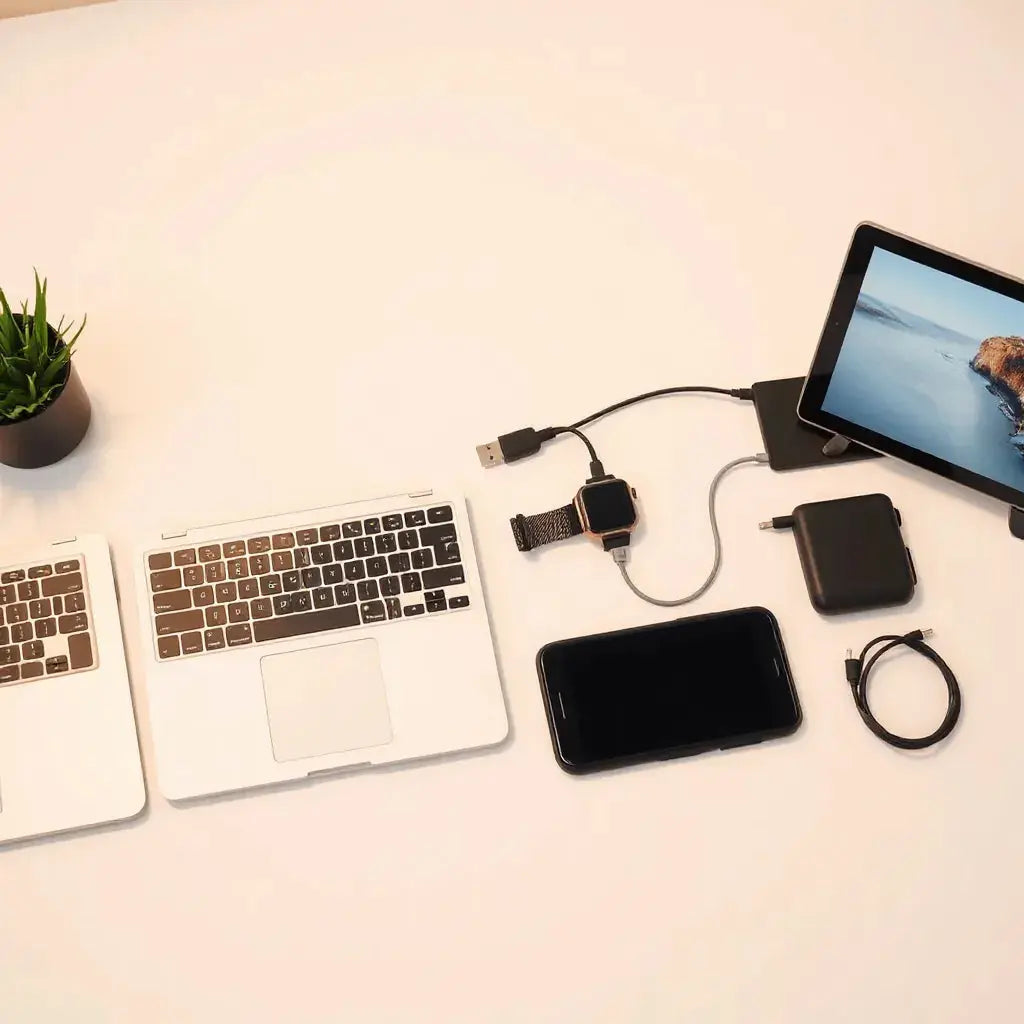
Updated on: 2026-05-15
Choosing premium accessories for tech lovers can improve daily performance and reduce wear on high-use devices. The right add-ons also make devices more comfortable to use, easier to travel with, and simpler to maintain. This guide explains what to prioritize, how to evaluate quality, and how to build a practical accessory kit. You will also find a clear purchasing checklist and answers to common questions.
2. Detailed Step-by-Step Process
Premium Accessories for Tech Lovers: How to Choose with Confidence
Premium accessories for tech lovers are not only about appearance. They support reliability, protect expensive equipment, and improve usability in everyday scenarios. When you buy accessories with the right materials and design standards, your devices stay cleaner, safer, and easier to use over time. This matters for phones, laptops, wearables, and audio gear that receive constant movement, handling, and exposure to dust.
In this article, you will learn how to select accessories that match your devices and routines. You will also receive a method for comparing options without getting trapped by marketing claims. The goal is a balanced collection: protection where it matters, comfort where you touch the device, and performance features that genuinely help.
Essential Tips
- Start with compatibility first. Confirm the exact device model, size, and interface before selecting any accessory.
- Prioritize protection for high-impact areas. Focus on corners, edges, and the parts that contact surfaces most often.
- Choose materials that balance feel and durability. Look for scratch resistance, reinforced construction, and reliable fastening.
- Protect visibility and usability. Screen protection should support clarity and smooth touch response, not compromise readability.
- Use accessories as a system. A case, protector, cable solution, and travel sleeve should work together without friction.
- Prefer functional design over bulk. An accessory should not make charging, access, or ports difficult.
- Plan for maintenance. Your accessory should be easy to clean and should not trap grime in seams.
- Read specifications carefully. Pay attention to fit tolerances, thickness, and cutouts around buttons and ports.
To build a strong starting point, select accessories that address the most common risks: drops, scratches, dust, and cable stress. If you want inspiration, review device-specific categories such as phone protection and screen protectors on iPhone cases.

Shield icons, corner focus, and clarity markers
Detailed Step-by-Step Process
A structured selection process prevents costly mistakes. Use the steps below to build a practical accessory set that supports your device usage patterns.
Step 1: Map your device ecosystem
List the devices you use daily. Include phones, tablets, laptops, smartwatches, earbuds, and any accessories you already own. Then note where each device spends most of its time. For example, a laptop used in transit needs edge protection and a sleeve. A phone used outdoors needs a screen protector that maintains visibility.
Step 2: Identify your top risk scenarios
Choose two or three realistic problems. Common risks include scratches from keys, screen scuffs, dust in ports, and cable strain where connectors bend. Then align accessory features to those risks. This is how you avoid buying “nice to have” items that do not address your actual needs.
Step 3: Select protection that preserves performance
Protection should maintain the device experience. For screens, prioritize clarity, smooth touch response, and proper coverage. For laptops and tablets, choose hardshell cases or protective covers that reduce impact transfer. If you also handle travel often, select a sleeve designed to absorb pressure from external contact.
If your priority is laptop edge and shell protection, you may consider MacBook hardshell cases. For screen durability, review anti-glare screen protectors to reduce distracting reflections in bright environments.
Step 4: Match accessories to daily handling
Think about how you physically interact with each device. If you type often on a laptop, keyboard protection can reduce wear and simplify cleaning. If you carry your tablet with documents or small items, the right cover can protect both corners and display surfaces. If you wear a smartwatch throughout the day, a well-fitting watch case can provide additional defense without making straps uncomfortable.
For keyboard and travel readiness, browse categories such as keyboard protectors and bags and sleeves. These selections support the idea of coordinated use: one accessory should not block another feature.
Step 5: Add cable and connection stress relief
Premium accessories are not limited to screens and cases. Cable management reduces repeated strain at connectors and ports. Look for accessories that support safe routing and reduce bending at the point where cables enter devices. A clean cable system also helps you keep your workspace organized and reduces the time spent searching for chargers.
For cable-focused needs, review cables and choose options that align with your charging habits and device ports.
Step 6: Protect audio and small peripherals
Earbuds and charging cases are frequently placed in bags, pockets, and shared spaces. This increases the chance of scuffs and debris buildup. A protective case can shield the outer shell and reduce cosmetic wear. It can also simplify grip and storage, especially when you frequently carry the device.
If you use earbuds regularly, consider AirPods cases to create a consistent protection approach for compact tech.
Step 7: Verify fit, access, and comfort
Before finalizing, verify details that users often overlook: button travel, port cutouts, camera clearance, and compatibility with wireless charging. If an accessory blocks airflow or creates pressure points, it can become uncomfortable and reduce long-term satisfaction. The best premium accessories maintain full access to functions while keeping the device protected.
Step 8: Use a realistic budget strategy
Rather than buying everything at once, allocate budget in order of risk. Start with the accessory that reduces the highest probability of damage. Then add items that improve daily interaction. This approach is especially effective for tech lovers who want a cohesive setup without overspending.
Step 9: Conduct a simple quality check
Evaluate the accessory after purchase using a quick checklist. Confirm edges are aligned, surfaces feel even, and the accessory does not peel or flex excessively. For screen protectors, check clarity in different lighting and ensure the touch experience feels consistent. For sleeves, confirm your device slides in smoothly and does not experience forced pressure at corners.

Organized kit layout with layered protection and checks
Step 10: Build long-term care habits
Even premium accessories require basic care. Clean surfaces with appropriate materials, avoid abrasive cleaners, and remove dust from seams gently. If you maintain your accessory consistently, it will keep protecting effectively and will continue to look professional.
If you want to expand your tech lifestyle beyond stationary devices, you may also explore Postjoyebike for product ideas that support active use scenarios. The principle remains the same: choose accessories that reduce wear during real-world movement.
Summary and Takeaway
Premium accessories for tech lovers are most valuable when they are compatible, protective, and practical. Begin by mapping your device ecosystem and identifying the risks that most often happen in your routine. Then select protection that preserves clarity and usability, add cable and storage solutions to reduce stress, and verify fit and access details.
When your accessories work together as a system, you achieve better everyday performance and more consistent protection. Use the step-by-step method in this guide to build confidence in every purchase.
Q and A Section
How do I confirm compatibility before buying an accessory?
Check the device model name and size precisely, and compare it to the accessory specifications. Confirm port alignment, button cutouts, and camera clearance. If you are unsure, match the accessory to the exact generation or dimensions listed by the seller, then verify return policy terms.
Do screen protectors affect touch sensitivity and clarity?
Quality screen protectors are designed to preserve clarity and maintain smooth touch response. The key is choosing a protector that fits correctly and provides consistent surface smoothness. After installation, test touch gestures and readability in both indoor and brighter lighting to confirm performance.
What is the most important accessory to buy first for tech protection?
For most users, the first priority is screen protection or a core protective case, depending on the device and risk profile. If you frequently place devices face-down on rough surfaces, prioritize display protection. If drops are a primary concern, prioritize a protective case with strong edge coverage.
How can I avoid buying accessories that add bulk?
Review thickness and fit details, especially around ports and buttons. Choose accessories that are designed for full access rather than partial coverage. A slim accessory that still protects critical edges is usually more effective than a bulky item that interferes with daily use.
About the Author
Moarmouz is an experienced content and e-commerce strategist with expertise in consumer technology workflows, accessory selection, and storefront SEO. The author focuses on practical guidance that helps readers evaluate quality, compatibility, and long-term value. This article is written with a professional, objective approach to support confident purchasing decisions. Thank you for reading and for building a better tech setup with intention.
Disclaimer: This article is for informational purposes only and does not constitute professional advice. Compatibility and performance can vary by device model, manufacturing tolerances, and installation methods. Always check product specifications and follow manufacturer instructions before use.
Share:
MacBook Air M4 Accessories That Actually Matter
Compatibility With Apple Devices: How to Check Before You Buy