



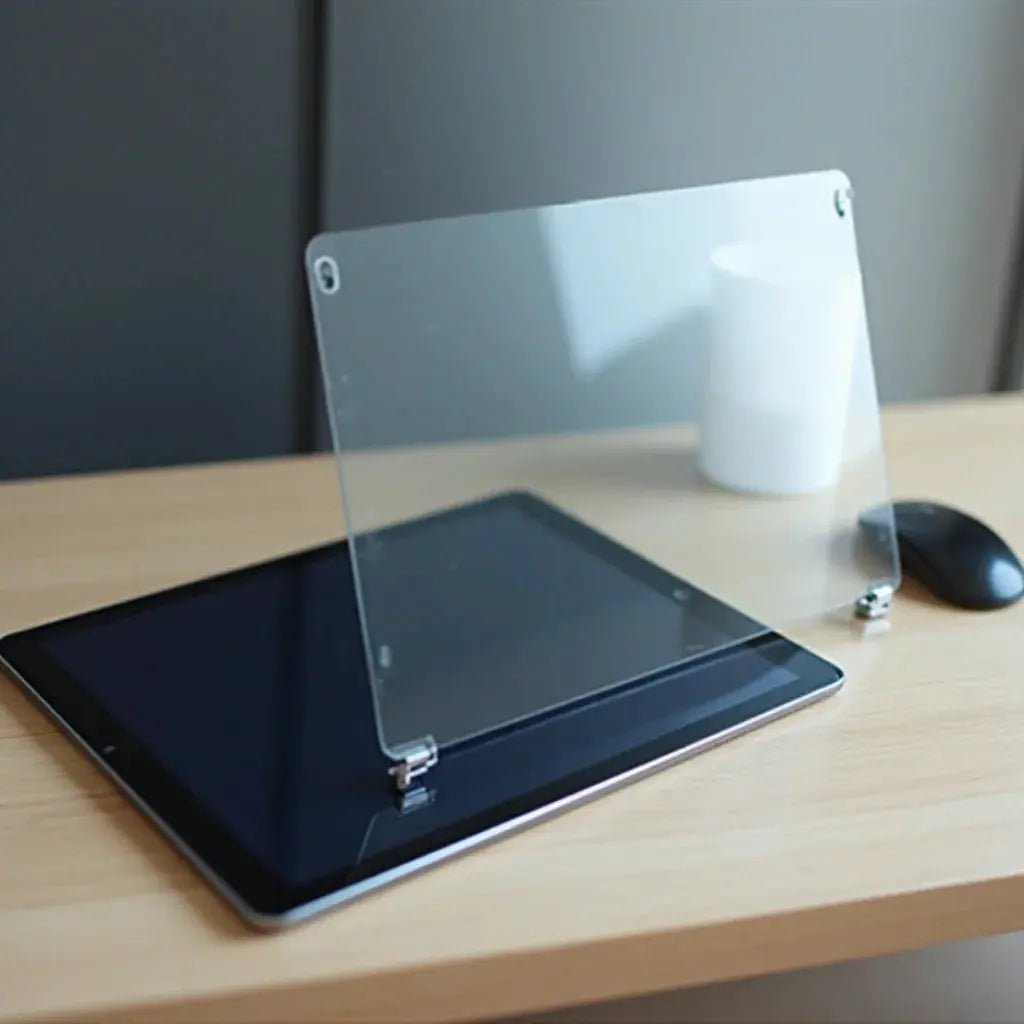
Updated on: March 25, 2026
A quality screen protector for iPad is essential for maintaining your device's display and ensuring long-term usability. This comprehensive guide explores the benefits of protective screen solutions, helps you understand different types available, and provides actionable steps to select and install the right option for your needs. Discover why investing in proper screen protection matters and how it can extend your tablet's lifespan while preserving visual clarity and touch responsiveness.
Table of Contents
- Key Benefits of Screen Protection
- Understanding Different Types of Screen Protectors
- Step-by-Step Guide to Selecting and Installing
- Frequently Asked Questions
- Summary and Final Thoughts
Introduction
Your iPad represents a significant investment in technology and productivity. Whether you use it for professional work, creative pursuits, or entertainment, protecting its display should be a priority. A screen protector for iPad serves as an invisible shield against scratches, impacts, and environmental damage. Modern protective films and tempered glass options have evolved considerably, offering exceptional clarity while providing robust defense against everyday wear and tear. Understanding your options and implementing proper protection strategies ensures your device remains in optimal condition for years to come.
Key Benefits of Screen Protection
- Scratch Resistance: Protective layers prevent surface scratches from keys, coins, and accidental contact with rough materials during daily use and transport.
- Impact Protection: Quality protectors absorb shock from drops and collisions, reducing the risk of costly screen damage and expensive repairs.
- Glare Reduction: Anti-glare variants minimize reflections from sunlight and artificial lighting, enhancing visibility and reducing eye strain during extended viewing sessions.
- Privacy Enhancement: Certain protective options limit viewing angles, preventing unauthorized viewing of sensitive information when using your tablet in public spaces.
- Fingerprint Mitigation: Many protectors include oleophobic coatings that resist fingerprints and smudges, maintaining a clean display appearance with minimal effort.
- Touch Sensitivity Preservation: Modern protective solutions maintain accurate touch responsiveness, ensuring stylus compatibility and gesture recognition functionality.
- Aesthetic Appeal: Quality protectors remain virtually invisible when applied correctly, preserving your device's original appearance and design aesthetic.
- Cost Savings: Investing in affordable protective solutions prevents expensive screen replacements and extends device lifespan significantly.
Understanding Different Types of Screen Protectors
Tempered Glass Protectors
Tempered glass represents the premium option for iPad screen protection. These rigid protective shields consist of specially treated glass that hardens through thermal processes. The resulting product offers exceptional clarity, maintains full touch sensitivity, and provides substantial impact resistance. Tempered glass protectors typically feature multi-layer construction including a protective base layer, optical glass, and an adhesive coating. They excel at preventing scratches and absorbing impacts from drops. However, they can occasionally crack under extreme pressure, though they fragment into small harmless pieces rather than sharp shards. Installation requires precision to avoid air bubbles, though many modern versions include alignment frames for easier application.

Layered protective glass structure with impact absorption capability
PET Film Protectors
Polyethylene Terephthalate (PET) film protectors offer a lighter-weight alternative to tempered glass solutions. These thin, flexible plastic films provide scratch protection while remaining virtually undetectable during normal use. PET protectors maintain exceptional clarity and do not interfere with the display's color accuracy or brightness. They are more affordable than glass options and resist shattering completely. However, they provide less impact protection and may show wear patterns over extended periods. These solutions work well for users prioritizing anti-scratch functionality without requiring heavy-duty impact defense.
Paper-Texture Protectors
Paper-texture screen protectors deliver a unique writing experience, particularly appealing to creative professionals and note-takers. These specialized protective surfaces simulate the feeling of writing on paper, reducing friction between stylus and screen. They enhance the natural handwriting experience while providing scratch protection. The textured surface reduces glare and reflections, creating a more comfortable viewing environment. For iPad users employing digital pens and styluses extensively, paper-texture options provide tangible functional benefits beyond simple protection. They do reduce display clarity slightly compared to traditional protectors, and the texture gradually wears with extended use.
Step-by-Step Guide to Selecting and Installing
Step One: Identify Your iPad Model and Size
Begin by determining your specific iPad model, including generation and screen size. Different iPad models feature varying dimensions and specifications. Check your device settings or Apple documentation to confirm whether you own an iPad Air, iPad Pro, iPad Mini, or standard iPad model. Screen sizes range from 7.9 inches to 12.9 inches depending on the model. Accurate identification ensures you select a protector with precise fit and compatibility. Mismatched sizes result in improper coverage, leaving edges unprotected or creating interference with device controls.
Step Two: Evaluate Your Usage Patterns and Environment
Consider how you use your iPad and in what environments. Creative professionals using styluses benefit from paper-texture protective options. Users frequently transporting their devices in bags and backpacks prioritize impact-resistant tempered glass solutions. Those concerned about glare in brightly lit environments prefer anti-glare variants. Users handling sensitive information value privacy-focused protectors. Environmental factors including temperature extremes, humidity, and exposure to moisture influence protector selection. Your specific use case determines which protective features matter most for your situation.
Step Three: Select an Appropriate Protector Type
Based on your requirements, choose between tempered glass, PET film, or paper-texture options. Tempered glass suits users prioritizing comprehensive protection and maximum clarity. PET film works well for budget-conscious consumers seeking basic scratch prevention. Paper-texture protectors serve creative professionals emphasizing stylus performance. Consider brands offering superior quality, reliable customer support, and comprehensive warranties. Check customer reviews and ratings to verify real-world performance and durability claims. Products like the PaperType® Screen Protector - Perfect for Sketching, Writing, and Note-taking on iPads exemplify specialized solutions designed for specific user needs.
Step Four: Prepare Your iPad for Installation
Proper preparation ensures optimal protector adhesion and eliminates imperfections. Power off your device completely and allow it to cool to room temperature. Use the included microfiber cloth to remove dust, fingerprints, and debris from the display surface. Wipe gently using circular motions to avoid streaking. For stubborn residue, slightly dampen the cloth with distilled water. Ensure the screen is completely dry before proceeding. Work in a clean, dust-free environment to minimize particles settling on the adhesive during installation. Some protectors include dust removal stickers for final cleaning immediately before application.

Meticulous surface preparation before protective film application
Step Five: Apply the Screen Protector Carefully
Carefully peel back a portion of the backing material without fully removing it. Align the protector with your iPad's screen, positioning it precisely from one edge. Once aligned correctly, gradually lower the protector while slowly peeling away the backing material. Use a microfiber cloth or squeegee tool to gently press the protector against the screen, working from the center outward. This technique eliminates air bubbles and ensures complete adhesion. Avoid applying excessive pressure that might damage the screen. Most quality protectors settle completely within twenty-four hours as adhesive fully cures.
Step Six: Verify Installation Quality and Function
After installation, verify that your protector adheres evenly across the entire screen. Check for air bubbles, particularly around edges and corners. Test touch responsiveness and stylus functionality to confirm proper performance. Verify that the protector does not interfere with buttons, cameras, or speakers. Allow adequate curing time before using your device extensively. Most manufacturers recommend waiting at least four hours before heavy use. If air bubbles appear, many protectors allow gentle repositioning during the initial curing period.
Frequently Asked Questions
Will a screen protector reduce display brightness and color accuracy on my iPad?
Quality tempered glass and premium PET film protectors maintain brightness levels and color accuracy effectively. Modern manufacturing processes ensure protective layers remain optically transparent. However, anti-glare and paper-texture variants intentionally diffuse light to reduce reflections, which may slightly decrease brightness perception. Standard protectors produce negligible visual impact that most users never notice. Testing with specific products before committing to bulk purchases helps confirm compatibility with your visual preferences.
Can I remove and reapply my screen protector if installation does not go perfectly?
Reusability depends on protector type and adhesive composition. Most tempered glass protectors use permanent adhesive and cannot be reapplied successfully. PET film protectors with special adhesive formulations sometimes allow careful repositioning within the first hour of application. Paper-texture protectors typically feature permanent adhesive preventing removal without damage. If installation includes air bubbles or misalignment, attempting removal usually damages the protector irreparably. Practicing proper installation techniques on your first attempt prevents wasteful removal attempts.
Do screen protectors work with iPad cases and keyboard accessories?
Most screen protectors work seamlessly with standard iPad cases and protective sleeves. Premium cases provide edge borders that accommodate protectors without interference. Keyboard cases and magnetic covers generally function normally with protective films installed. However, verify compatibility with specific case models before purchasing protectors. Some magnetic accessories may interact with certain protective coatings. Testing compatibility with your existing accessories prevents unexpected functionality issues or cosmetic problems.
How long do iPad screen protectors typically last before requiring replacement?
Protector lifespan varies based on type, usage intensity, and environmental factors. Tempered glass protectors typically last two to three years with normal use before showing visible wear patterns. PET film protectors generally require replacement after one to two years as the surface gradually accumulates micro-scratches. Paper-texture variants may require replacement more frequently due to texture degradation from regular stylus use. Extreme usage conditions accelerate wear progression. Monitoring for visible degradation helps you determine optimal replacement timing for your specific situation.
Summary and Final Thoughts
Protecting your iPad's display through appropriate protective solutions represents a practical investment in device longevity and performance. Whether you prioritize comprehensive impact protection through tempered glass, scratch resistance through PET film, or enhanced stylus performance through paper-texture options, quality protectors offer significant value. Understanding your specific usage patterns and environmental conditions enables informed selection of solutions matching your exact requirements. Careful installation following proper preparation and application techniques ensures optimal results and maximum protection benefits. Beyond standalone protectors, consider pairing your device with complementary protective accessories. Explore options like iPad covers and protective sleeves for comprehensive defense during transport and storage. Taking proactive protective measures today prevents expensive repairs and extends your device's useful lifespan significantly.
Featured Product
PaperType® Screen Protector - Perfect for Sketching, Writing, and Note-taking on iPads

Experience enhanced writing and sketching capabilities with this specialized paper-texture protector designed specifically for creative professionals and note-takers using their iPads. The unique textured surface simulates authentic paper feel while maintaining device protection.
About the Author
This article was written by the expert team at Moarmouz, specializing in premium device protection solutions for Apple products and electronic devices. With extensive experience in protective technology and consumer electronics, Moarmouz provides comprehensive guidance on selecting, installing, and maintaining protective accessories for iPads and related devices. Visit Moarmouz to explore our complete collection of protective solutions designed to keep your valuable technology safe and functioning optimally. We remain committed to helping customers make informed decisions about device protection through detailed, practical information and high-quality product recommendations.
For additional insights on complementary protective strategies, explore our resource on Guide to Choosing Premium Intimate Accessories for Couples, which emphasizes the importance of quality and thoughtful selection in protective products.
Share:
Como escolher uma capa hardshell para um laptop que dure
Como escolher uma capa hardshell para um laptop que dure