



Updated on: 2026-05-18
This post explains why an anti-reflection screen protector can improve everyday screen use. It covers glare reduction, readability in bright rooms, and smoother viewing angles. You will also learn what to look for in installation, touch performance, and durability. Finally, the guide provides practical recommendations for choosing the right protector for your device.
Table of Contents
1) Benefits & Reasons
2) How an Anti-Reflection Screen Protector Works
3) What to Look for When Choosing
4) Installation and Daily Care
5) Best Use Cases by Device Type
6) Product Highlight
7) FAQ
8) Final Thoughts & Recommendations
Benefits & Reasons: Why an Anti-Reflection Screen Protector Matters
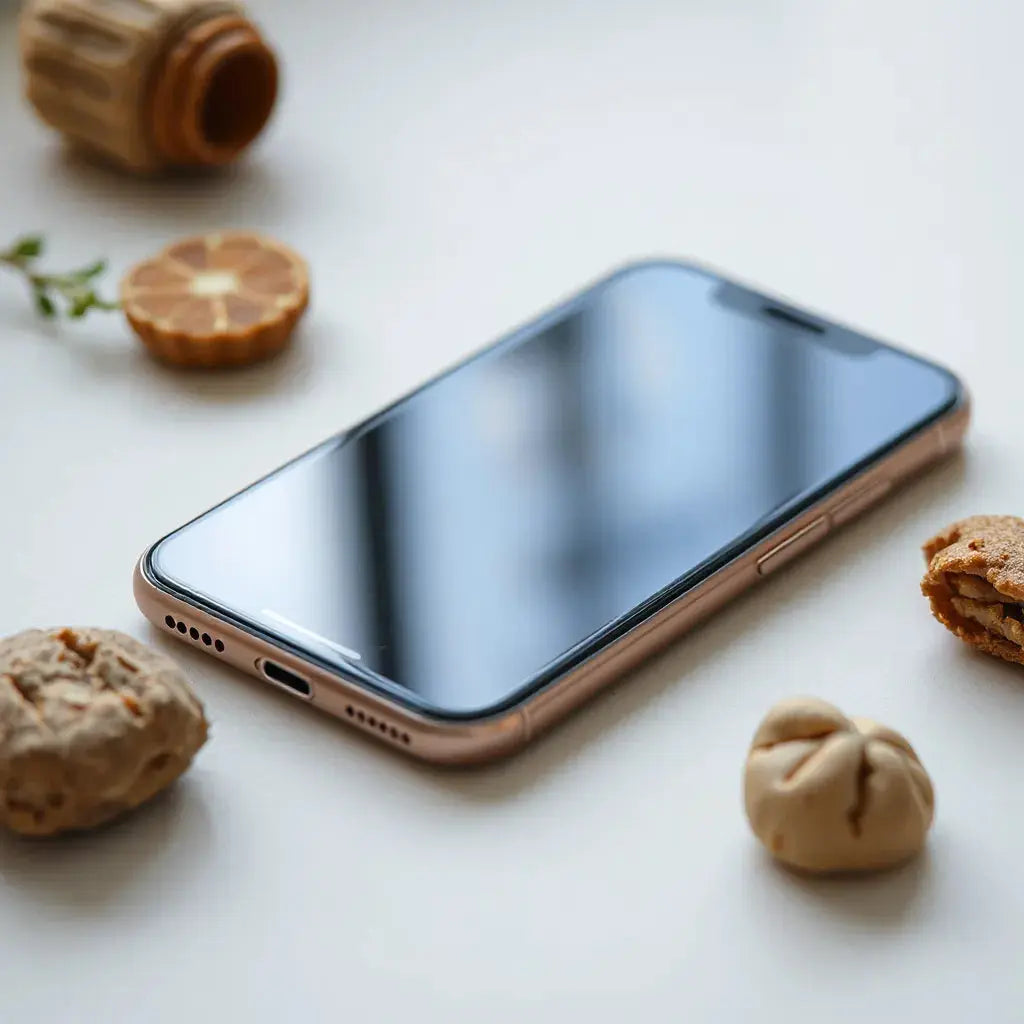
Glare can reduce contrast and make text harder to read. This is especially common when you use a tablet outdoors, work near windows, or drive during daylight hours. An anti-reflection screen protector is designed to reduce reflections on the screen surface so your content stays easier to see.
Better visibility is one of the most practical advantages. When reflections drop, the screen looks calmer and the image appears more balanced. This can help reduce eye strain from constantly shifting your viewing angle.
Another benefit is a more consistent viewing experience. An anti-reflection layer often improves clarity across different angles. That matters when multiple people look at the same screen, such as in a classroom, a meeting, or a home setup.
In addition, screen protectors commonly add a protective barrier against everyday wear. Light scratches from dust and small particles are common. A well-designed protector can help reduce visible scuffs without taking away the responsiveness you expect from touch screens.

Glare symbols fade, clearer screen contrast concept
How an Anti-Reflection Screen Protector Works
An anti-reflection screen protector typically uses optical surface engineering to manage incoming light. Instead of letting strong reflections bounce back toward your eyes, the surface design helps break up or redirect reflected light. This supports more stable contrast between bright content and darker areas.
Some protectors use texture or micro-structures to reduce specular reflection. The result is often a softer reflection profile, which can make the display easier to read under mixed lighting. You may also notice that fingerprints and smudges show more clearly on certain surfaces and less on others. A high-quality protector aims to balance glare control with an easy-to-clean finish.
Importantly, a screen protector is not the same as changing your device settings. The goal is physical light management at the screen surface, which helps you maintain a comfortable viewing experience without relying on brightness changes that can wash out colors.
What to Look for When Choosing an Anti-Reflection Screen Protector
Choosing the correct protector starts with compatibility. A screen protector must match your device model and screen size. For tablets and phones, alignment is critical for cameras, sensors, and edge coverage. A tailored fit reduces lifting risks and keeps the interface looking clean.
Next, evaluate surface feel. Touch screens require precise responsiveness. Look for a finish that supports smooth swiping and reliable tap detection. Many users prefer a balance between low glare and a comfortable tactile experience.
Durability also matters. Everyday use includes keys in pockets, dust on desks, and accidental contact. A good anti-reflection screen protector should resist scratches and scuffs enough to maintain clarity over time. It should also tolerate normal cleaning with appropriate materials.
Consider optical performance under your usual lighting. If you mostly use your device indoors, prioritize clarity and reduced glare near lights. If you use your device outdoors or near strong windows, prioritize glare reduction and reflection control.
Finally, check support resources. Clear installation instructions and accessible guidance can reduce the chance of bubbles, dust, or misalignment. If you are building a full protection routine, you may also explore complementary cases and coverage accessories.
If you want additional protection planning, you can review related options on these pages: anti-glare screen protectors and keyboard protectors.
Installation and Daily Care
Installation quality affects performance. Even a strong anti-reflection coating will look imperfect if dust gets trapped or edges lift. Before installation, clean the screen carefully and follow the included steps. A microfiber cloth and a proper cleaning wipe are often recommended to remove oils and particles.
Work in a low-dust environment. Close windows, avoid fans, and take your time aligning the protector. If the protector includes alignment guides, use them rather than estimating by eye. When applying, use steady pressure and smoothing techniques that help eliminate bubbles.
After installation, avoid immediate heavy cleaning until the protector fully settles, if the instructions advise waiting. For ongoing care, use gentle cleaning methods. Light misting and careful wiping can maintain the surface clarity.
Also consider edge exposure. Screen protectors are often secured to the glass or to the screen frame. If your case allows the protector edges to lift, you may lose the long-term anti-reflection experience. A compatible device case and careful usage can support adhesion.
For device protection pairings, it can help to explore compatible accessories such as iPad cover options or AirPods cases, depending on your device ecosystem.

Clean screen, alignment guide, bubble-free installation concept
Best Use Cases by Device Type
An anti-reflection screen protector can be valuable across multiple devices. For tablets, glare reduction helps with reading, taking notes, and viewing diagrams. In kitchens and living rooms, reflections from overhead lights often interfere with sharp viewing. A glare-managed surface can make everyday content easier to understand.
For laptops and work devices, reduced reflections can support more comfortable productivity. When you review spreadsheets, edit documents, or attend video calls in bright rooms, improved screen readability can help you maintain a consistent focus.
For portable screens used in transit, glare from windows is a recurring issue. A protector that manages reflections can make content easier to follow while reducing the need to constantly adjust your posture. This is also helpful for presentations where the screen must remain readable to others.
For creatives, clarity matters. Image previews, photo review, and color assessment can be influenced by glare. While an anti-reflection screen protector does not replace color-calibrated workflows, it supports better baseline visibility by reducing distracting surface reflections.
In shared environments, an improved viewing angle also helps. People seated off-center can often see the screen more clearly. That can reduce frustration during group learning, family browsing, or customer demos.
Product Highlight: Texture-Based Anti-Reflection Option
One example of an anti-reflection screen protector approach is texture-based surface engineering. Texture can help manage reflections while supporting a readable display in mixed lighting. If you want an option designed for tablet use, consider the following product.

PaperType® Anti-reflection Texture Screen Protector for Galaxy Tabs
Designed for tablets, this protector uses an anti-reflection texture concept to reduce glare and support comfortable visibility. It is made to fit specific devices, which helps maintain clean edges and consistent viewing. To review the full product specifications and compatibility details, visit: PaperType anti-reflection texture protector.
When selecting any protector, compare features such as fit precision, surface feel, and long-term clarity. For many users, the best experience comes from matching the protector type to the primary challenge, such as window reflections or harsh overhead lighting.
How to pair a screen protector with the right protection plan
A screen protector works best when it is supported by a compatible case or cover. Edge lifting often begins when cases do not match the screen profile. You can also strengthen protection by adding keyboard protection for devices with frequent desk use. If you frequently move your devices, consider sleeve-style storage options to reduce accidental contact.
FAQ
Does an anti-reflection screen protector reduce glare in bright rooms?
Yes, an anti-reflection screen protector is specifically designed to reduce reflections that can interfere with visibility. In bright rooms with strong overhead lights or near windows, reduced glare can improve contrast and make text and graphics easier to read.
Will an anti-reflection screen protector affect touch sensitivity?
In most cases, a quality protector maintains normal touch response. The main factors are surface finish and fit. Choosing a protector tailored to your device model helps preserve accurate alignment and supports reliable swiping and tapping.
How should I clean an anti-reflection screen protector?
Use gentle cleaning methods recommended for screen surfaces. A microfiber cloth is usually a safe starting point. Avoid harsh chemicals and abrasive materials, since they can degrade the surface clarity and compromise the anti-reflection performance.
Final Thoughts & Recommendations
An anti-reflection screen protector is a practical upgrade for anyone who uses a tablet or other touchscreen device in challenging lighting. It can reduce glare, improve reading comfort, and support a clearer viewing experience. When selected correctly, it also complements the protective role of screen guards by helping minimize daily wear.
To get the best results, choose a protector that matches your device model, prioritize a smooth touch feel, and install it in a clean environment. If you want to extend protection beyond the screen, explore compatible accessories and related protection items on anti-glare screen protectors and keyboard protectors.
For ongoing clarity, clean with care and avoid abrasive tools. Your device experience should feel more stable, readable, and consistent across different lighting conditions.
About the Author
Moarmouz is a content contributor focused on device protection strategy and display accessory selection. Their expertise covers screen safety, usability considerations, and product fit guidance for modern touchscreen devices. The goal is to help customers make informed choices that match real-world usage. Thank you for reading, and take care of your screen for better everyday performance.
Disclaimer: This article is for general informational purposes only. Product performance depends on device compatibility, installation quality, and personal usage conditions. Always follow the manufacturer instructions included with your screen protector.
Share:
Compatibility With Apple Devices: How to Check Before You Buy
Paper-Like iPad Screen Protectors: Benefits and Buying Tips