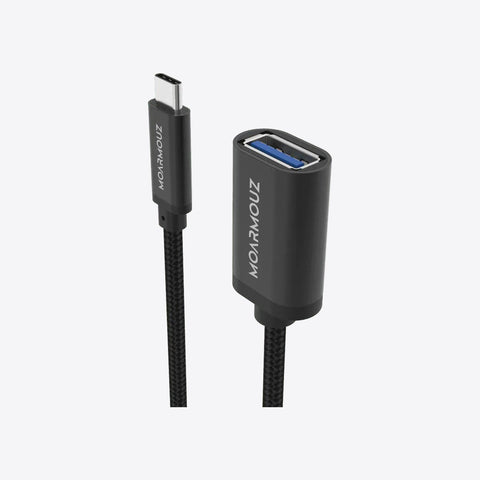
USB-C Adapter

Keep using the gear you already own.

Add the port your laptop is missing. Plug and play, no drivers needed.

Why an adapter

The port you need is always the one you don't have

USB-C laptops and phones drop older ports, so a projector, a wired network or an old cable suddenly won't connect.

  • Stuck before a presentationThe projector uses a port your laptop lacks
  • Weak Wi-FiNo way to plug into a wired network
  • Old cables become uselessMicro-USB accessories stop fitting

What the adapter does

A small adapter converts USB-C into the port you need.

Features

Why this USB-C adapter

Bigger screen

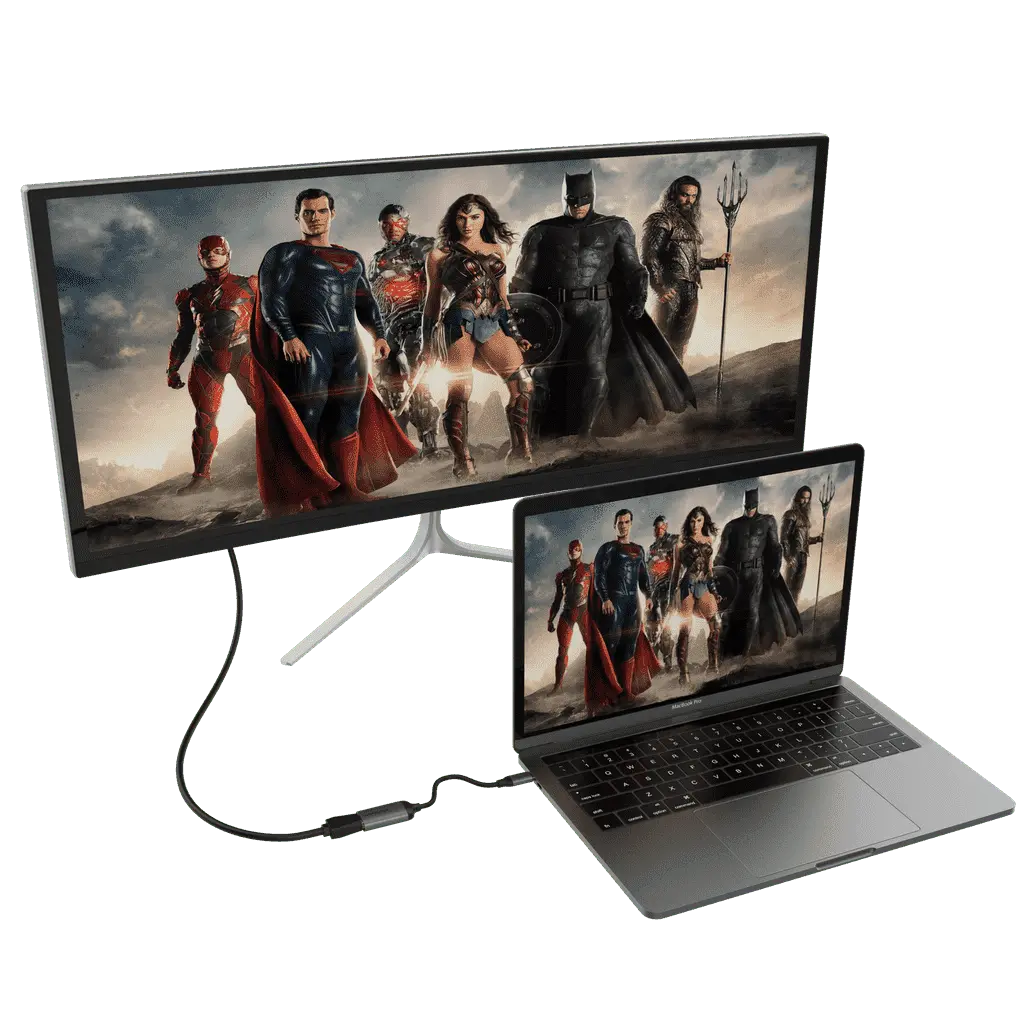
Your laptop on a TV, monitor or projector

Video adapters connect USB-C to HDMI, VGA or Mini DisplayPort. The HDMI and Mini DisplayPort adapters go up to 4K at 60Hz.

  • HDMI and Mini DisplayPort: up to 4K @ 60Hz
  • VGA: for older projectors and monitors
Good to know

Video needs a USB-C port that supports video output (DisplayPort Alt Mode). Most recent laptops do; check yours first.

Wired internet

Faster, steadier internet over a cable

The Gigabit Ethernet adapters add a network port to any USB-C laptop. No drivers and no power adapter needed.

  • Auto-senses 10/100/1000 Mbps networks
  • Powered by the USB-C port

Goes everywhere

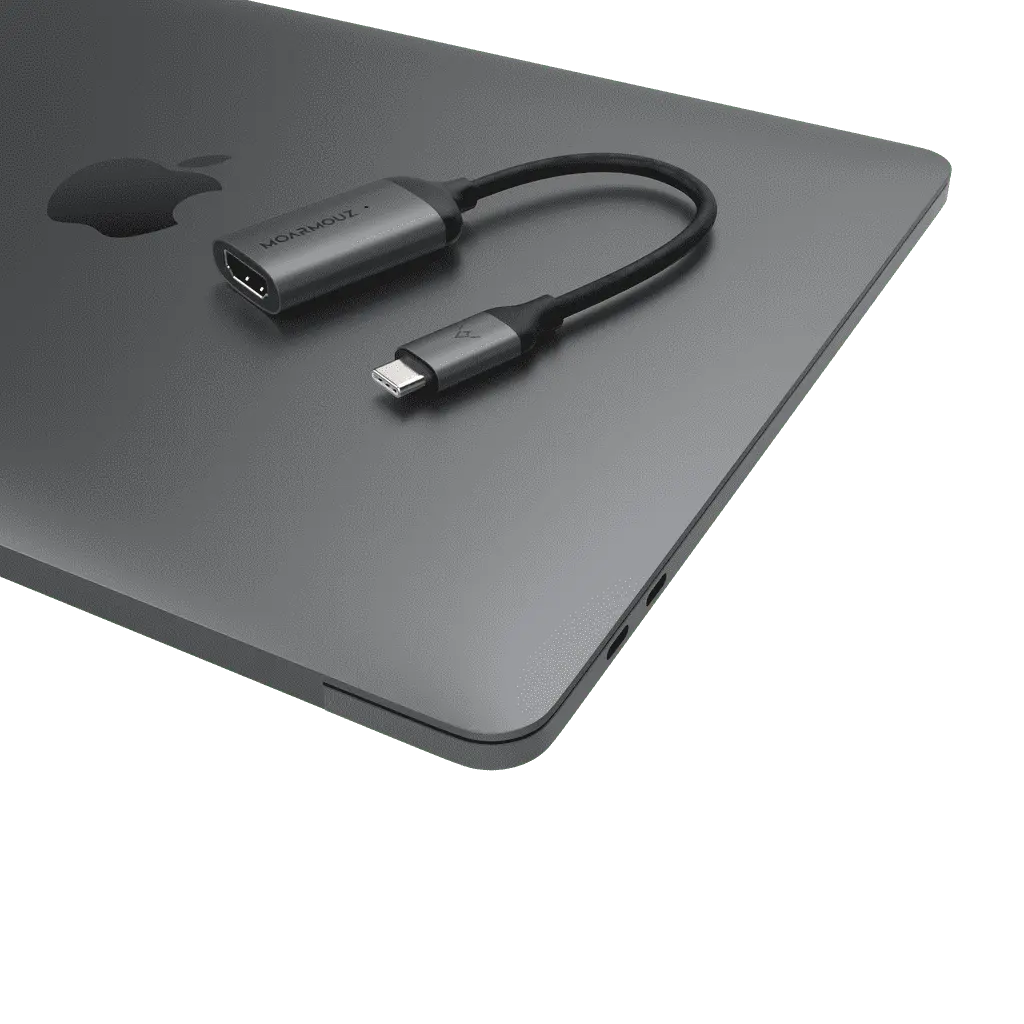
Small enough for any bag or pocket

Compact adapters you can keep in a laptop sleeve or pocket for meetings, travel and presentations.

  • Aluminium body on the video adapters
  • Reversible USB-C plug

Specs

USB-C to HDMI Adapter 4K@60Hz

Technical details

Connectors

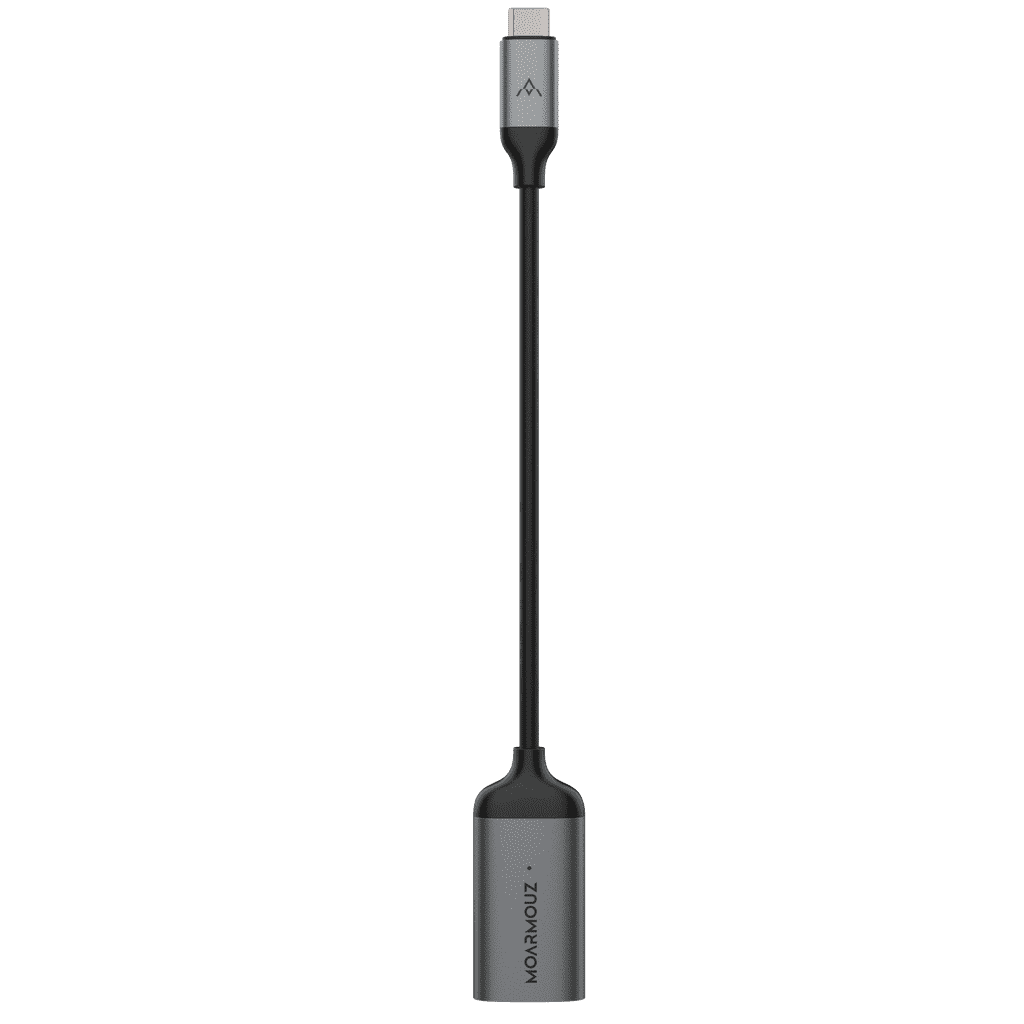
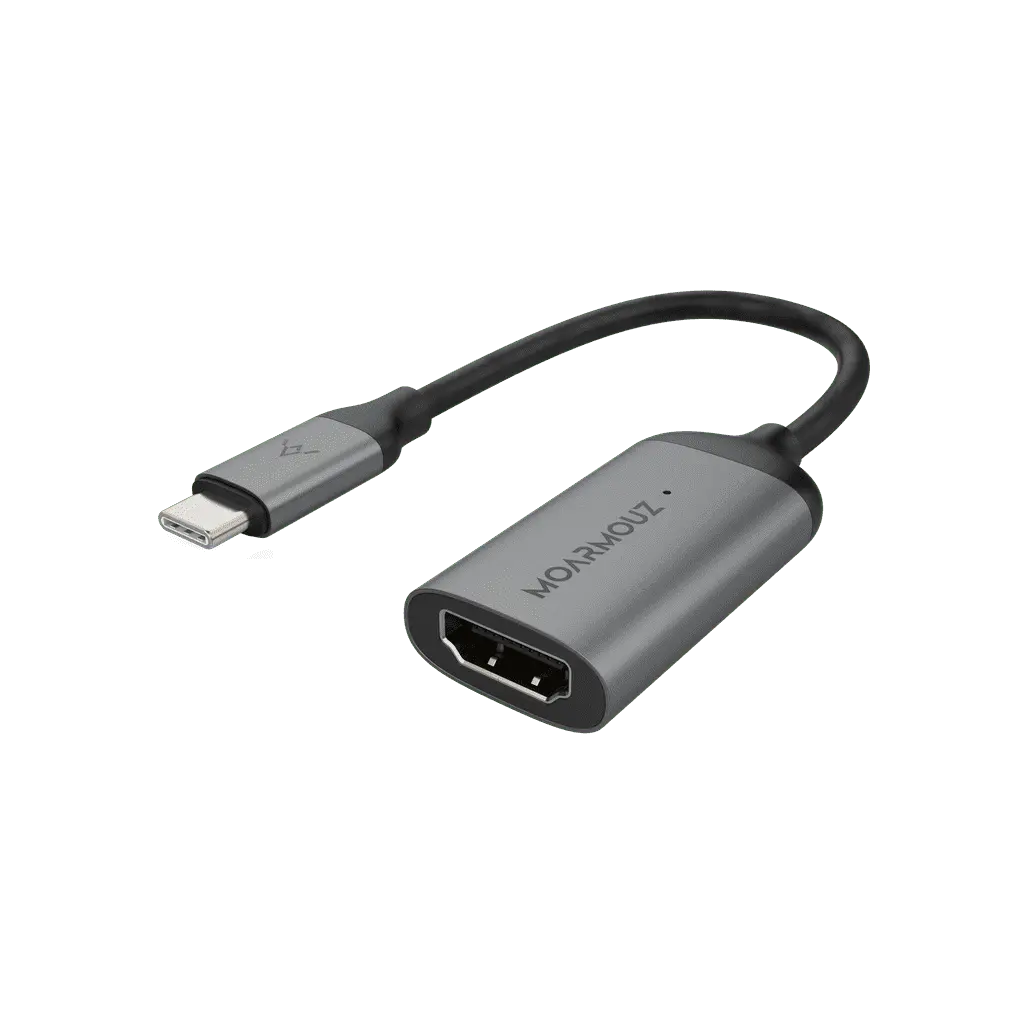
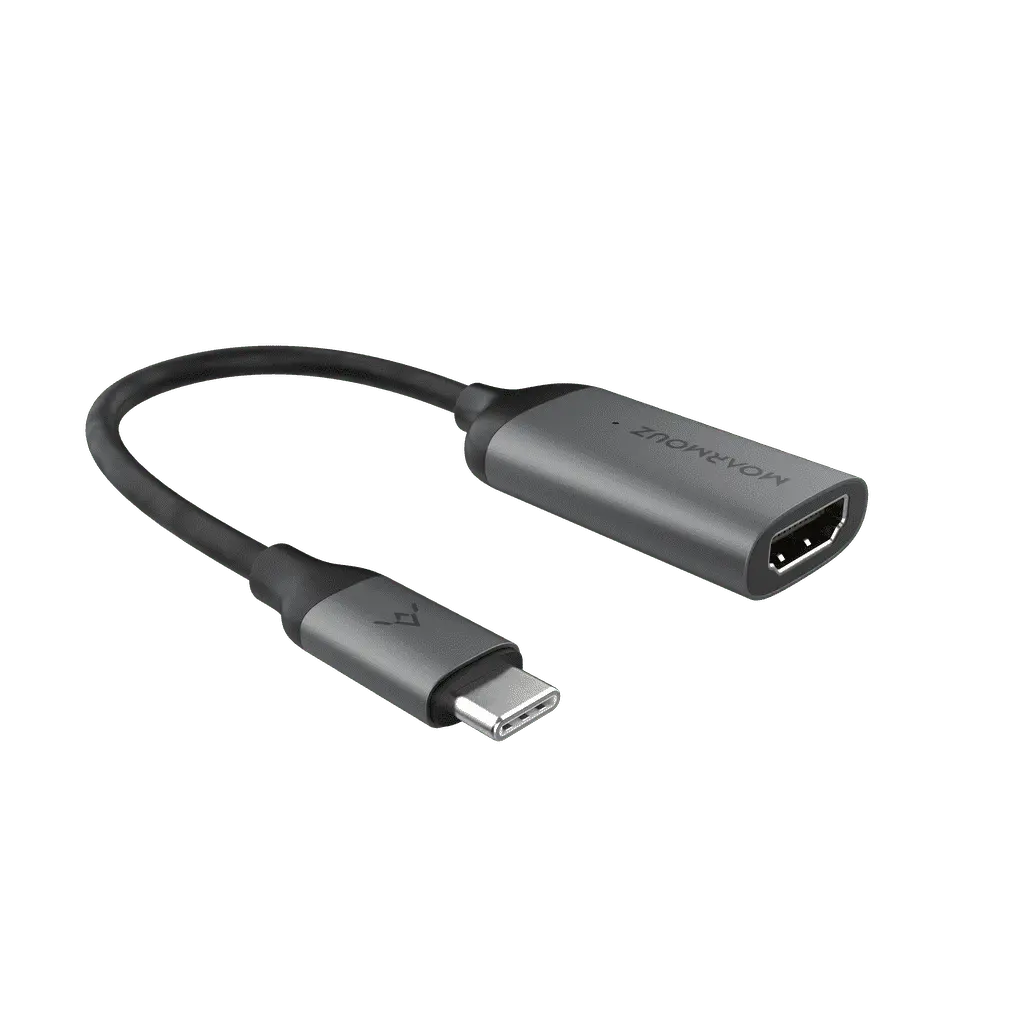
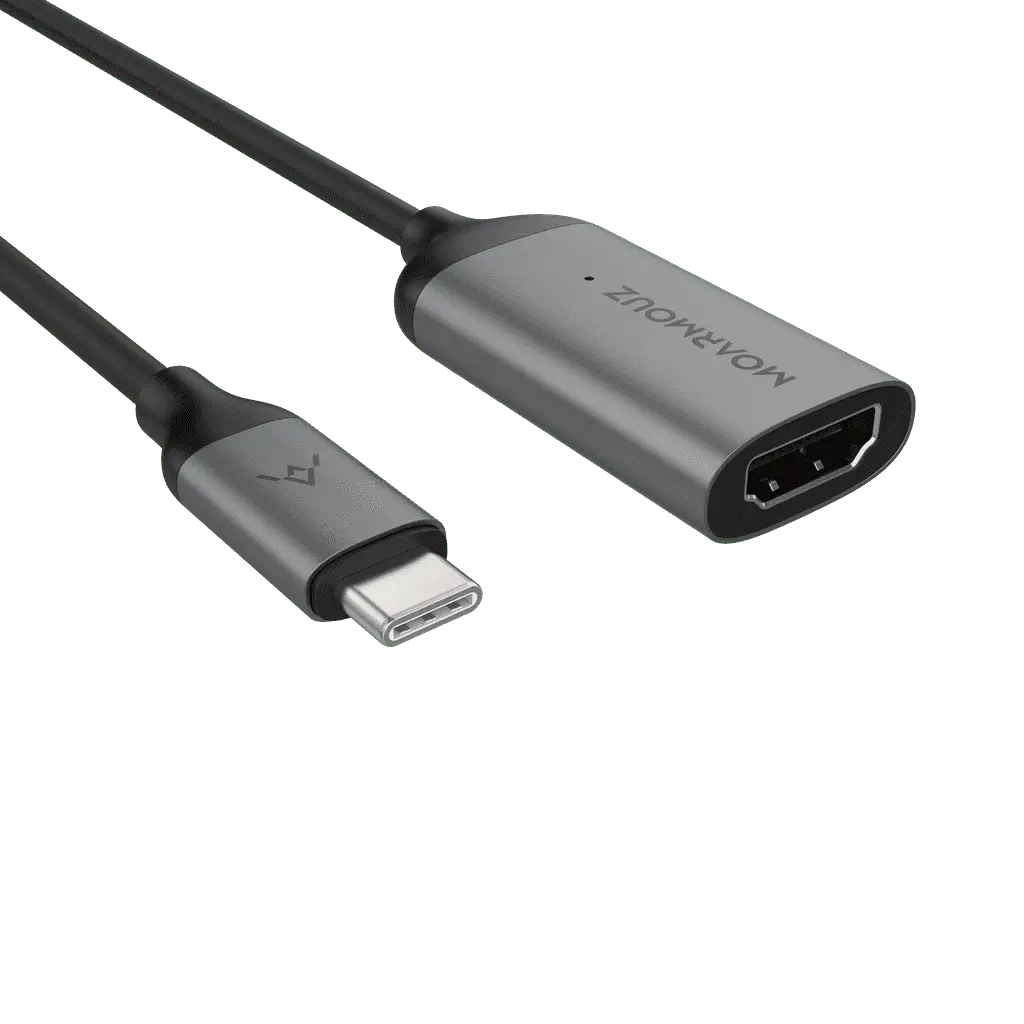
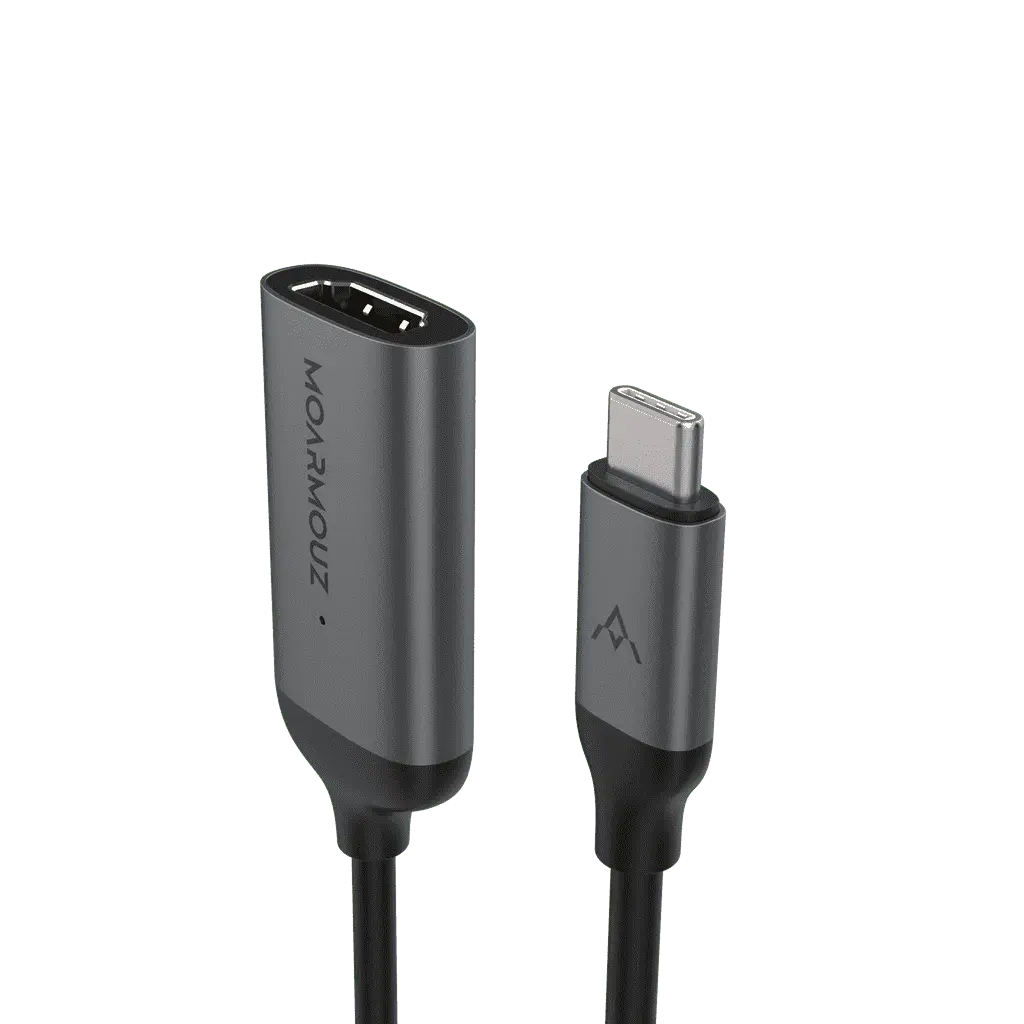
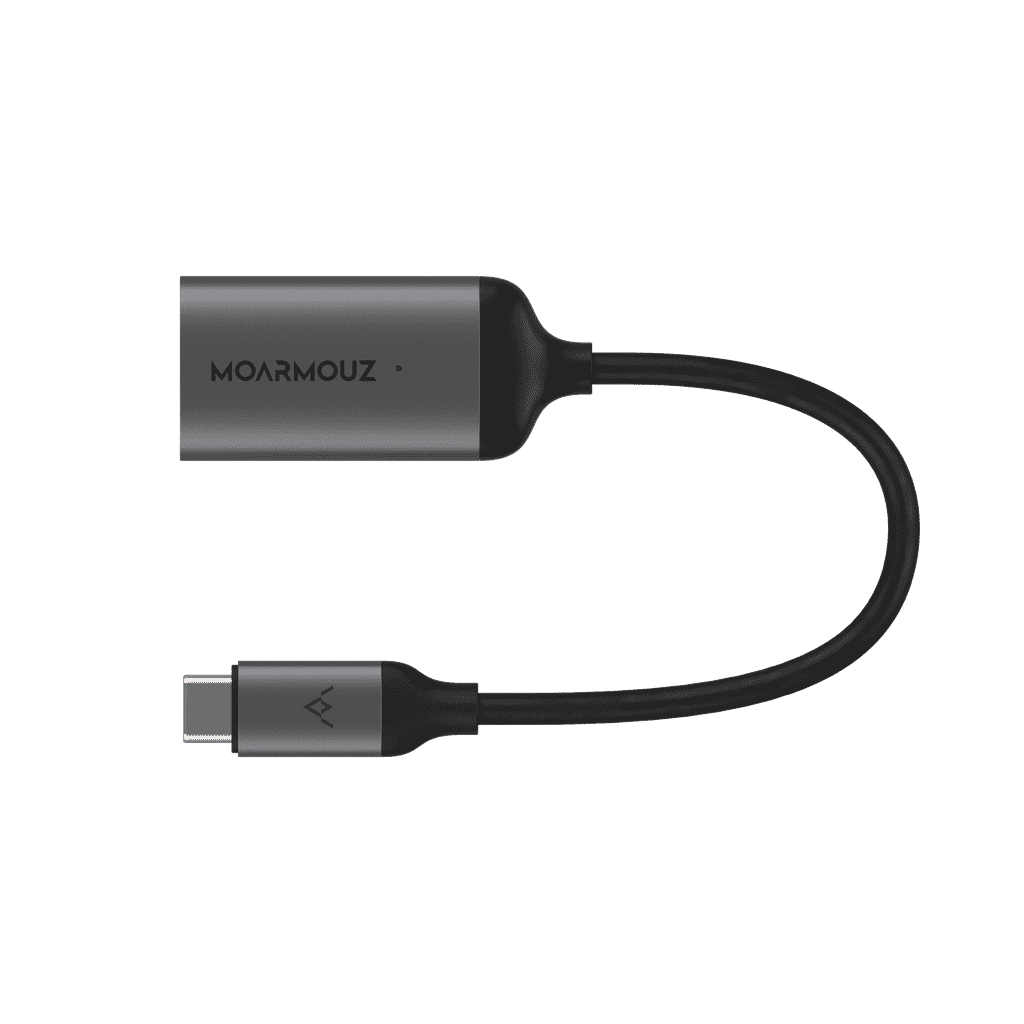
• USB-C (male) to HDMI (female)

Display

• Up to 3840×2160 @ 60Hz

• Also 1080p, 1080i, 720p

• HDCP 2.2

Material

• Aluminium alloy

Compatibility

• MacBook, Chromebook, Dell, Samsung DeX, Google Pixel and other USB-C devices with video output

Note

• HDMI cable sold separately

What's in the box

  • USB-C adapter1 piece
Works with · 29 models
  • iPad 10.9 (10th Gen)A2696, A2757, A2777, A3162
  • iPad A16 (11th Gen)A3354, A3355, A3356
  • iPad Air (4th Gen)A2316, A2324, A2325, A2072
  • iPad Air (5th Gen)A2588, A2589, A2591
  • iPad Air 11-inch (2024)A2902, A2903, A2904, A3266, A3267, A3270, A3459, A3460, A3463
  • iPad Air 13-inch (2024)A2898, A2899, A2900, A3268, A3269, A3271, A3461, A3462, A3464
  • iPad Mini 6A2567, A2568, A2569, A2993, A2995, A2996
  • iPad Pro 11-inch (1st Gen)A1980, A2013, A1934, A1979
  • iPad Pro 11-inch (2024)A2836, A2837, A3006, A3357, A3358, A3359
  • iPad Pro 11-inch (2nd Gen)A2228, A2068, A2230, A2231
  • iPad Pro 11-inch (3rd Gen)A2377, A2459, A2301, A2460
  • iPad Pro 11-inch (4th Gen)A2759, A2435, A2761, A2762
  • iPad Pro 12.9-inch (3rd Gen)A1876, A2014, A1895, A1983
  • iPad Pro 12.9-inch (4th Gen)A2229, A2069, A2232, A2233
  • iPad Pro 12.9-inch (5th Gen)A2378, A2461, A2379, A2462
  • iPad Pro 12.9-inch (6th Gen)A2436, A2764, A2437, A2766
  • iPad Pro 13-inch (2024)A2925, A2926, A3007, A3360, A3361, A3362
  • MacBook 12-inchA1534
  • MacBook Air 13 (2019-2018)A1932
  • MacBook Air 13 (M5–M2)A2681, A3113, A3240, A3449
  • MacBook Air 13 M1/2020A2337, A2179
  • MacBook Air 15 (M5–M2)A2941, A3114, A3241, A3448
  • MacBook Pro 13 (2019-2016)A1706, A1708, A1989, A2159
  • MacBook Pro 13” M2A2338
  • MacBook Pro 14 (M5-M1)A2442, A2779, A2918, A2992, A3112, A3401, A3185, A3434, A3426, A3427
  • MacBook Pro 15 w/ TouchbarA1707, A1990
  • MacBook Pro 16A2141
  • MacBook Pro 16 (M5-M1)A2485, A2780, A2991, A3403, A3186, A3428, A3429
  • Also fits: iMac 24-inch, iPhone 15, iPhone 15 Plus, iPhone 15 Pro, iPhone 15 Pro Max, iPhone 16, iPhone 16 Pro, iPhone 16 Pro Max, iPhone 16e, iPhone 17, iPhone 17 Pro, iPhone 17 Pro Max, iPhone 17e, iPhone Air, Surface Pro 7, Surface Pro 7+, Surface Pro 8, Surface Pro 9, Surface Pro X, Surface Pro 11, Surface Pro 12, Surface Laptop 3, Surface Laptop 4, Surface Laptop 5, Galaxy Tab S6, Galaxy Tab S7, Galaxy Tab S7 Plus, Galaxy Tab S8+, Galaxy Tab S8 Ultra, Galaxy Tab S9 Ultra, Galaxy Tab S9+, Galaxy Tab S10 Ultra, Galaxy Tab S10+, Surface Laptop Go 2, Galaxy Tab S11, Galaxy Tab S9, Galaxy Tab S8

Model numbers (A1234) are printed on the underside of a MacBook and in Settings › General › About on iPhone and iPad.

Legal Metrology information

Manufacturer/Importer & Packer: Moappz Technologies Private Limited F-7 Basement, Sector-3, Noida - 201301, UP

Details of Items in the Package: HDMI Adapter (1N)

Country of Origin: China

Common/Generic Name of the Product: HDMI Adapter

Customer Complaints Contact Information: Manager - Customer Support

Phone: 0120-4540911

Email: support@moarmouz.com

Compare

Adapter or hub: pick the right one

An adapter is the simplest way to add one missing port. If you need several at once, a hub is better value.

FeatureMoarmouz adapterUSB-C hubNo adapter
Adds the one port you needYes Yes, plus others No
Several ports at onceOne port Yes No
Size in your bagPocket-size Larger —

Before you buy

Is this right for you?

Choose this if

  • Your device has USB-C and you need a different port

Look elsewhere if

  • You need several ports at once — a USB-C hub is better value

Our cover

Covered for a full year

If your adapter stops working because of a manufacturing defect within a year of purchase, we repair or replace it. Physical damage, such as cut, bent or burnt connectors, isn't covered.

  1. Email support@moarmouz.com with your order number and photos of the fault
  2. Ship it back to us within 7 days of your claim
  3. We repair or replace it

Questions

Questions, answered

Still unsure? WhatsApp us or call +91 99111 39555, 10 AM – 6 PM, Mon–Sat.

Does it need drivers?

No. Plug it in and it works.

Will it work with my device?

Works with devices that have a USB-C port. For display adapters (VGA/HDMI), your device's USB-C port must support video output.

Which adapter do I need?

HDMI for most TVs and monitors. VGA for older projectors and monitors. Mini DisplayPort for monitors with a Mini DisplayPort input. Gigabit Ethernet for a wired network. Micro USB to keep using Micro USB cables with a USB-C device.

About this product

Experience High-Quality Video with USB-C to HDMI Adapter

The MoArmouz Aluminum Type-C to HDMI Adapter 4k outputs the display of your USB-C device to your external monitor with crisp 60Hz refresh rate. Mirror your Type-C laptop to view your favourite TV shows and movies in enhanced, high-resolution display on your external monitor. Simply plug and play, with no complicated drivers or installation needed. Easy to use but hard to live without.

  • Output brilliant 4k video display
  • Crisp 60Hz refresh rate
  • HDCP 2.2 Compatible, play protected content from iTunes / Netflix and more
  • Modern brushed aluminium design
  • Plug and play – simple to use
  • High compatibility with MacBook, Chromebook, Dell, Samsung Dex mode, and more

Features

4K @60hz SUPPORT: The USB C 3.1 to HDMI Adapter supports video resolution up to 3840x2160 @ 60Hz and down compatible with 1080p,1080I, 720P

CLEAR DISPLAY: Enjoy crisp pictures in resolutions up to 3840 x 2160@ 60Hz on an HDMI-enabled external monitor

PLUG & PLAY: Simply connect your HDMI cable to the adapter with no software or drivers necessary; HDMI to HDMI cable is sold separately

MODERN DESIGN: Built from premium and superior quality Aluminum Alloy, the adapter feels solid in your hands, rugged and dependable.

High Definition Video Output

With the USB-C to HDMI adapter, you can enjoy stunning 4K video quality at 60Hz. This means sharper images and smoother motion, whether you're watching movies or playing video games. The USB-C connection is not only fast but also ensures that your high-definition content transfers without any lag. This adapter is perfect for those who want to elevate their viewing experience, so be prepared to be amazed.

Compatible with Various Devices

This adapter is designed to work with a wide range of USB-C devices, including laptops, smartphones, and tablets. Whether you have a MacBook, Dell laptop, or Google Pixel phone, you can easily connect your device to an HDMI-enabled display. This versatility is a key benefit, as it allows you to use the same adapter for multiple devices. Therefore, you don’t have to purchase separate adapters for each gadget.

Easy Plug and Play Setup

One of the best features of the USB-C to HDMI adapter is its plug-and-play functionality. Simply connect your device to the adapter and then plug it into your HDMI display. There’s no need for additional software or drivers, which makes it easy to use for anyone, regardless of technical skill. This convenience means you can quickly switch between devices and enjoy content on bigger screens without any hassle.